Users and sign-in
A user appears as soon as your app needs one, with no sign-up screen. When people sign in with Apple, Google, Firebase or any OpenID Connect provider, they keep their data on every device.
How it worksFor indie developers and small teams
Users, support chat, push notifications, analytics, crash reports and more. Add one SDK with your app key and run everything from one dashboard. No server to write, host or pay for.
BeeAppie opens to new apps soon: leave your email and we will tell you when.
Everything an app needs after launch
The parts every app ends up needing, ready from day one, so you can spend your time on the app itself.
A user appears as soon as your app needs one, with no sign-up screen. When people sign in with Apple, Google, Firebase or any OpenID Connect provider, they keep their data on every device.
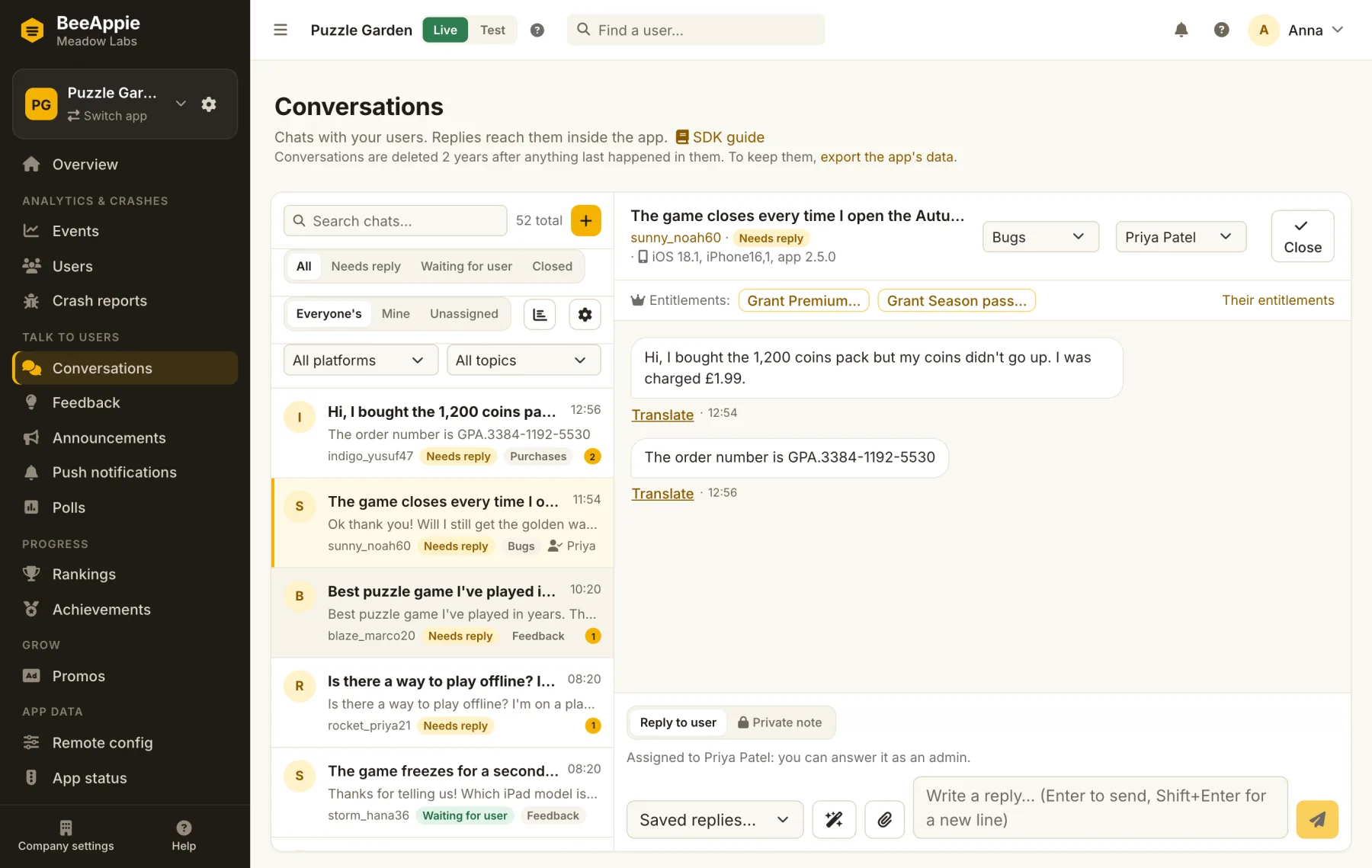
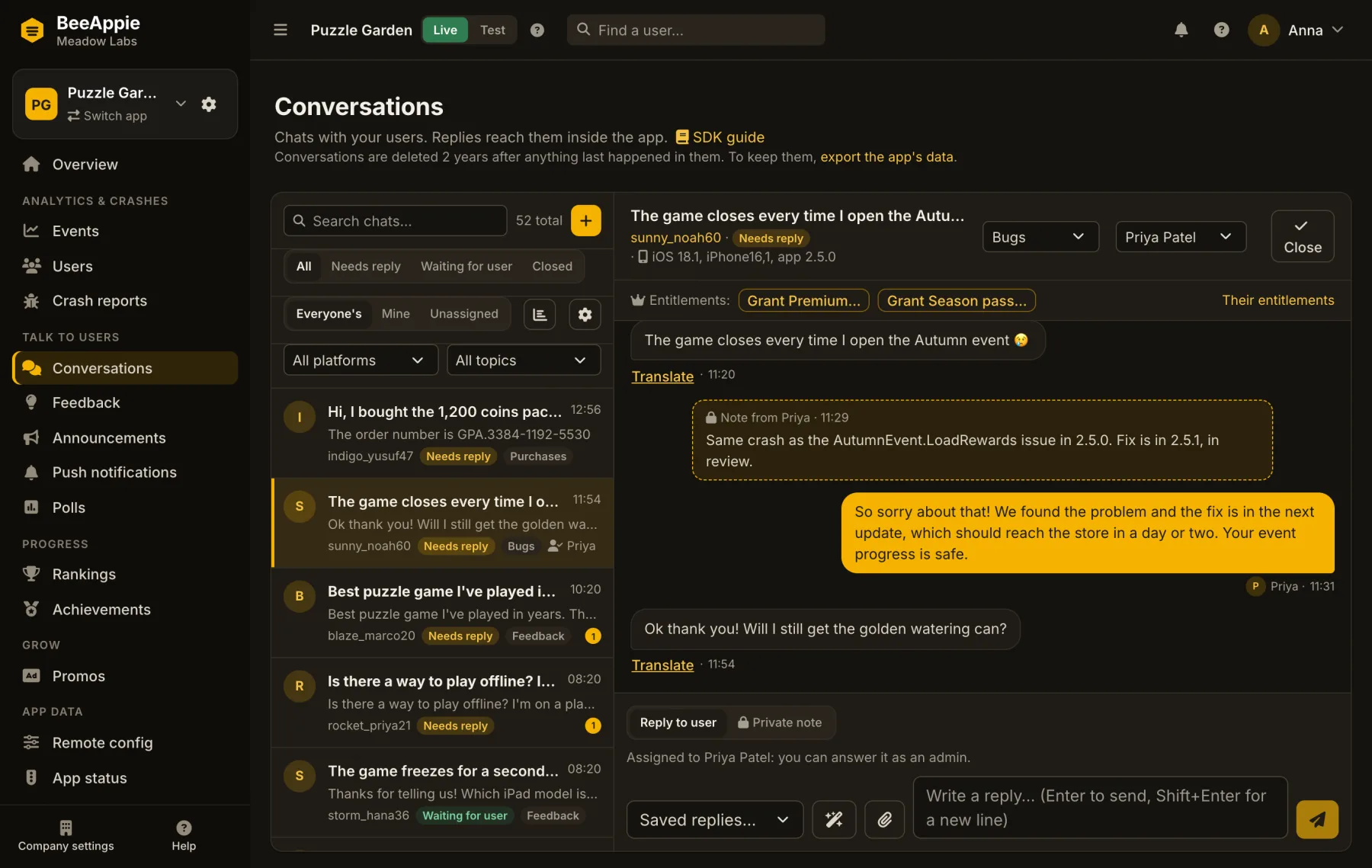
How it worksReal-time chat with your users, with photos, inside your app. Answer from the dashboard with your team. Users get a push notification when you reply.
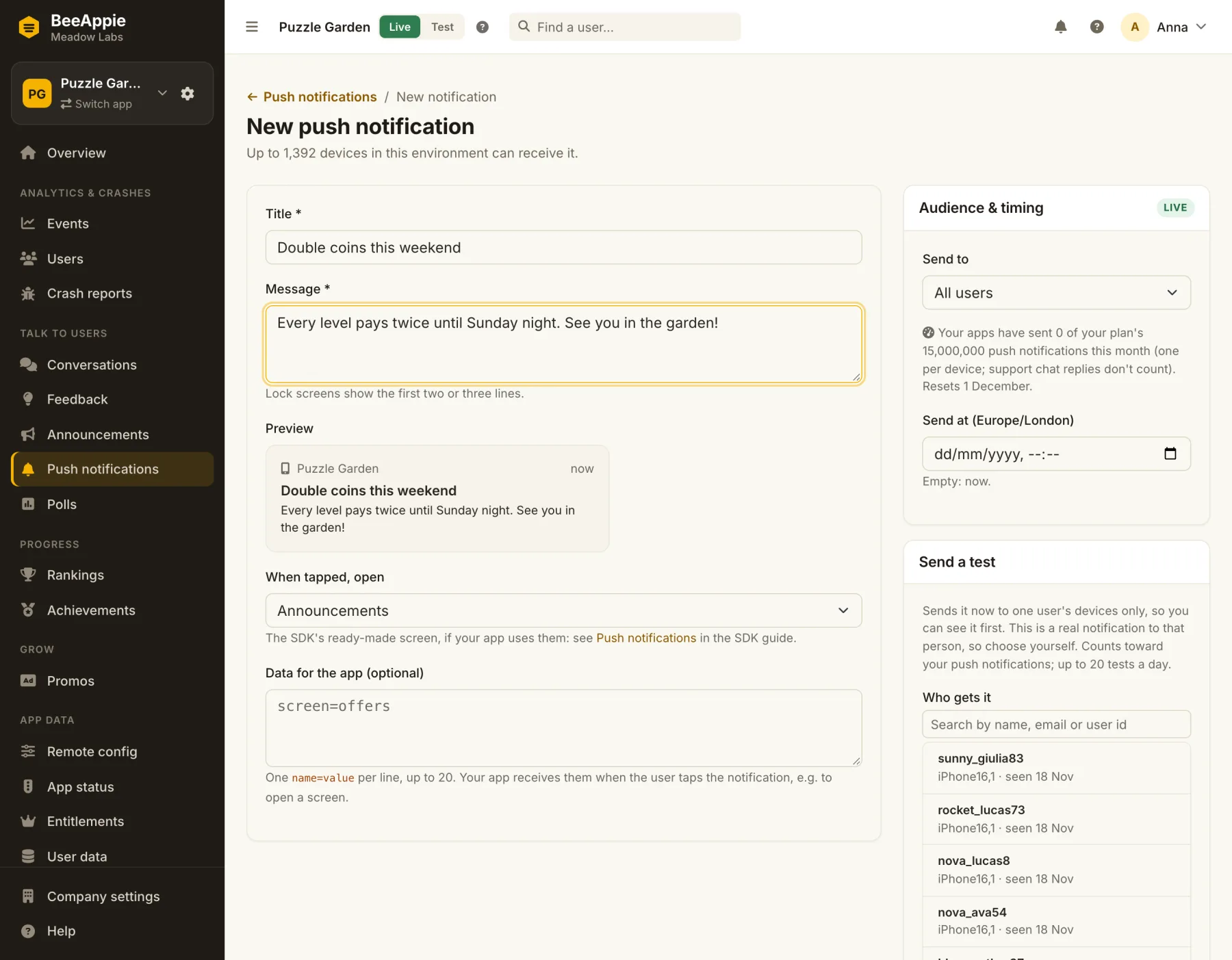
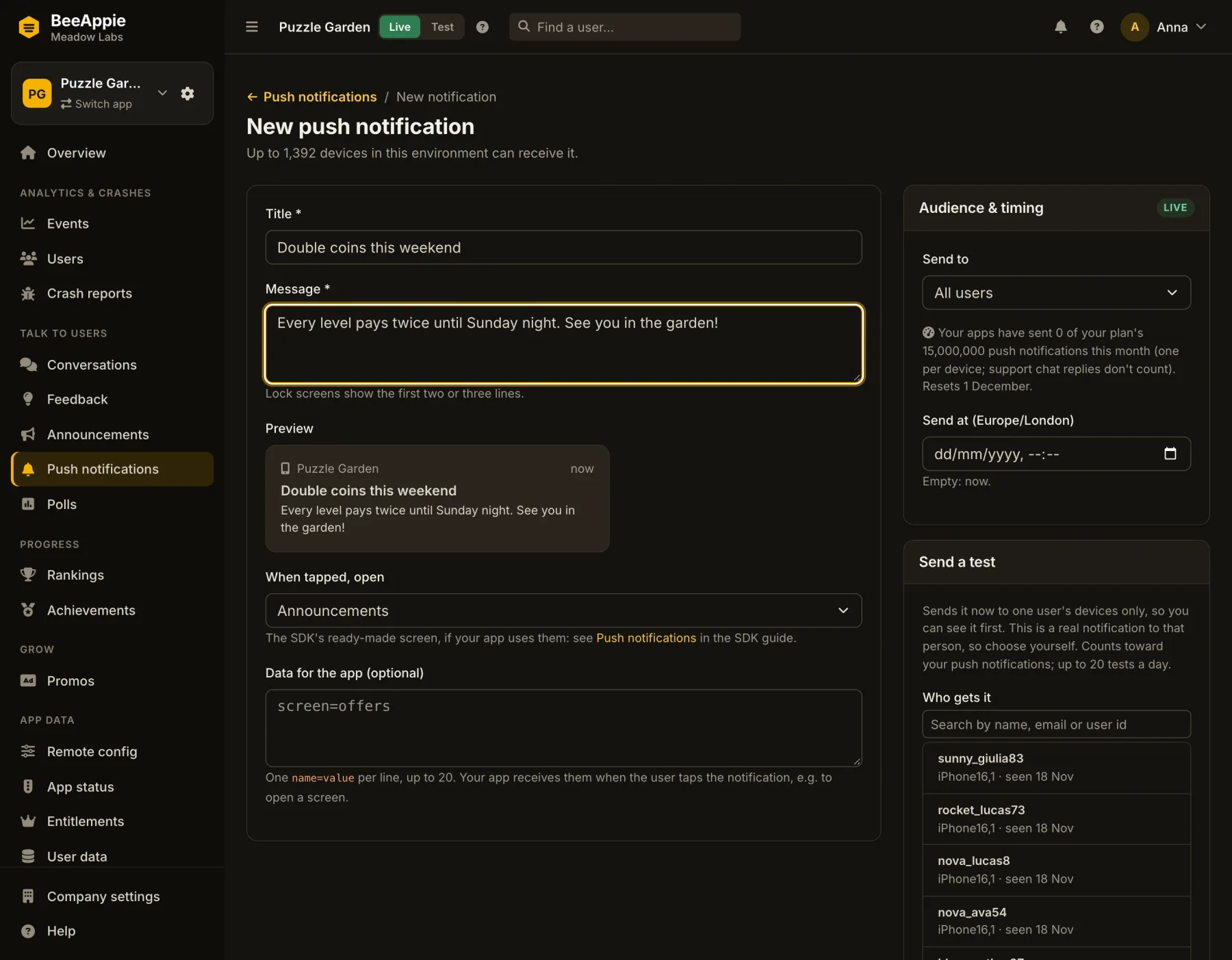
How it worksSend to everyone, to chosen users, or to a segment (country, version, platform, your own user properties), now or later. Add data to open the right screen, and see how many people opened it.
How it worksRules that send by themselves, with no server: "We miss you" after a few days away, a tip after an event your app tracks, or "Anna beat your score". A daily cap keeps them welcome. Paid plans.
How it worksWhat's new, maintenance notices and offers, shown inside the app. Schedule them, set an end date, target a segment, and see who read them.
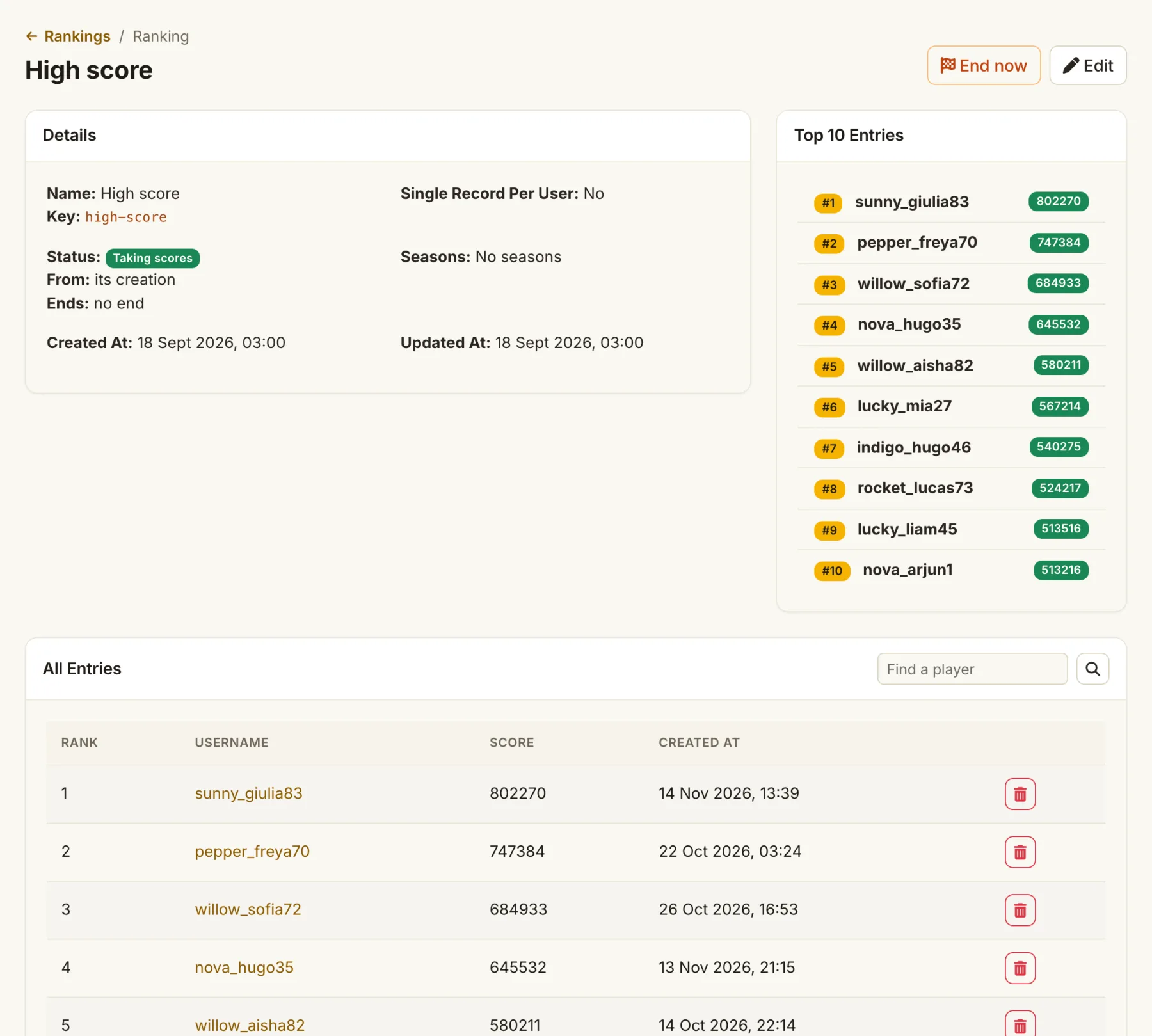
How it worksLeaderboards and achievements for your game or app, with no server code to write: one-off or with progress, secret ones, and how rare each is. Achievements work offline and keep the time they were earned. Scores outside the range you set are refused.
How it worksAsk your users what to build next and collect feedback with screenshots, all in one place.
How it worksOne question about a feature, on its own screen: stars, thumbs or 0 to 10, with the results by app version. Low ratings with a comment land in your feedback inbox. Paid plans.
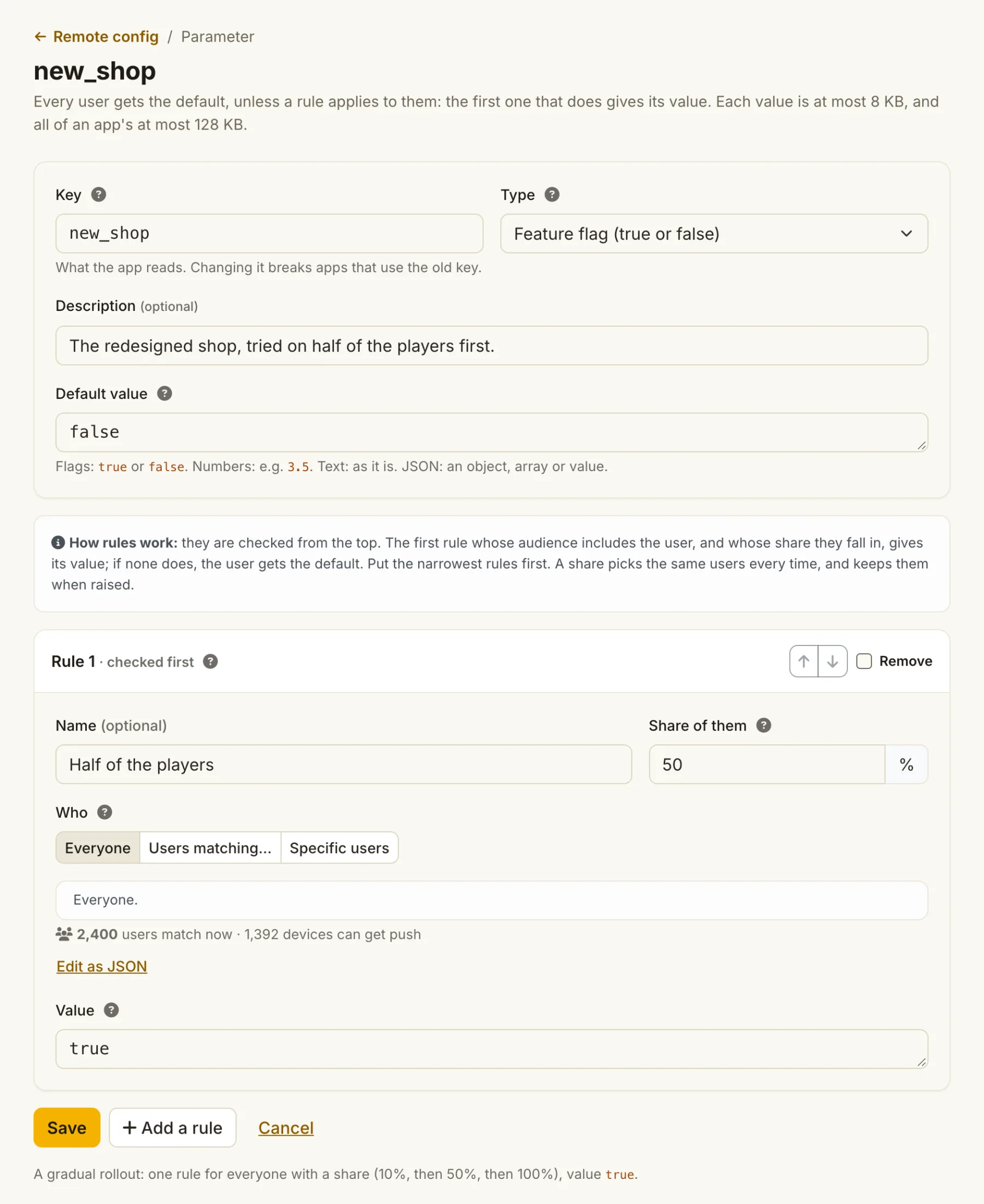
How it worksChange values and turn features on without a new release: for everyone, a segment or a share of users. Tell old versions to update, or show a maintenance message.
How it worksQuotes, tips, levels or word lists, imported from a spreadsheet and published from the dashboard. Your app downloads them when it needs them, then only what changed, and keeps a copy for offline.
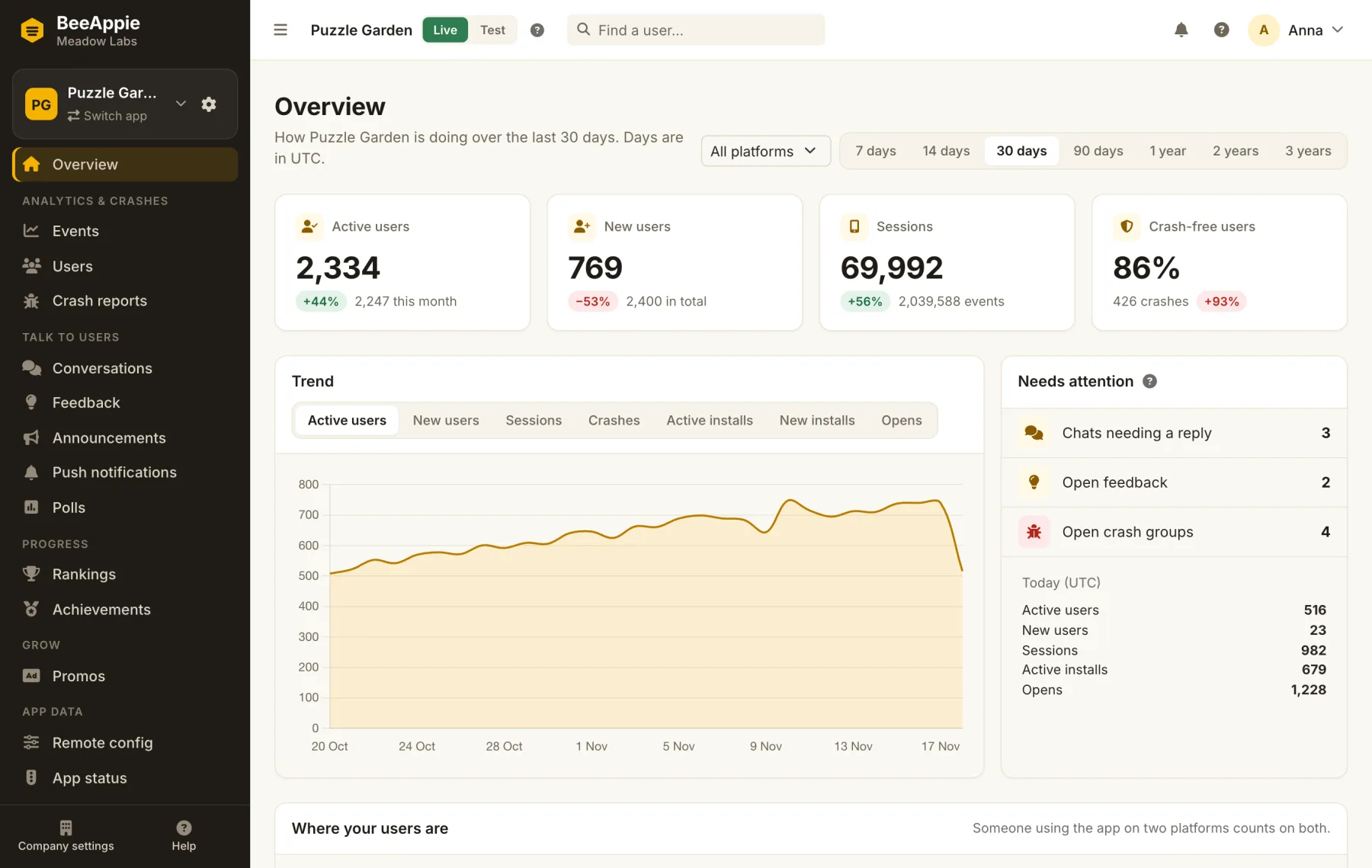
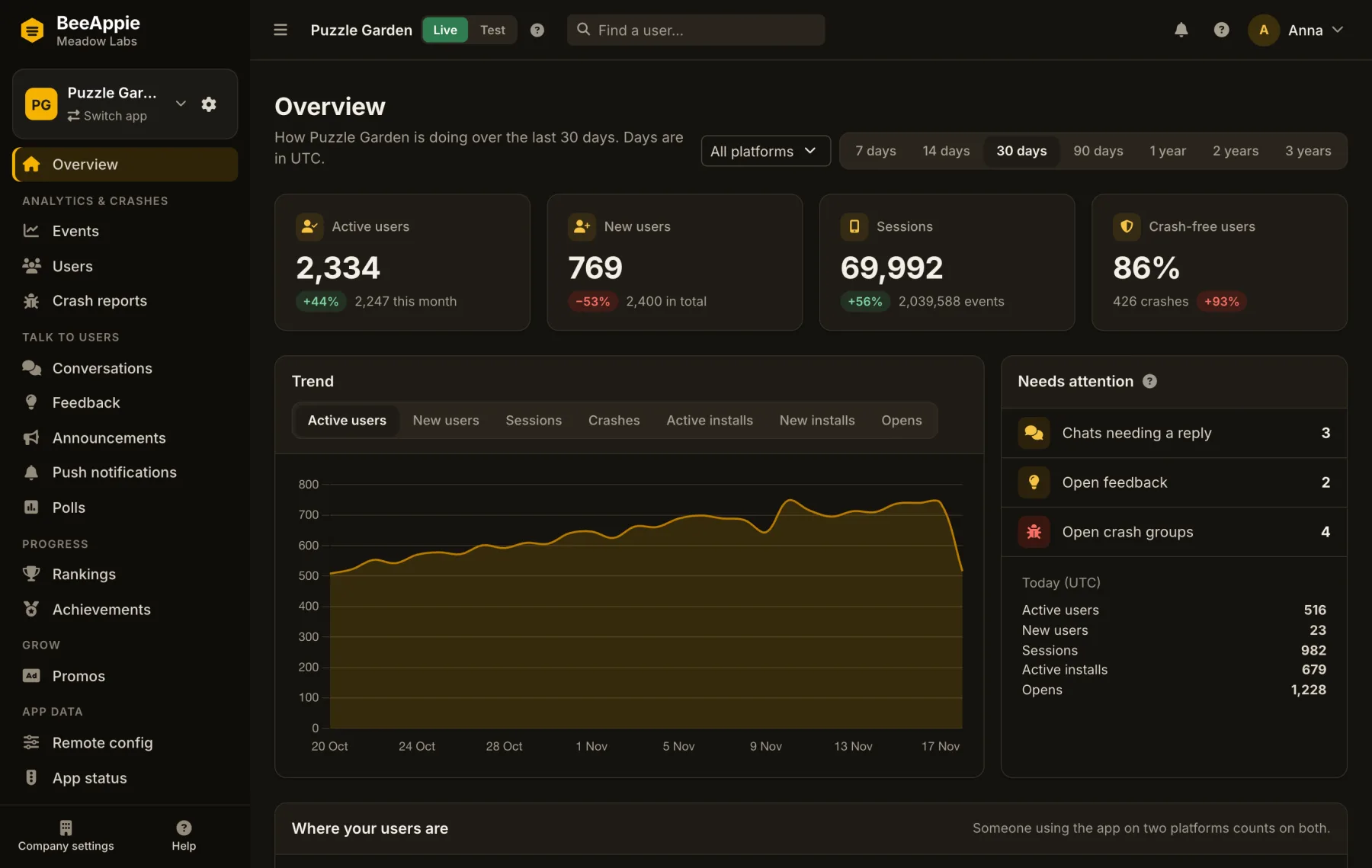
How it worksActive users, new users, sessions, crash-free users and your own events over time. Events recorded offline are sent later.
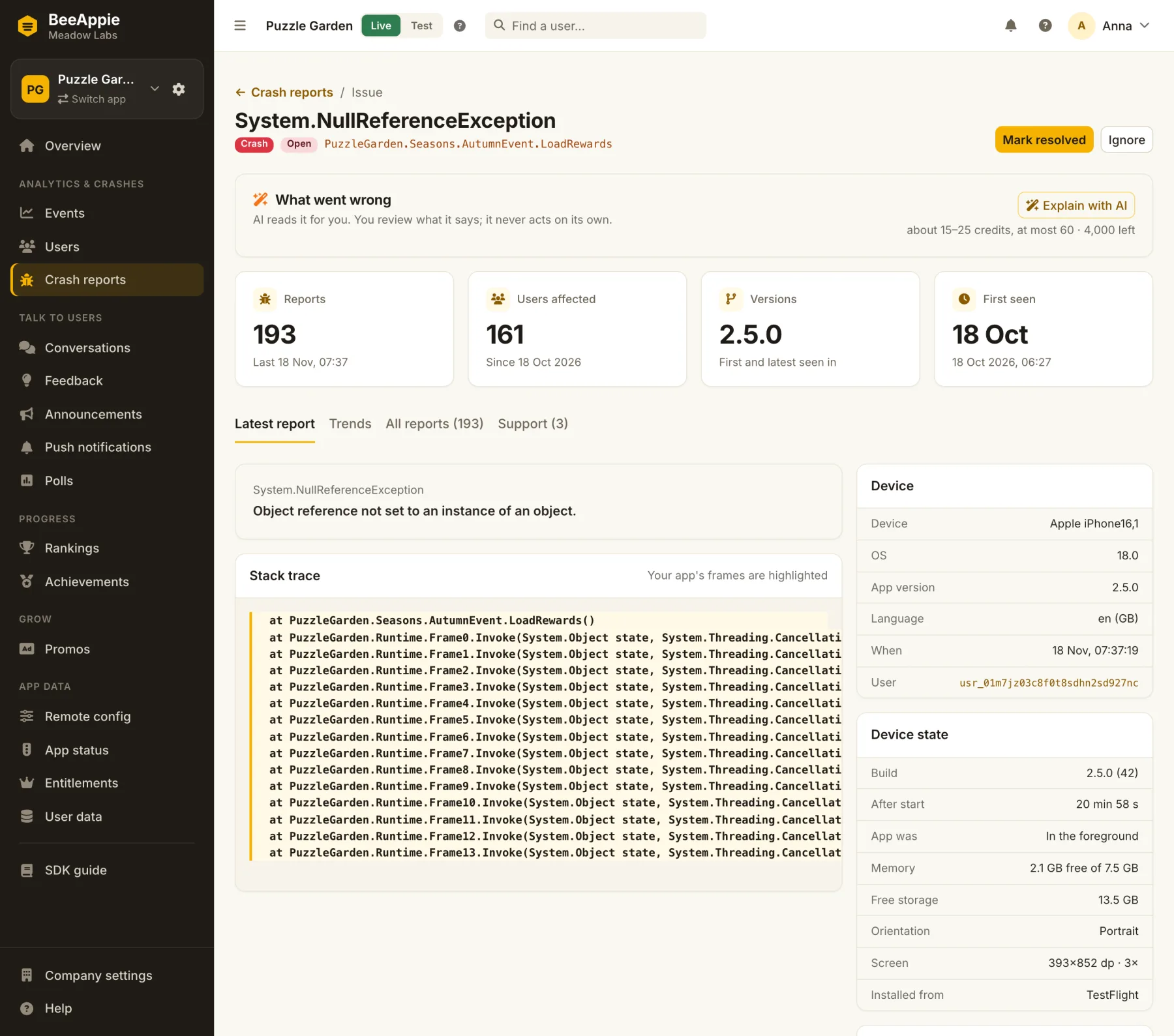
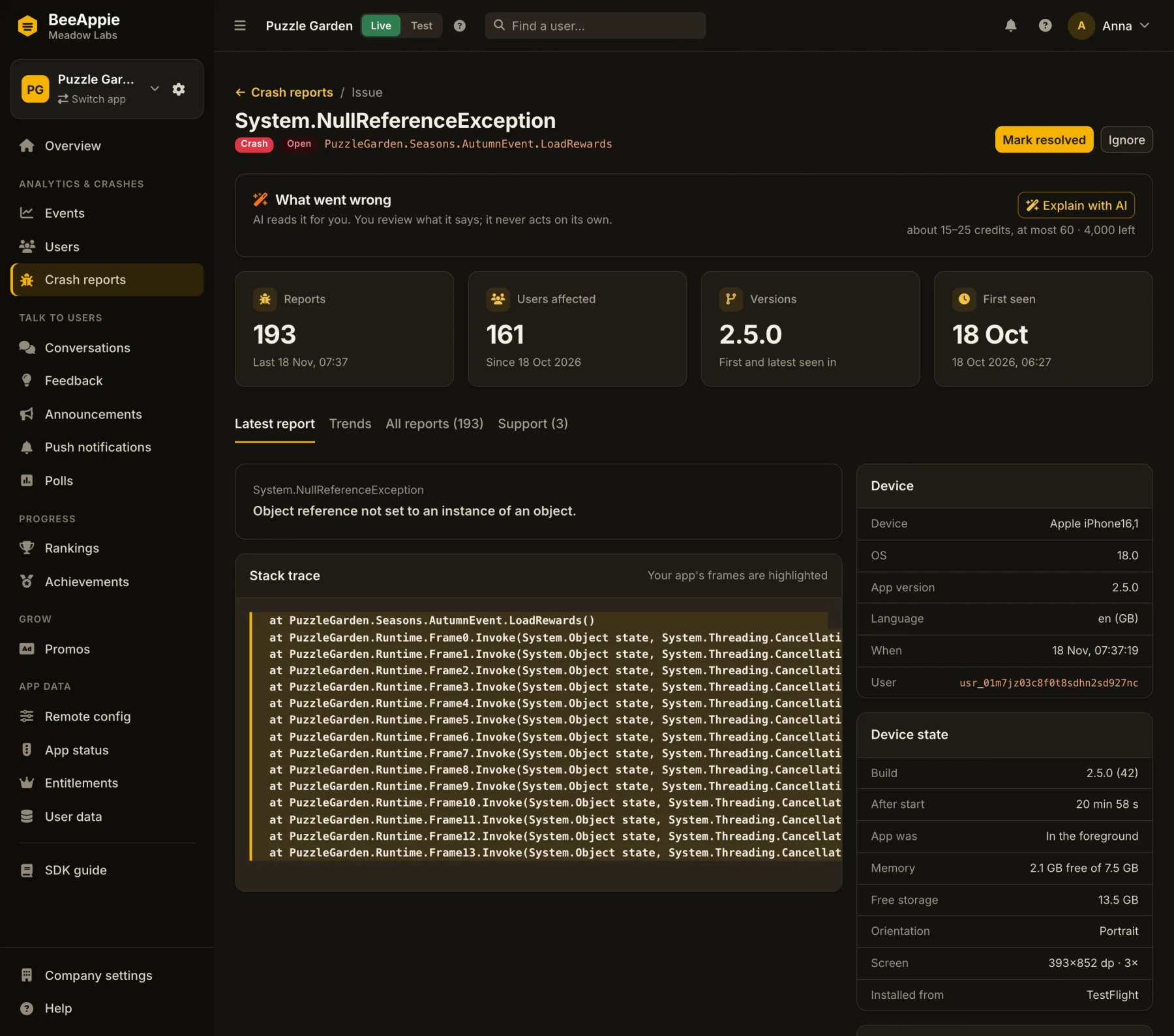
How it worksCrashes, hangs, ANRs and native crashes, grouped into issues, with the steps that led to them. Shrunk Android and stripped iOS builds are made readable again, and .NET release crashes get their line numbers back. Get an email when something breaks.
How it worksGive a user access such as Pro from the dashboard, a support chat or your server, for a while or for good. The app checks it next to its store purchases.
How it worksSettings, save slots and lists for each signed-in user, the same on all their devices and back after a reinstall. It works offline, and your dashboard shows how much each user stores, not what. Paid plans.
How it worksThe SDK can wait for your user's consent before recording anything that identifies them. Users download or delete their data from inside your app, and everything is stored in the EU.
How it worksInvite your team with clear roles: chat agents answer support, editors publish polls, news and push, admins run the apps. Limit members to some apps, with two-factor sign-in and an activity log.
How it worksShow your other apps inside each of your apps: a banner, a card or a fullscreen promo, reviewed by us and opening the store listing. No ad network and no user data.
How it worksA server key lets your backend send push notifications, post announcements and manage users through the same API. On Pro and Business, webhooks tell your server about new users, chats and feedback.
How it worksReady-made screens for chat, leaderboards, polls, feedback and announcements come with the SDK. Use them as they are, or build your own with the API.
The dashboard
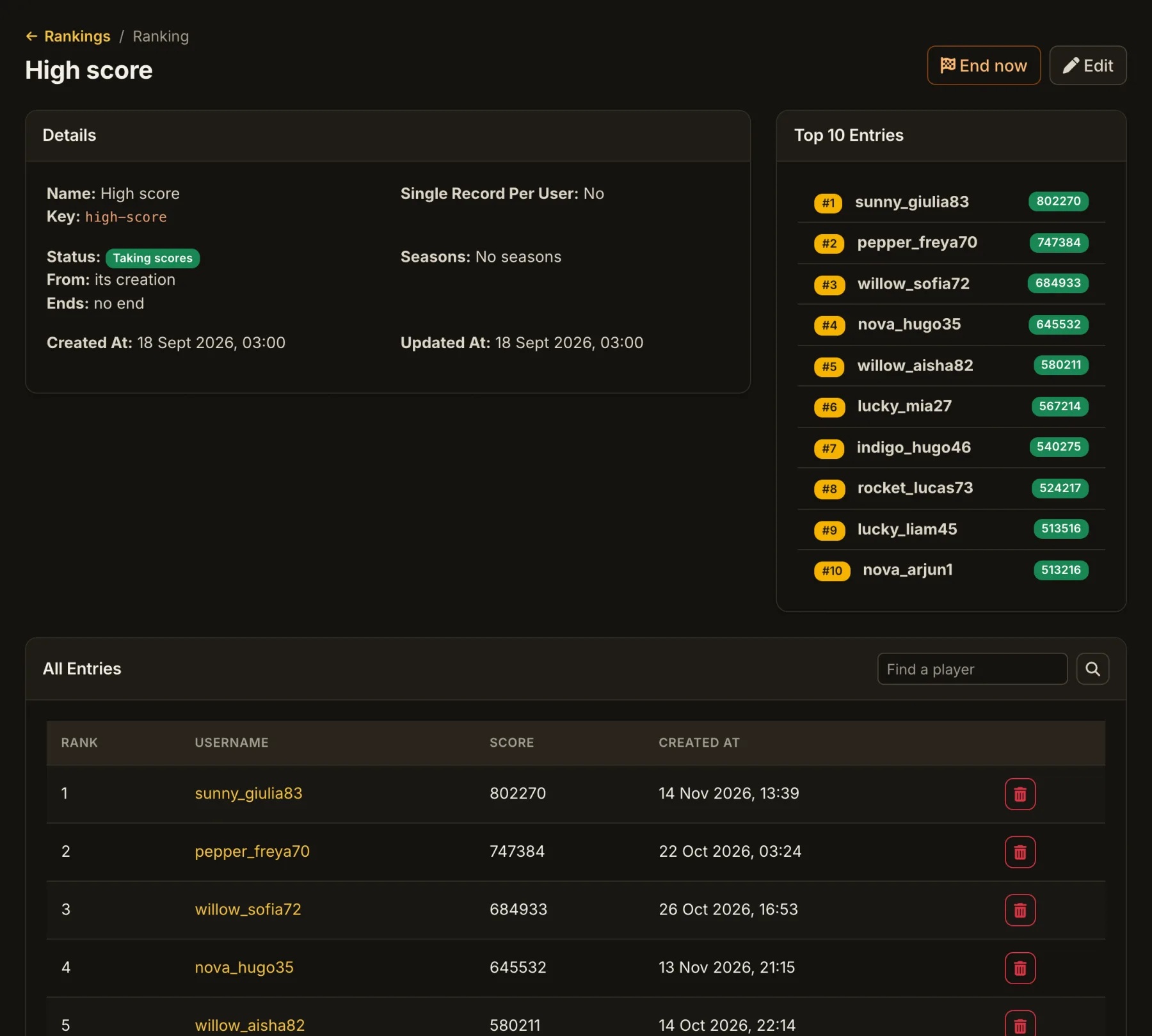
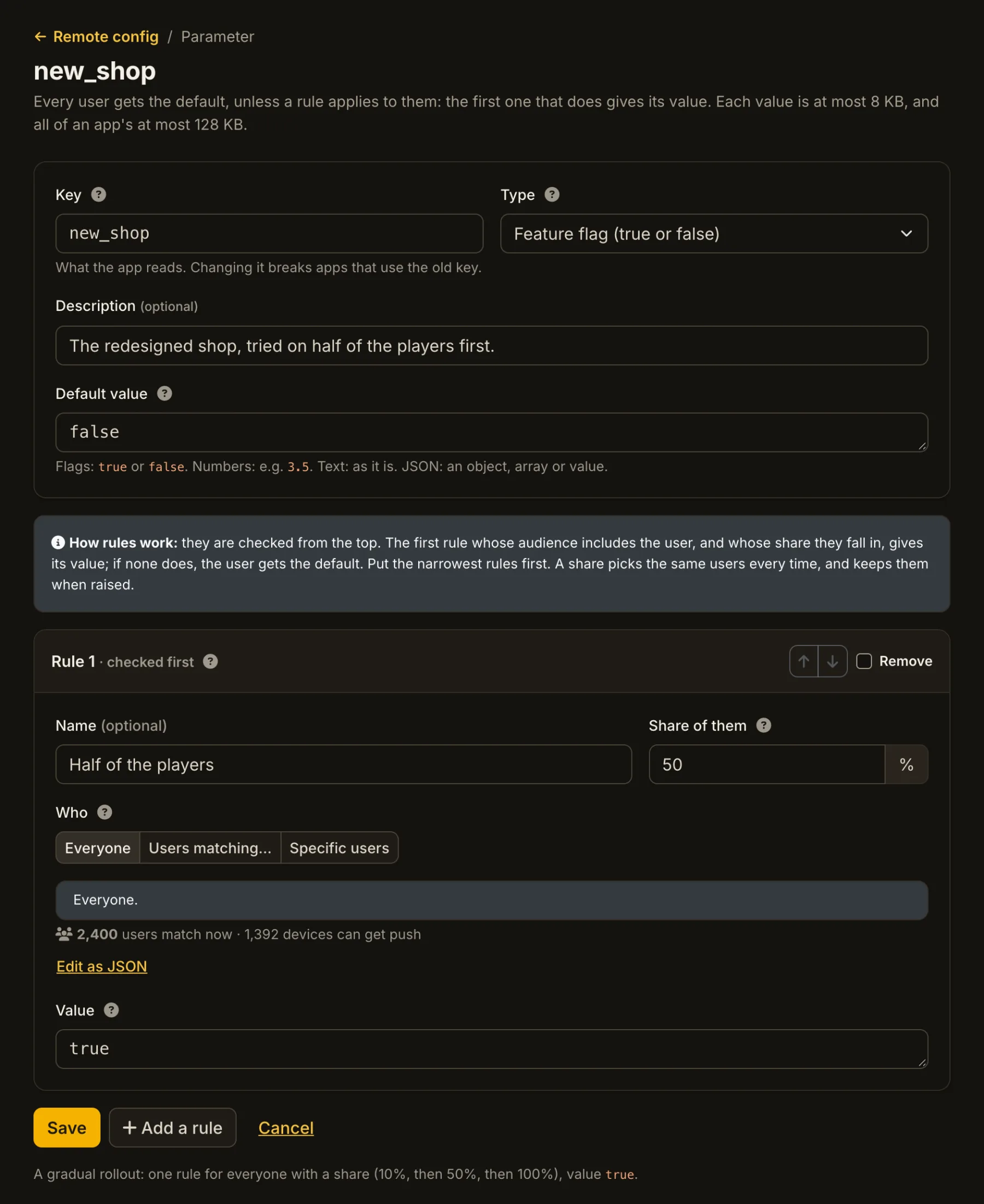
These are BeeAppie's own screens, filled with the data of Puzzle Garden, a made-up game, and Jotter, a notes app. Pick a part to see what you'd work with every day.
How it works
Sign up and add your app in the dashboard. You get an app key for the live app and another for its test environment, so test data never mixes with real users.
Add one line at startup. BeeAppie records sessions and crashes once the user allows it, creates users only when needed, and works offline.
Answer chats, send push notifications and announcements, run polls, and see crashes and usage as they happen.
// Swift Package Manager · SwiftUI, UIKit or AppKit
import BeeAppie
import BeeAppiePush

BeeAppieSDK.start(appKey: "your-app-key")
BeeAppiePush.start()   // optional: push notifications
// Application.onCreate() · Kotlin or Java
BeeAppie.start(this, "your-app-key")
BeeAppiePush.start(this) // optional: push notifications// MauiProgram.cs · iOS, Android, Mac and Windows
builder.UseMauiApp<App>()
.UseBeeAppie("your-app-key")
.UseBeeAppiePush(); // optional: push notifications// Avalonia or Uno on iOS and Android
BeeAppieMobile.Start("your-app-key");
// Desktop: WPF, WinForms, WinUI 3 (Windows); Avalonia, Uno, console (also macOS, Linux)
BeeAppieDesktop.Start("your-app-key");// main.dart · iOS and Android
WidgetsFlutterBinding.ensureInitialized();
BeeAppie.start('your-app-key');
runApp(const MyApp());// index.js · iOS and Android, Expo development builds too
import BeeAppie from '@beeappie/react-native';
BeeAppie.start('your-app-key');// A MonoBehaviour in your first scene · iOS, Android, Windows, macOS, Linux
using BeeAppie.Unity;
BeeAppieSdk.Start("your-app-key");Platforms
iPhone, iPad, Android, Mac, Windows and Linux, from Swift, Kotlin, .NET, Flutter, React Native or Unity. Every SDK covers users, sign-in, analytics, crashes, support chat, announcements, leaderboards and polls, on the same API.
Swift, with SwiftUI, UIKit or AppKit. iPhone, iPad and Mac apps, and iPad apps on the Mac. Ready-made SwiftUI screens.
Kotlin or Java, with Jetpack Compose or views. Ready-made Compose screens, and readable crash reports from apps shrunk with R8.
One package for every MAUI target, with ready-made pages for every feature.
The same .NET API on the mobile heads and the desktop ones, and in the shared project.
WPF, WinForms and WinUI 3 apps on Windows, and console and background apps on Windows, macOS and Linux, on .NET 10. Everything but push notifications.
A plugin on BeeAppie's native SDKs: native crashes and uncaught Dart errors, and the ready-made native screens.
A native module for the old and new architecture, and for Expo development builds. Ready-made native screens.
For games made with Unity 2021.3 and later, from C#: every feature, with your own screens for chat, polls and announcements.
A plain HTTP and JSON API, for other frameworks and games, and for your own server if you have one.
Opening soon
BeeAppie opens to new apps soon, with a free plan for trying it and hobby projects. Leave your email and we will tell you when you can sign up.
One email when BeeAppie opens, nothing else. Your address is deleted within 30 days after it.
Questions
No. Your app only needs its app key. If you do have a server, it can use a secret server key to call the same API, for example to send push notifications when something happens in your system.
Native iOS and macOS apps in Swift, Android apps in Kotlin or Java, .NET apps (MAUI, Avalonia, Uno, WPF, WinForms and WinUI 3, on iOS, Android, Windows, macOS and Linux), Flutter, React Native and Unity games. Anything else, such as another game engine or a web app, can use the HTTP API directly.
Yes, for trying BeeAppie and for hobby projects. It has every part of BeeAppie, with "Powered by BeeAppie" on the ready-made screens. Paid plans have more users, apps and team members, longer history, scheduled and targeted announcements and push, and no branding.
We email you when you get close and when you pass it. You then have 7 days to move to a bigger plan; after that, users who have not opened your app yet that month wait until the next month (or until you upgrade). Users already active that month keep working, and nothing is ever deleted. During those 7 days your apps can grow up to 50% past the limit.
You upload your app's Apple push key and Firebase key in the dashboard, so notifications come from your own app. Each plan includes a number of notifications a month, one per device; paid plans can buy push credits when a month needs more, used after the plan's own and valid for 12 months. Notifications for support chat replies never count.
Your users' data is processed only on your behalf. The SDK can wait for your user's consent: until then nothing that identifies them is recorded, and anonymous crash reports and counts of opens and installs only if you choose them for the app. Users can download or delete their data from inside your app. When you delete an app, its data is permanently erased after 30 days.
In the European Union: everything runs on Microsoft Azure in Sweden, with backups copied to a second region in Sweden. BeeAppie is your processor under the Data Processing Agreement in our Terms, for GDPR and UK GDPR. More on the security page.
Every app has a test environment with its own key and data. Use it while you build, reset it whenever you like, and switch to the live key when you release.
Yes, at any time and at no cost. Export all of an app's data from the dashboard, as JSON files you can read and import elsewhere. There is no minimum term: cancel your plan or delete your account whenever you like. And if we ever had to end the service, our Terms promise you at least 30 days' notice and a refund for any time you've prepaid.
If a payment fails, we email you and your plan keeps working while Paddle tries again. If the payment keeps failing, or you cancel, your account moves to the Free plan: nothing is deleted, and after 7 days, apps and team members beyond the Free plan's limits are paused and new users beyond its user limit wait for the next month. You can renew at any time.
No, but they are free to use in your apps, commercial or not, for as long as you use BeeAppie. Some SDKs ship as source you can read and build from. The SDK License has the details.
BeeAppie opens to new apps soon. Be the first to know.