What you can do with it
- Content without a release: daily quotes and affirmations, tips, puzzle levels, word lists, recipes or FAQ entries, added and fixed from the dashboard.
- Your fields, any JSON: each item is JSON under a key you choose, and your app decides what the fields mean. The Code tab writes the matching model for each SDK.
- Keep it in a spreadsheet: import CSV, JSON or plain lines with a preview before anything is saved, update the items with the same key, and export to JSON or CSV again.
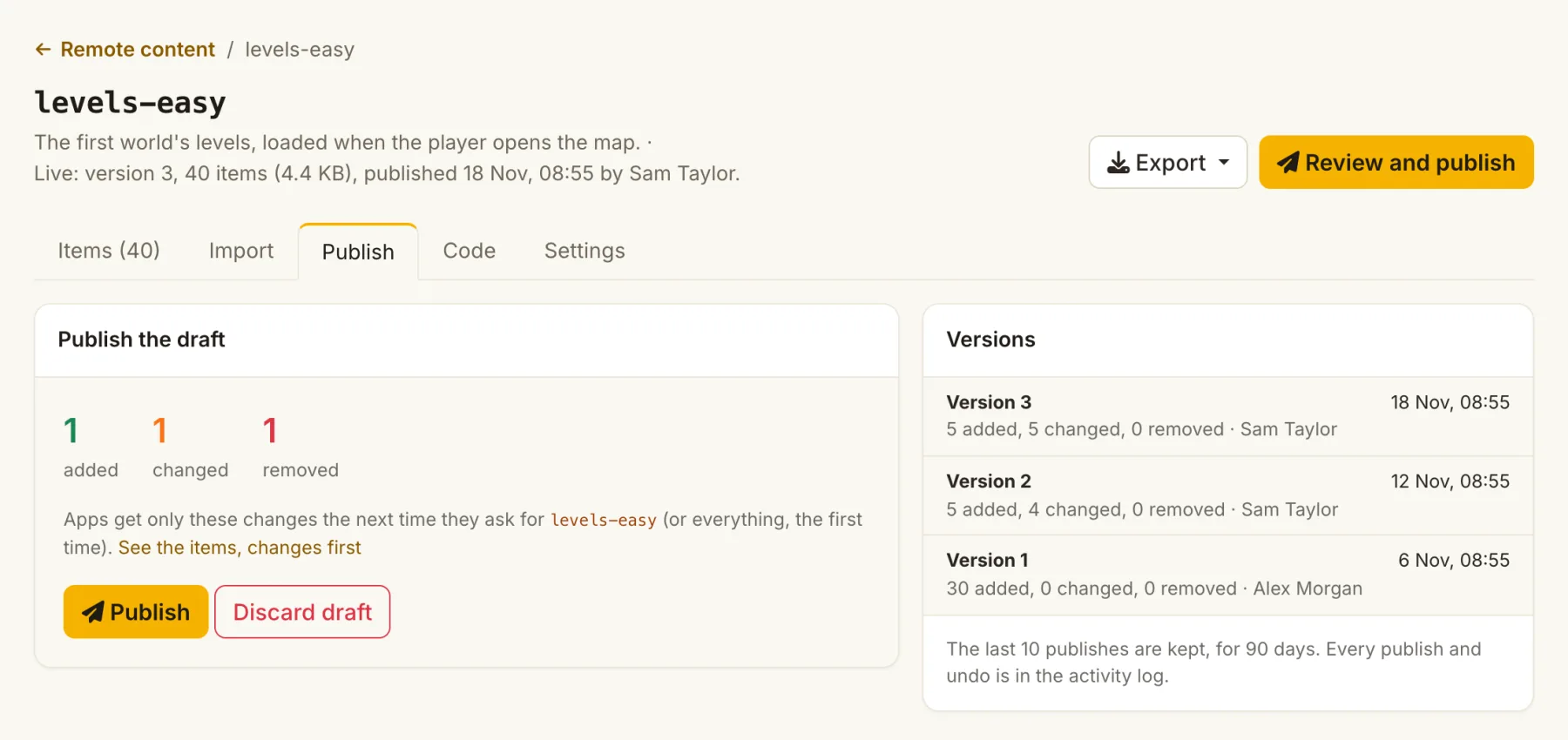
- Draft, then publish: see what will change (added, changed, removed), with hints for a field missing in some items or spelled differently, and undo a publish in one click.
- Released on a date: a daily puzzle, a word of the day or an advent calendar published weeks ahead, each item reaching apps at its own time. Until then BeeAppie doesn't send it, or its key, whatever the phone's clock says, and the SDKs tell your app when the next one is due.
- Only what changed: nothing downloads until the app asks; after the first time the app gets only the items that changed, compressed, and keeps a copy that works offline.
- Never in the way: offline or past the month's downloads, the app gets the copy it has, never an error. For the very first launch offline, ship a copy from Export in your app.
- From your server too: import and publish with a server key, for example levels made by a script.
- For content, not secrets: anyone with your app can read it, so keep passwords, keys and private data out; publishing warns when an item looks like one.
An example
A new affirmation every day, without an update
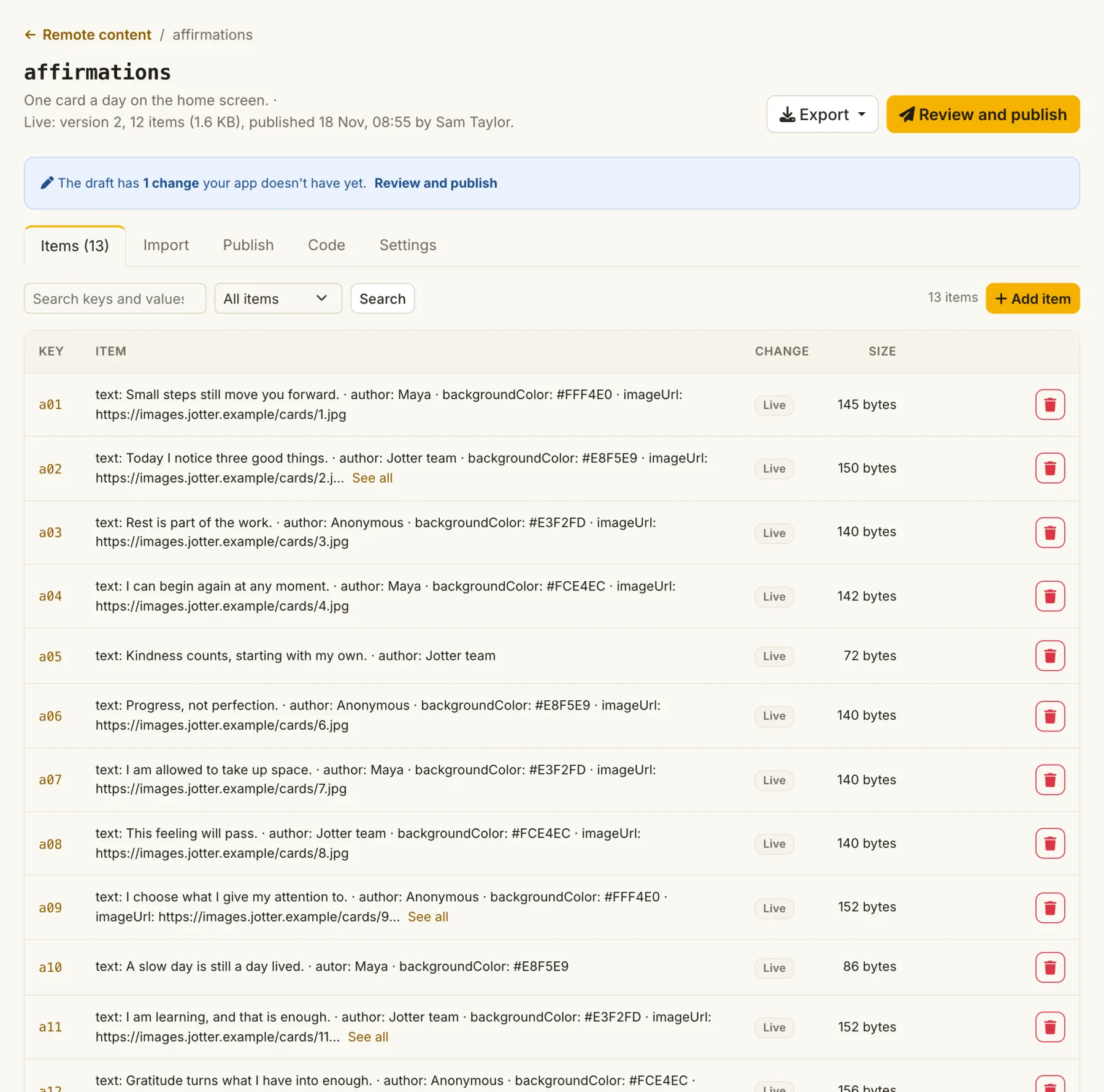
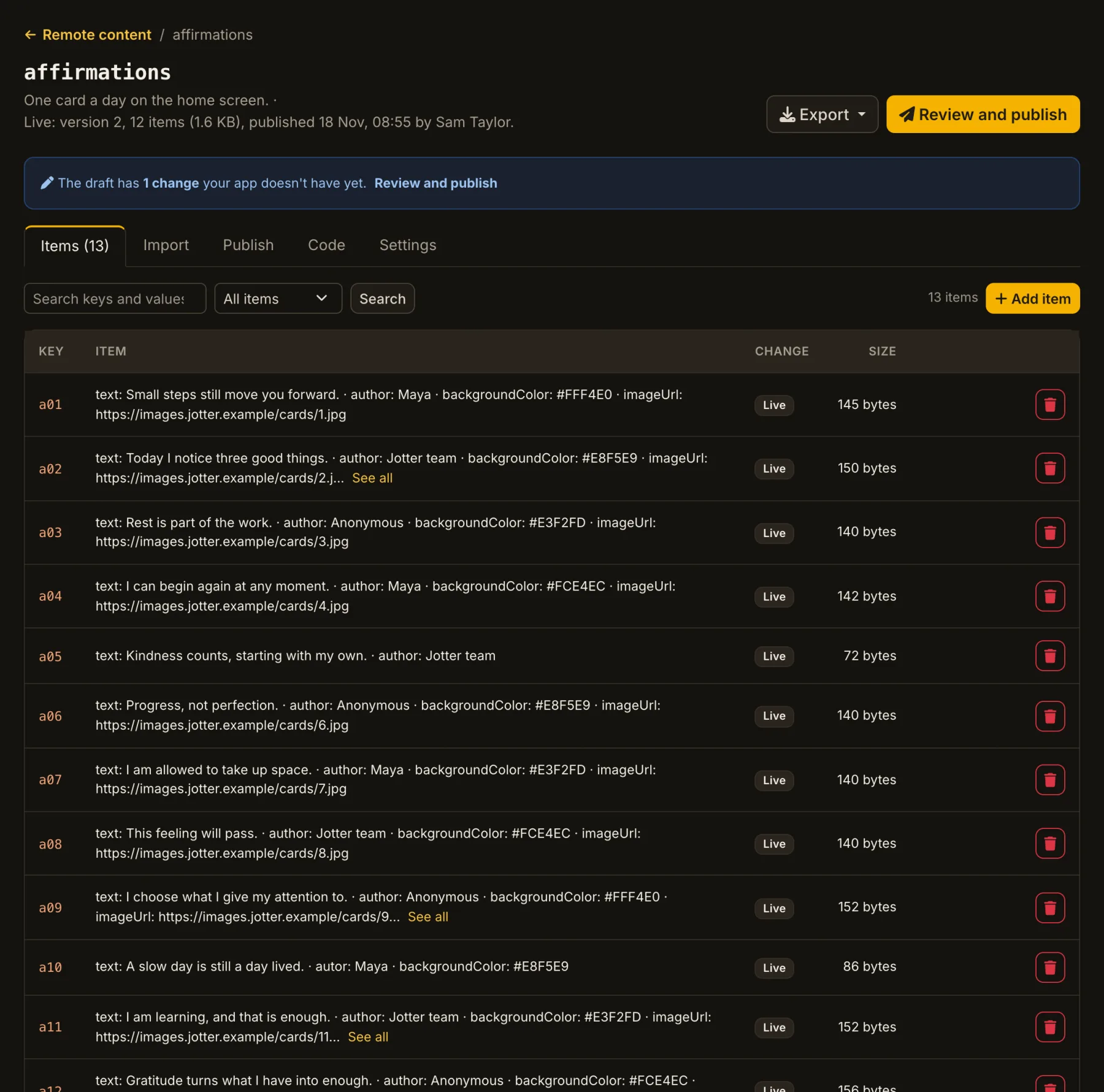
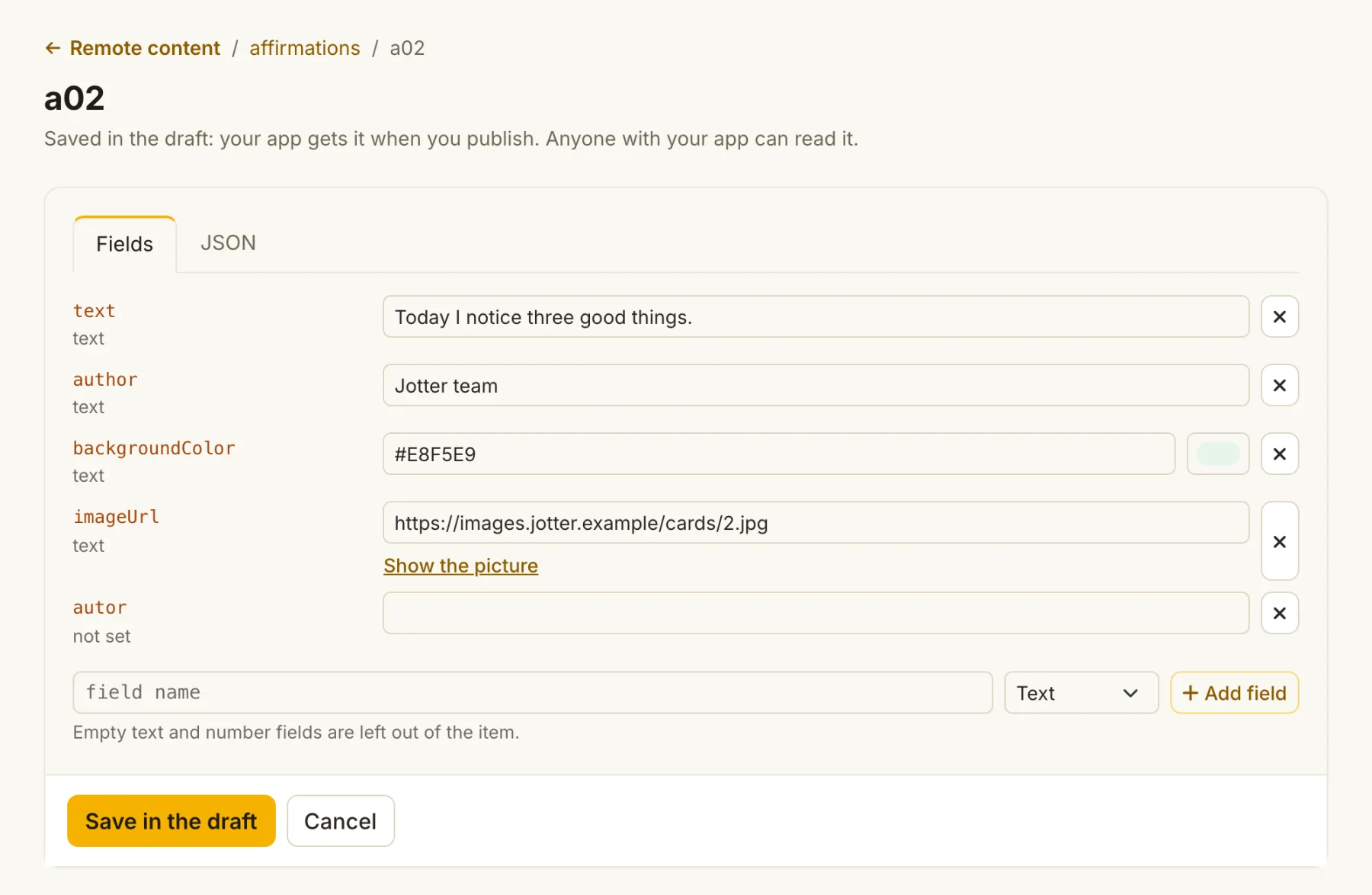
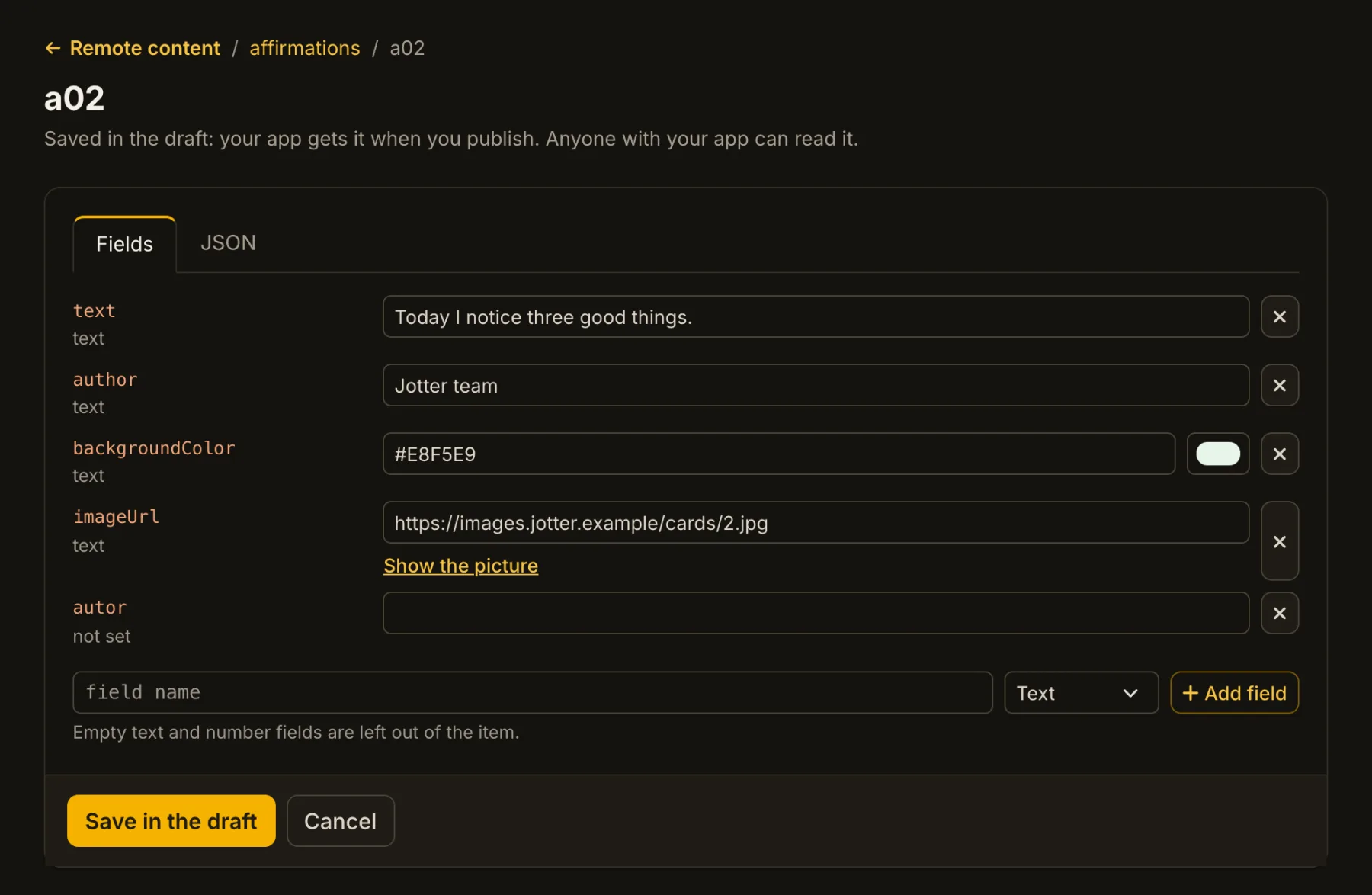
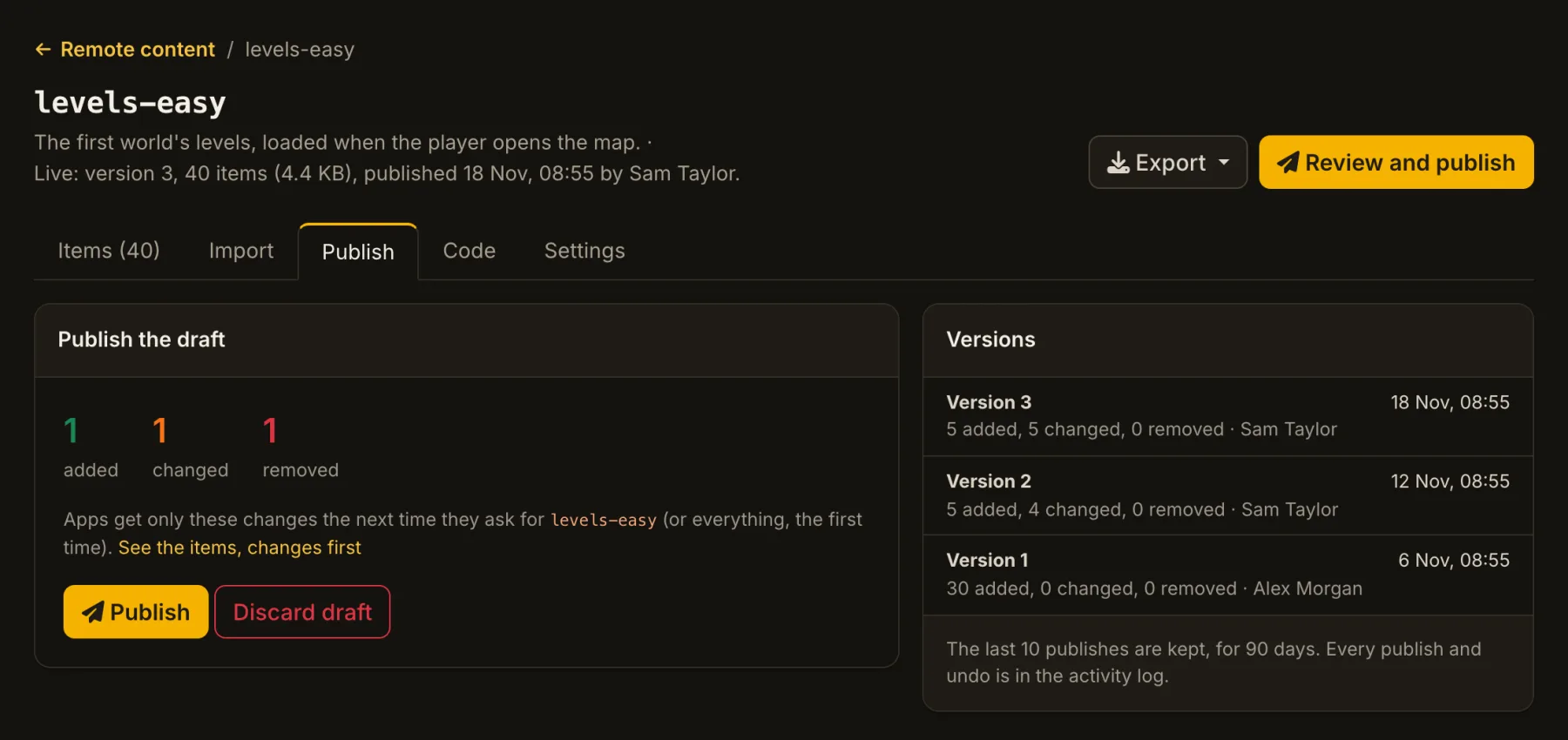
Jotter shows one affirmation a day on its home screen. The cards live in an affirmations collection with a text, an author, a background colour and a picture. Adding a thirteenth card took a minute: Publish showed 1 added, and phones that already had the list downloaded only that card. Before publishing, the dashboard pointed out that one card had autor where all the others have author.
In your app
public record Affirmation(string Text, string? Author);

var content = await BeeAppieSdk.Instance.Content.GetAsync<Affirmation>("affirmations");
foreach (var item in content.Items)              // Key and Value
    Show(item.Value.Text);
if (content.Items.Count == 0 && !content.IsUpToDate) { /* first launch offline: your built-in copy */ }

var cached = BeeAppieSdk.Instance.Content.GetCached<Affirmation>("affirmations"); // device copy, no network
@Serializable data class Affirmation(val text: String, val author: String? = null)
val content = BeeAppie.content.get("affirmations", Affirmation.serializer())
content.items.forEach { show(it.value.text) } // key and value
if (content.items.isEmpty() && !content.isUpToDate) { /* first launch offline */ }struct Affirmation: Decodable { let text: String; let author: String? }
let content = await BeeAppieSDK.content.get(Affirmation.self, from: "affirmations")
for item in content.items { show(item.value.text) } // key and value
if content.items.isEmpty && !content.isUpToDate { /* first launch offline */ }final content = await BeeAppie.content.get('affirmations', Affirmation.fromJson);
for (final item in content.items) { // key and value
show(item.value.text);
}
if (content.items.isEmpty && !content.isUpToDate) { /* first launch offline */ }interface Affirmation { text: string; author?: string }
const content = await BeeAppie.content.get<Affirmation>('affirmations');
content.items.forEach((item) => show(item.value.text)); // key and value
if (content.items.length === 0 && !content.isUpToDate) { /* first launch offline */ }[Serializable] public class Level { public string grid; public int difficulty; }
var content = await BeeAppieSdk.Content.GetAsync<Level>("levels-easy");
foreach (var item in content.Items) // Key and Value
Load(item.Value.grid);The same in every SDK, and over the HTTP API for anything else. Read the remote content guide.
Plans
Every plan: 1 MB and 5 collections per app on Free, up to 25 MB and 100 collections on Business, and a monthly download allowance shared by your apps.