What you can do with it
- Submit a score with one call. A leaderboard keeps each player's best score, or their 10 best, and ranks everyone together, iPhone and Android alike, or keeps a board per platform when the game differs between them.
- Points or times. Rank the highest score first, or the lowest for races, speed-runs and puzzles against the clock. Send milliseconds and players see
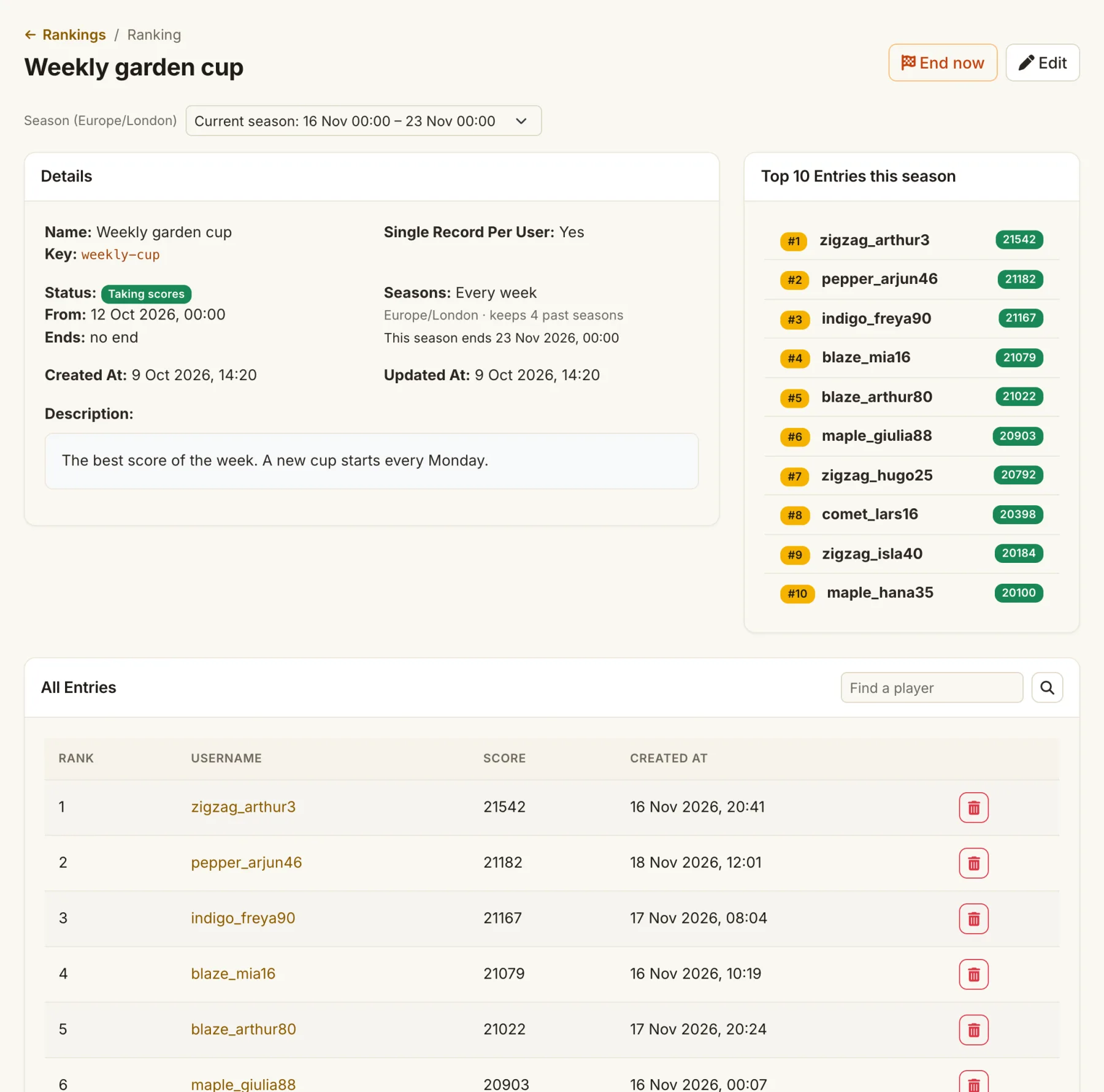
1:23.45, in the ready-made screens and in your dashboard. - Seasons that start every day, week or month with an empty leaderboard, in your own time zone, or one event with a start and an end. Past seasons stay readable, so players can look back on who won, in the ready-made screen or your own.
- Seasons named for your game, such as Today and Yesterday, This round, or Round 12, in every language you add. Leave them empty and the screens say Today, This week or October 2026 for you.
- Scores survive a lost connection. A game finished on the underground is kept on the phone and arrives later, in the season it was played in, up to a week late. The leaderboard screen shows the last board it loaded, and the player's new best until it's sent.
- Refuse the impossible: scores outside the range you set are rejected.
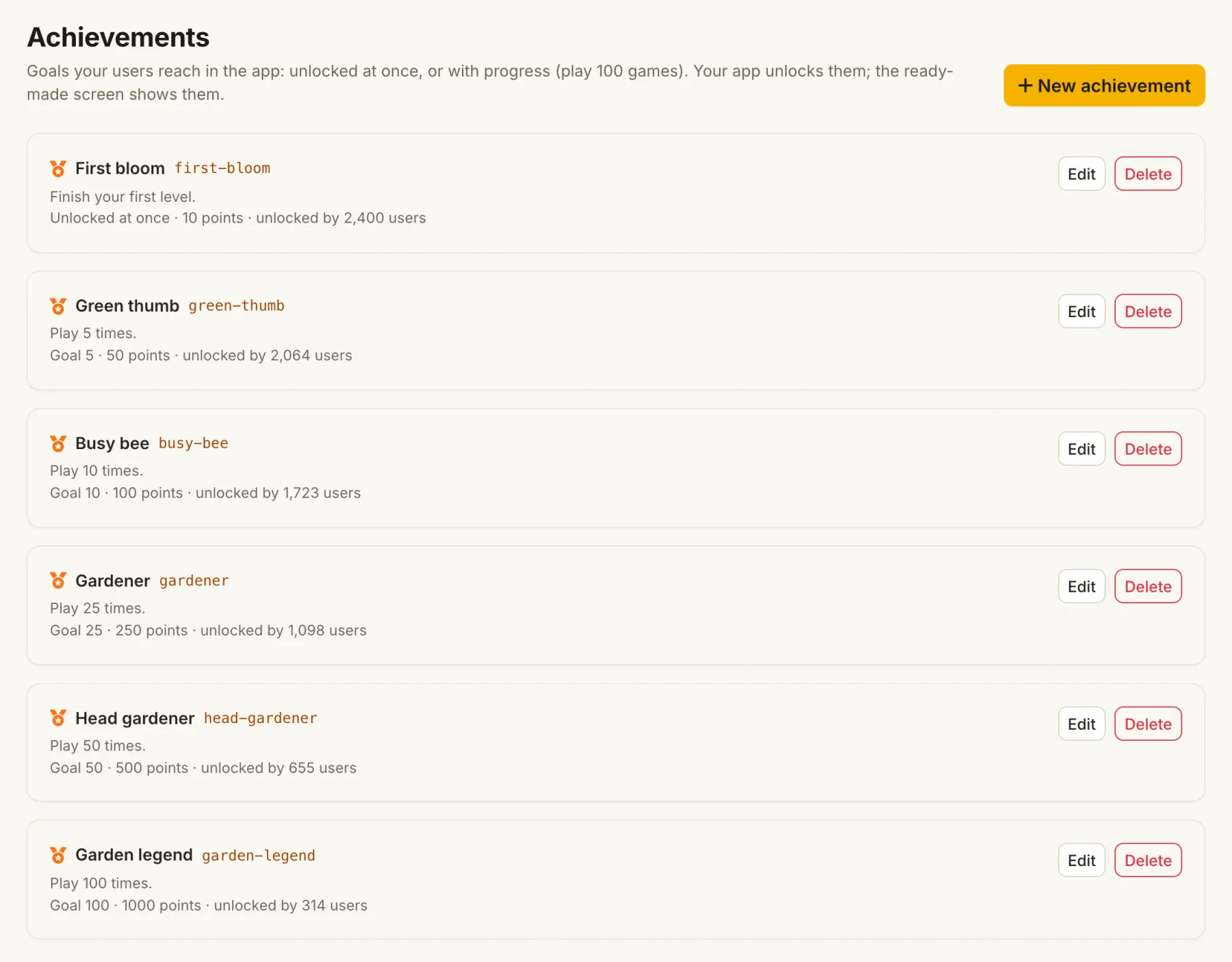
- Achievements for any app, not only games: unlocked at once or with progress (a first diary entry, 30 days in a row, 100 games), secret ones that stay hidden until unlocked, and how rare each one is.
- They work offline. An unlock shows at once, even without a connection, and reaches BeeAppie later with the time it really happened. Badges earned before you added BeeAppie can come in with their dates.
- Icons without a designer: pick from thousands of Material Symbols in the dashboard, with your colours, or show the goal as a number. Names and descriptions in your users' languages.
- A celebration built in: the ready-made screens show "Achievement unlocked" the moment it happens, or you draw your own. For private apps, a switch keeps achievements on the phone until the user allows statistics.
- Ready-made screens for leaderboards and achievements, or your own with the SDK.
- Rivalry built in: pair it with an automatic push rule that tells players when someone beats their score.
An example
A garden worth coming back to
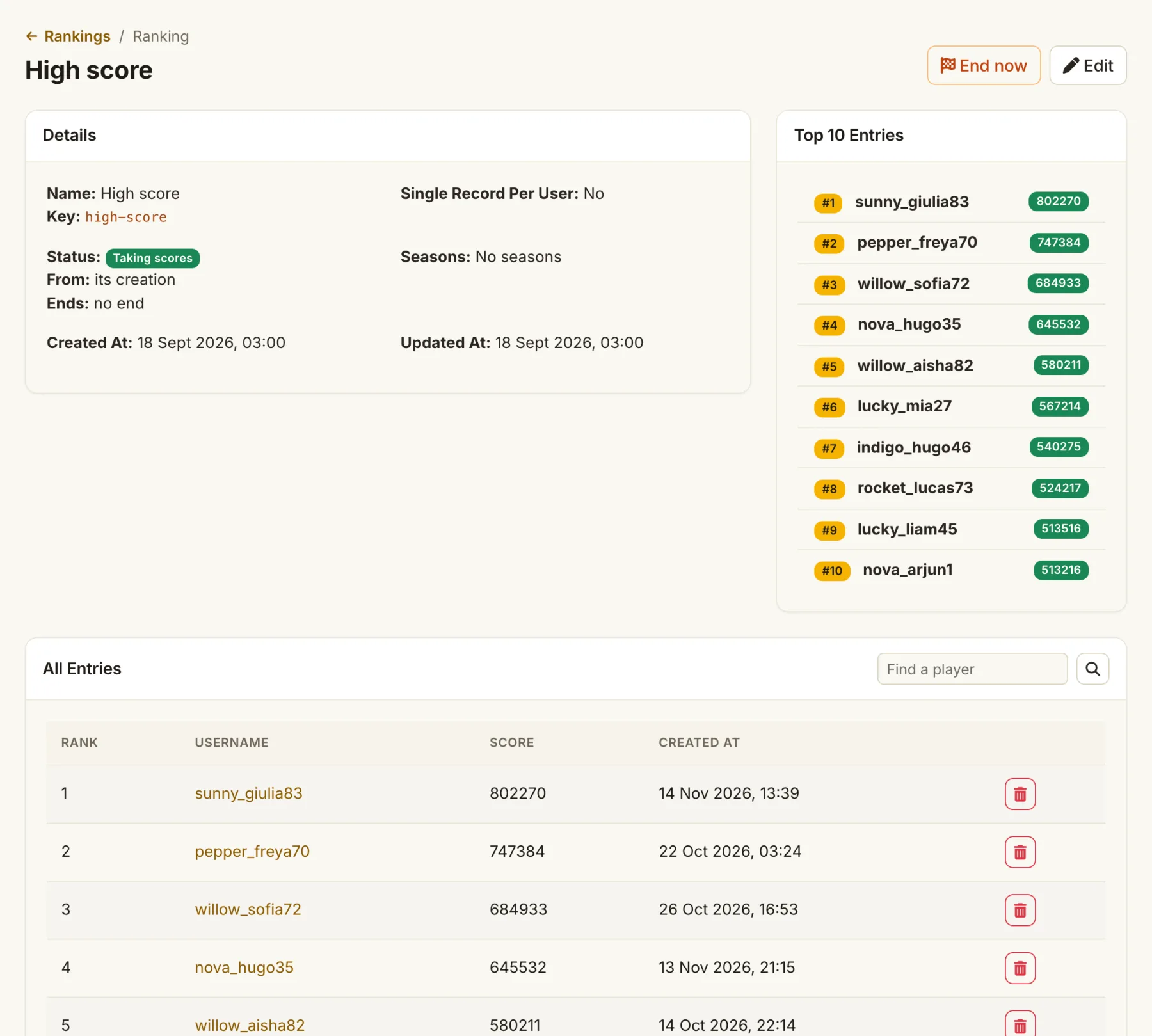
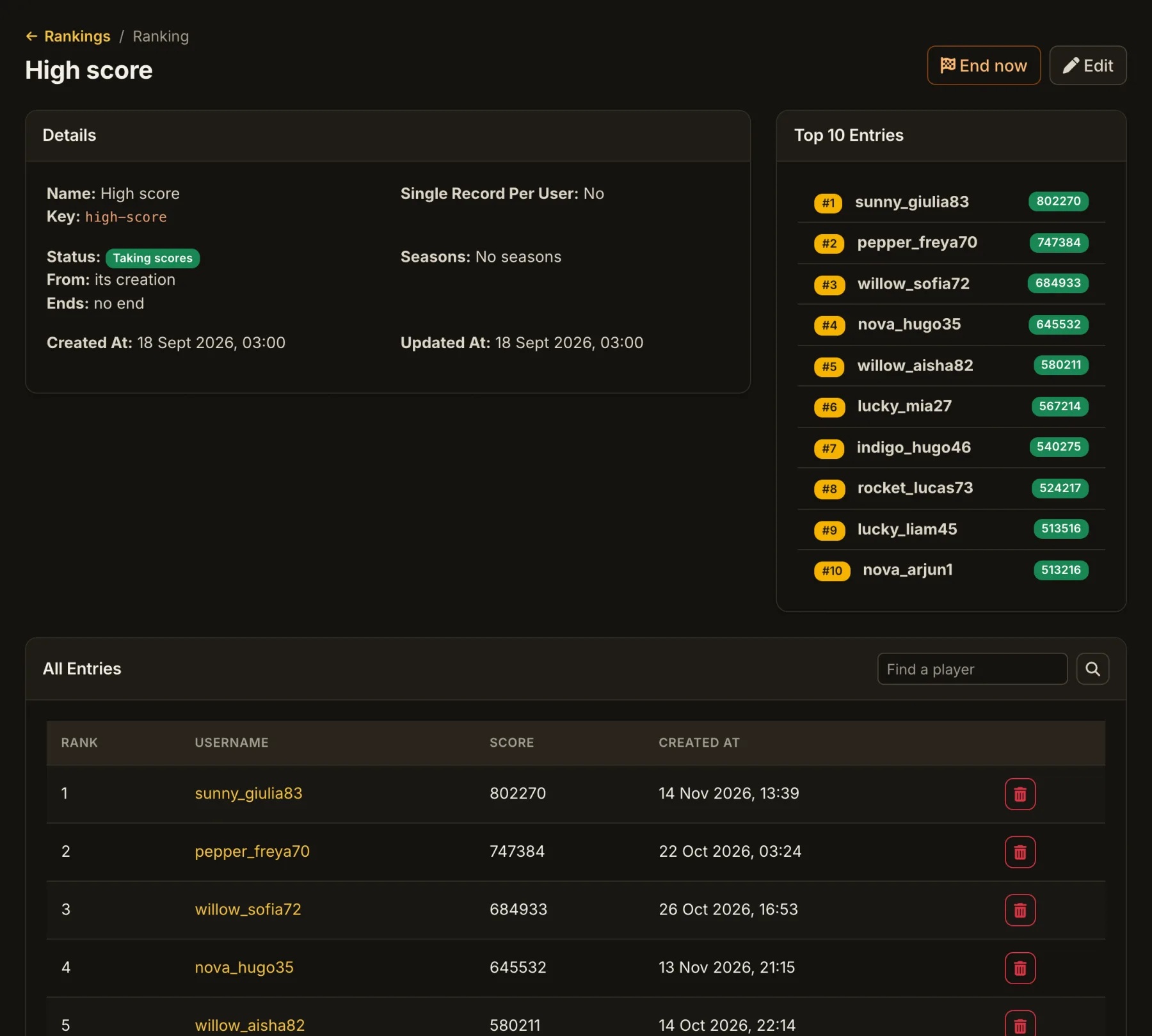
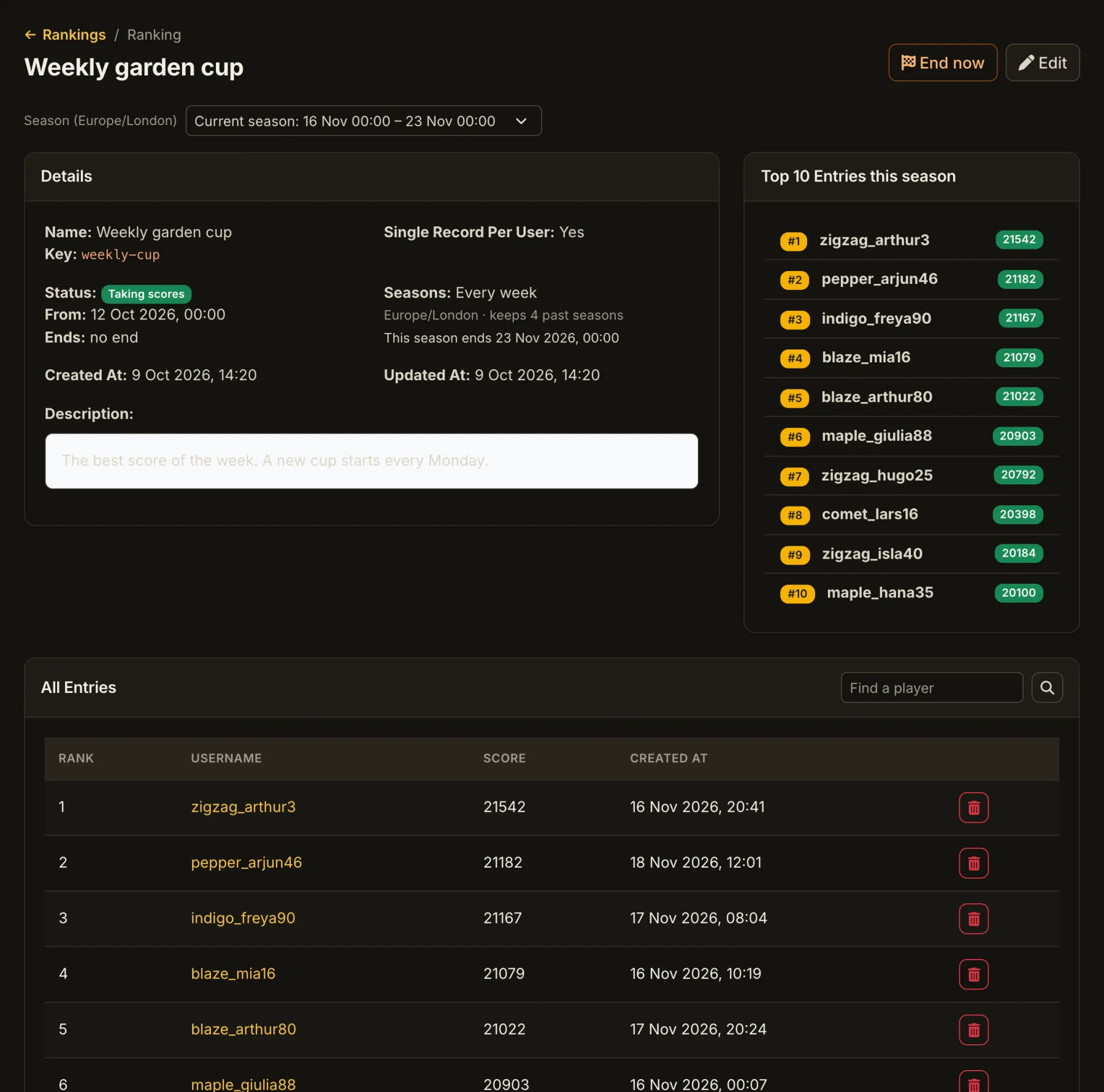
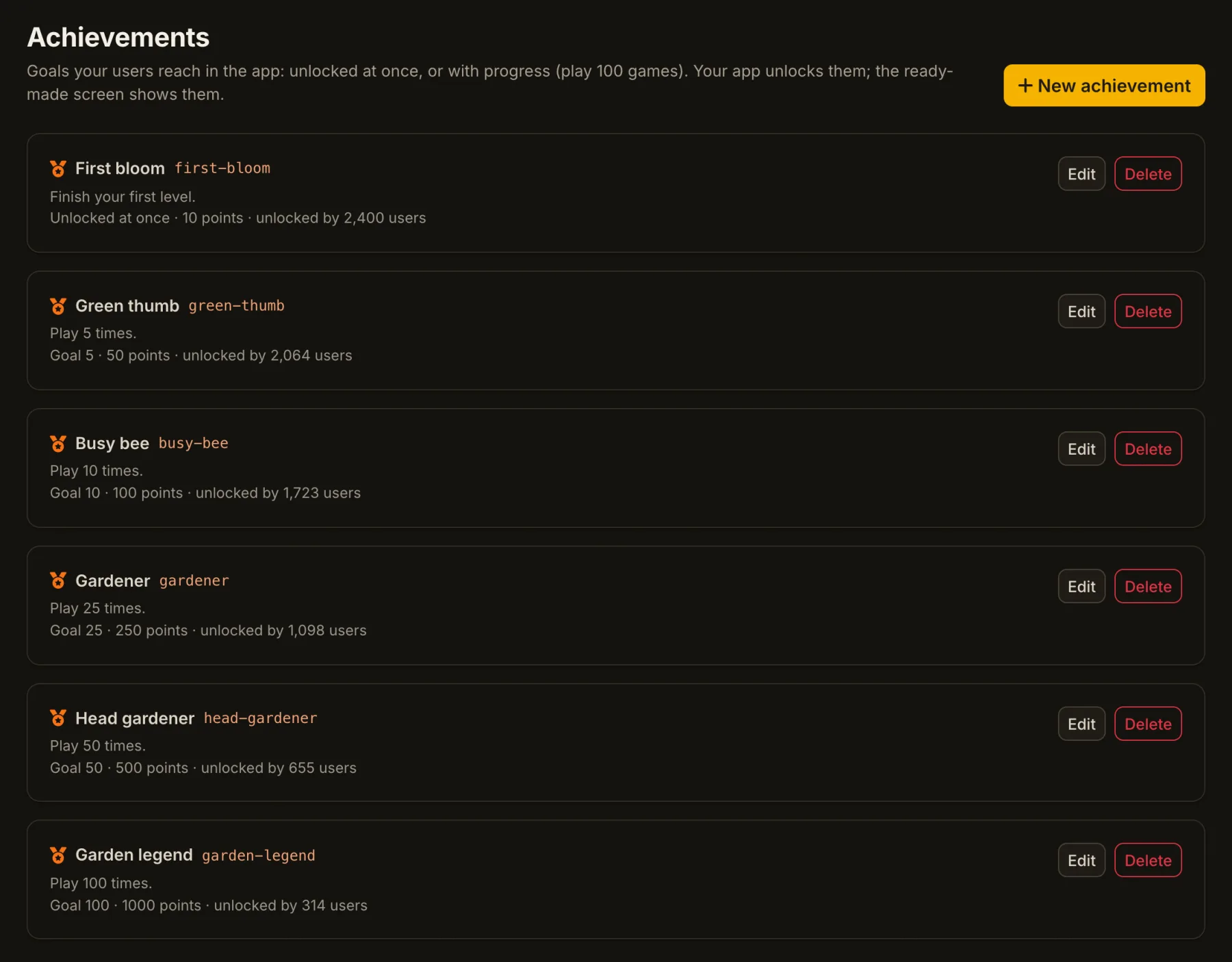
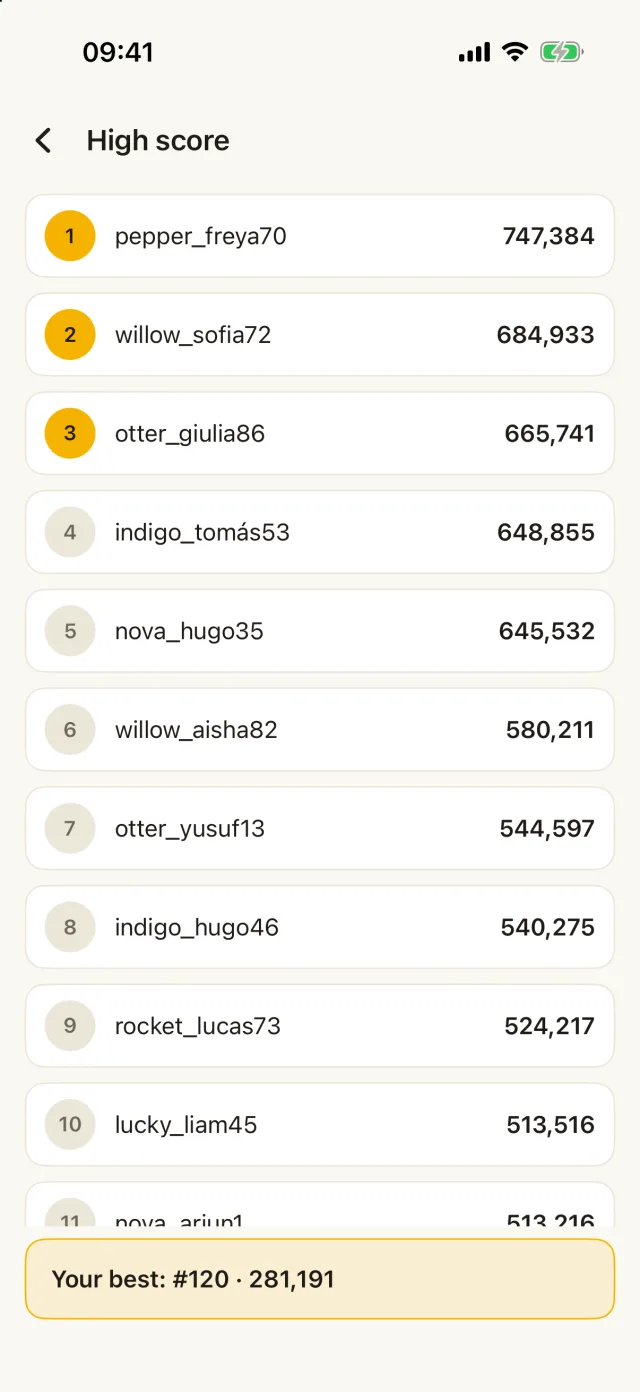
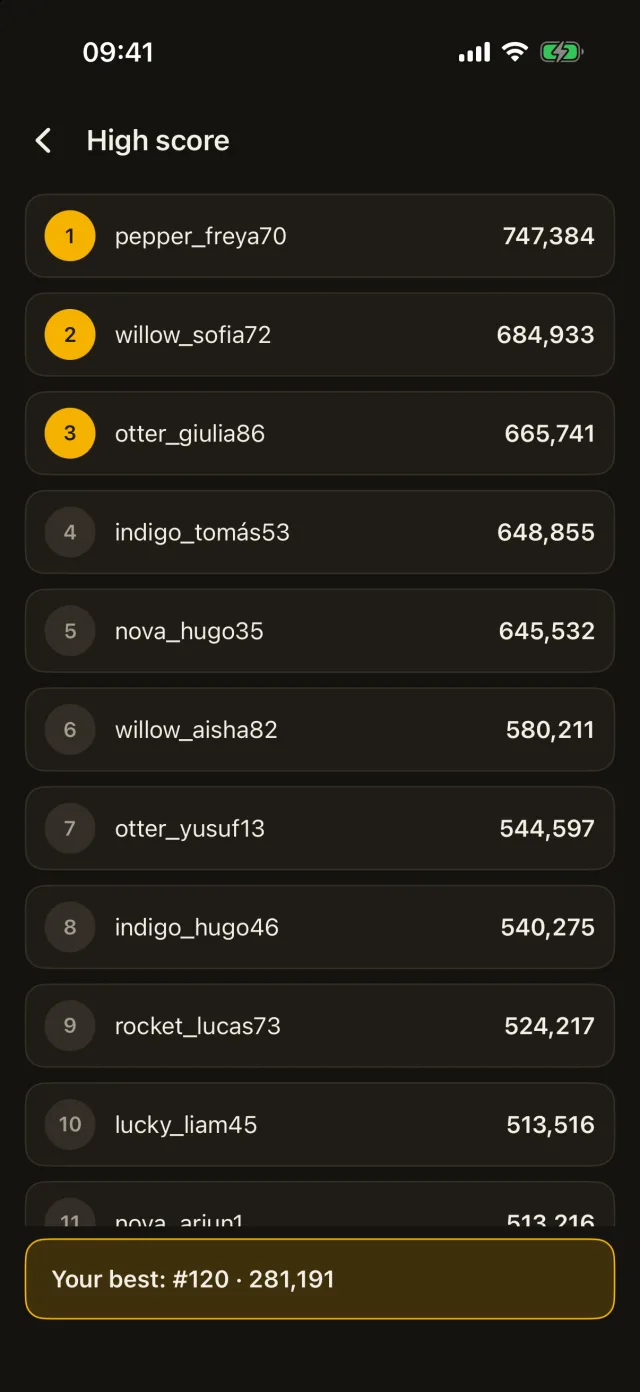
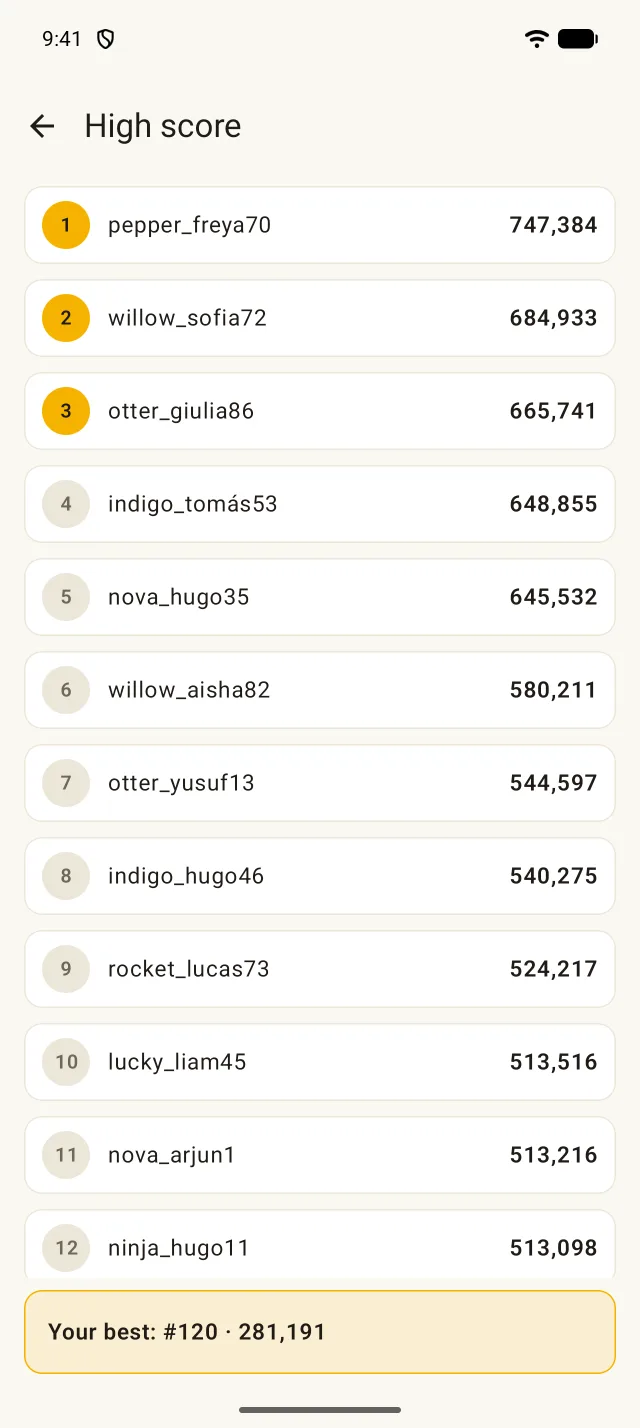
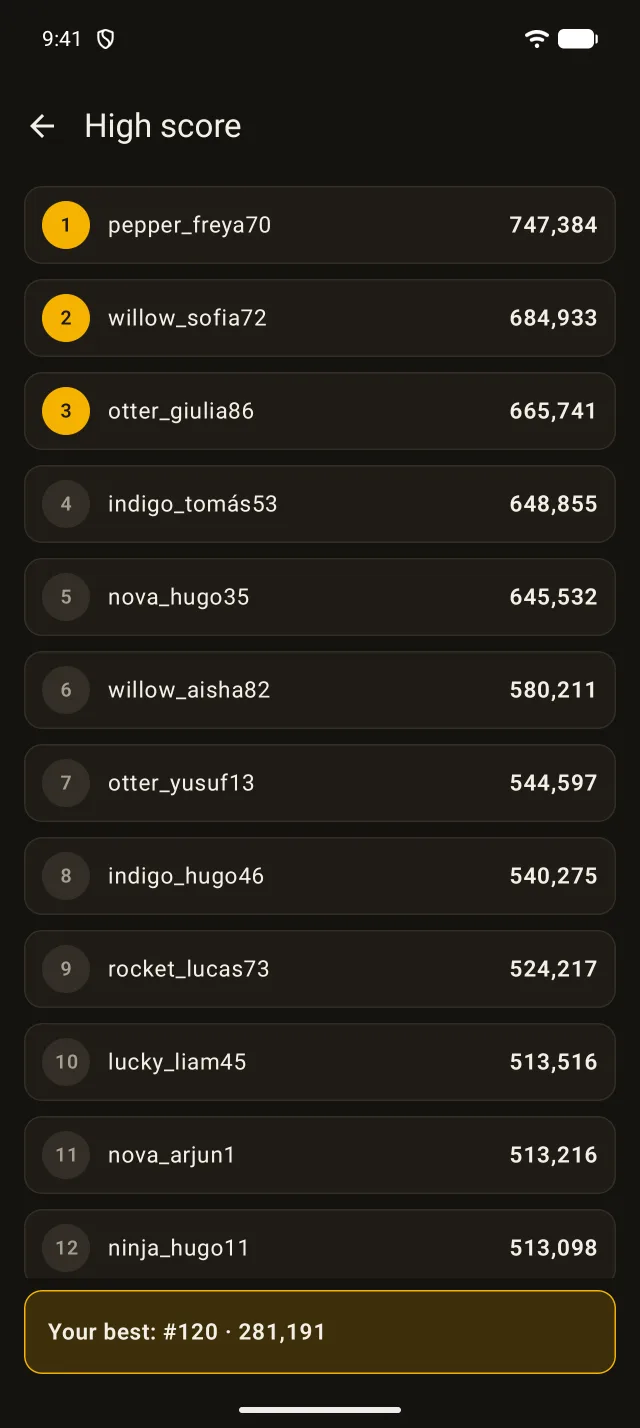
Puzzle Garden's high-score board keeps each player's best game, and a weekly board starts empty every Monday, so new players have a chance to win too. Players see the top of the board and their own rank in the ready-made screen. Achievements from First bloom to Garden legend reward playing often, and the dashboard shows how rare each is: nearly everyone has Green thumb, few reach Garden legend.
In your app
Leaderboards
// Kept on the device with its time, sent now or once back online. Never throws.
BeeAppieSdk.Instance.Leaderboards.SubmitScore("high-score", 1200);

// MAUI, show it with the ready-made page (BeeAppie.Maui.UI):
await Navigation.PushAsync(PageFactory.GetLeaderboardPage("high-score"));

// Or your own screen (any .NET app); offline, the last copy (IsUpToDate false):
var board = await BeeAppieSdk.Instance.Leaderboards.LoadAsync("high-score", top: 10);
// Kept on the device with its time, sent now or once back online. Never throws.
BeeAppie.leaderboards.submitScore("high-score", 1200.0)
// Show it with the ready-made screen (beeappie-ui):
BeeAppieUI.openLeaderboard(context, "high-score")
// Or your own screen, in a coroutine; offline, the last copy (isUpToDate false):
val board = BeeAppie.leaderboards.load("high-score", top = 10)// Kept on the device with its time, sent now or once back online. Never throws.
BeeAppieSDK.leaderboards.submitScore("high-score", 1200)
// Show it with the ready-made screen (BeeAppieUI):
BeeAppieUI.present(.leaderboard("high-score")) // AppKit: BeeAppieUI.open(…)
// Or your own screen; offline, the last copy (isUpToDate false):
let board = await BeeAppieSDK.leaderboards.load("high-score", top: 10)// Kept on the device with its time, sent now or once back online. Never throws.
await BeeAppie.leaderboards.submitScore('high-score', 1200);
// Show the leaderboards with the ready-made screen:
BeeAppie.openScreen(BeeAppieScreen.rankings);
// Or your own screen; offline, the last copy (isUpToDate false):
final board = await BeeAppie.leaderboards.load('high-score', top: 10);// Kept on the device with its time, sent now or once back online. Never throws.
await BeeAppie.leaderboards.submitScore('high-score', 1200);
// Show the leaderboards with the ready-made screen:
BeeAppie.openScreen('rankings');
// Or your own screen; offline, the last copy (isUpToDate false):
const board = await BeeAppie.leaderboards.load('high-score', 'current', 10);// Kept on the device with its time, sent now or once back online. Never throws.
BeeAppieSdk.Leaderboards.SubmitScore("high-score", 1200);
var board = await BeeAppieSdk.Leaderboards.LoadAsync("high-score", top: 10); // offline: the last copyAchievements
// On the device at once, also offline; sent in batches with the time each happened. Never throws.
var achievements = BeeAppieSdk.Instance.Achievements;
achievements.Unlock("first-win");
achievements.Increment("play-100-games");
achievements.Unlock("first-entry", at: earnedAt); // a badge earned before BeeAppie

// The ready-made UI shows "Achievement unlocked" by itself (BeeAppieUI.CelebrateAchievements = false to turn
// it off); or celebrate yourself:
achievements.Unlocked += (_, e) => ShowPopup(e.Achievement.Name);

// MAUI, the ready-made page (BeeAppie.Maui.UI), which works offline too:
await Navigation.PushAsync(PageFactory.GetAchievementsPage());

// Or your own screen (any .NET app), from the copy on the device:
var all = achievements.Current;
bool done = achievements.IsUnlocked("first-win");

// When you need BeeAppie's answer instead: await BeeAppieSdk.Instance.Client.UnlockAchievementAsync("first-win")
// On the device at once, also offline; sent in batches with the time each happened. Never throws.
BeeAppie.achievements.unlock("first-win")
BeeAppie.achievements.increment("play-100-games")
BeeAppie.achievements.unlock("first-entry", at = earnedAt) // a badge earned before BeeAppie
// beeappie-ui shows "Achievement unlocked" by itself (BeeAppieUI.celebrateAchievements = false to turn it off);
// or celebrate yourself:
BeeAppie.achievements.onUnlocked = { showPopup(it.name) }
// The ready-made screen (beeappie-ui), which works offline too:
BeeAppieUI.openAchievements(context)
// Or your own screen, from the copy on the device:
val all = BeeAppie.achievements.current
val done = BeeAppie.achievements.isUnlocked("first-win")
// When you need BeeAppie's answer instead (in a coroutine): BeeAppie.client.unlockAchievement("first-win")// On the device at once, also offline; sent in batches with the time each happened. Never throws.
BeeAppieSDK.achievements.unlock("first-win")
BeeAppieSDK.achievements.increment("play-100-games")
BeeAppieSDK.achievements.unlock("first-entry", at: earnedAt) // a badge earned before BeeAppie
// BeeAppieUI shows "Achievement unlocked" by itself (BeeAppieUI.celebrateAchievements = false to turn it off);
// or celebrate yourself:
BeeAppieSDK.achievements.onUnlocked = { achievement in showPopup(achievement.name) }
// The ready-made screen (BeeAppieUI), which works offline too:
BeeAppieUI.present(.achievements) // AppKit: BeeAppieUI.open(…)
// Or your own screen, from the copy on the device:
let all = BeeAppieSDK.achievements.current
let done = BeeAppieSDK.achievements.isUnlocked("first-win")
// When you need BeeAppie's answer instead: try await BeeAppieSDK.client.unlockAchievement("first-win")// On the device at once, also offline; sent in batches with the time each happened. Never throws.
await BeeAppie.achievements.unlock('first-win');
await BeeAppie.achievements.increment('play-100-games');
await BeeAppie.achievements.unlock('first-entry', at: earnedAt); // a badge earned before BeeAppie
// The native UI shows "Achievement unlocked" by itself (BeeAppie.achievements.celebrate(false) turns it off);
// or celebrate yourself:
BeeAppie.achievements.onUnlocked = (achievement) => showPopup(achievement.name);
// The ready-made screen, which works offline too:
BeeAppie.openScreen(BeeAppieScreen.achievements);
// Or your own screen, from the copy on the device:
final all = await BeeAppie.achievements.current();
// When you need BeeAppie's answer instead: await BeeAppie.client.unlockAchievement('first-win')// On the device at once, also offline; sent in batches with the time each happened. Never throws.
await BeeAppie.achievements.unlock('first-win');
await BeeAppie.achievements.increment('play-100-games');
await BeeAppie.achievements.unlock('first-entry', earnedAt); // a badge earned before BeeAppie
// The native UI shows "Achievement unlocked" by itself (BeeAppie.achievements.celebrate(false) turns it off);
// or celebrate yourself:
BeeAppie.achievements.onUnlocked = achievement => showPopup(achievement.name);
// The ready-made screen, which works offline too:
BeeAppie.openScreen('achievements');
// Or your own screen, from the copy on the device:
const all = await BeeAppie.achievements.current();
// When you need BeeAppie's answer instead: await BeeAppie.client.unlockAchievement('first-win')// On the device at once, also offline; sent in batches with the time each happened. Never throws.
BeeAppieSdk.Achievements.Unlock("first-win");
BeeAppieSdk.Achievements.Increment("play-100-games");
// The UI package shows "Achievement unlocked" by itself (BeeAppieUI.CelebrateAchievements = false turns it
// off); or celebrate yourself:
BeeAppieSdk.Achievements.Unlocked += achievement => ShowPopup(achievement.Name);
// Your own screen, from the copy on the device:
var all = BeeAppieSdk.Achievements.Current;
// When you need BeeAppie's answer instead: await BeeAppieSdk.Client.UnlockAchievementAsync("first-win")The same in every SDK, and over the HTTP API for anything else. Read the leaderboards guide. Read the achievements guide.
Plans
Every plan.