What you can do with it
- From your own app. Upload your Apple key and Firebase service account once: notifications come with your app's name and icon.
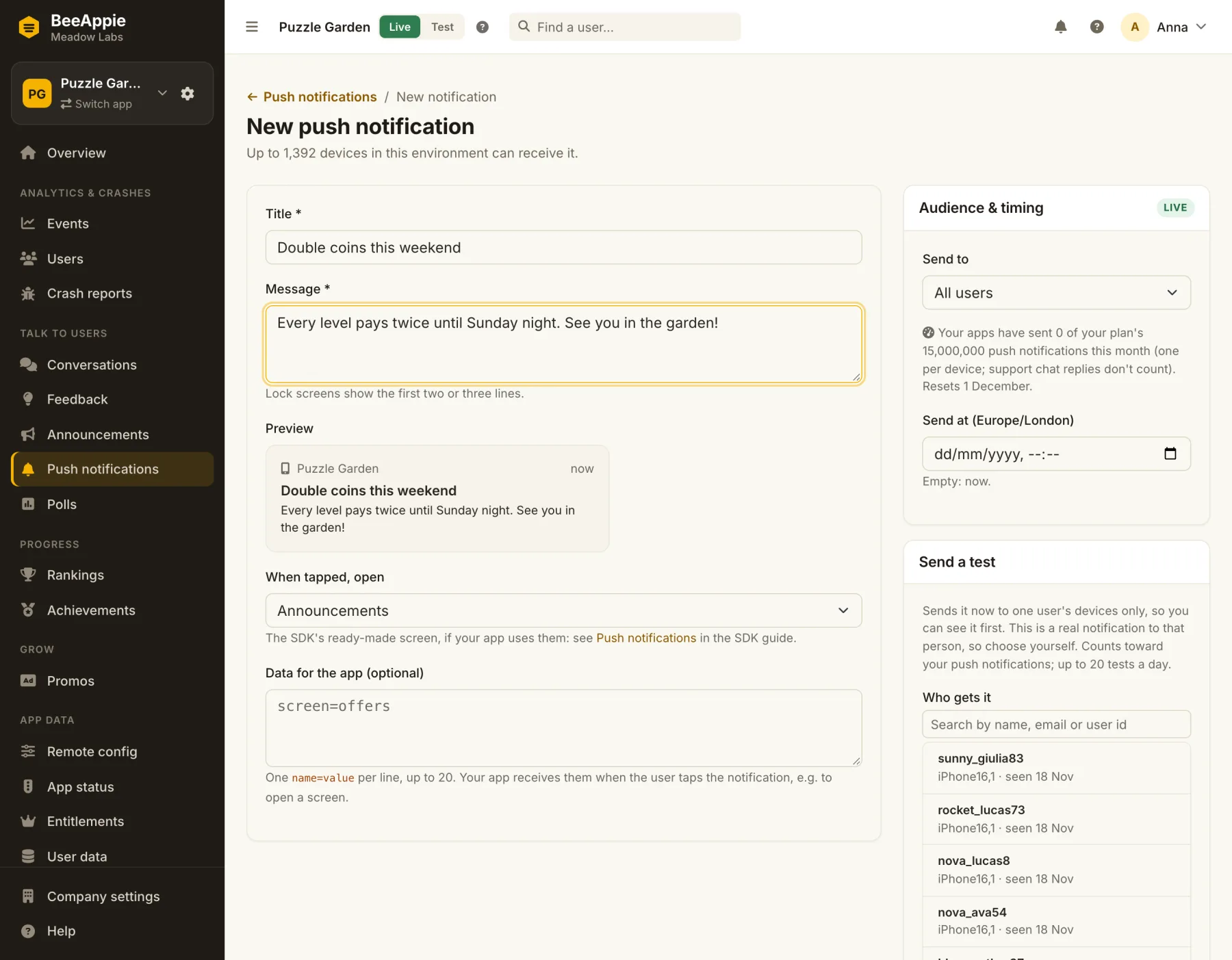
- To the right people: everyone, chosen users, or a segment by country, language, app version, platform, signed in or not, or your own user properties.
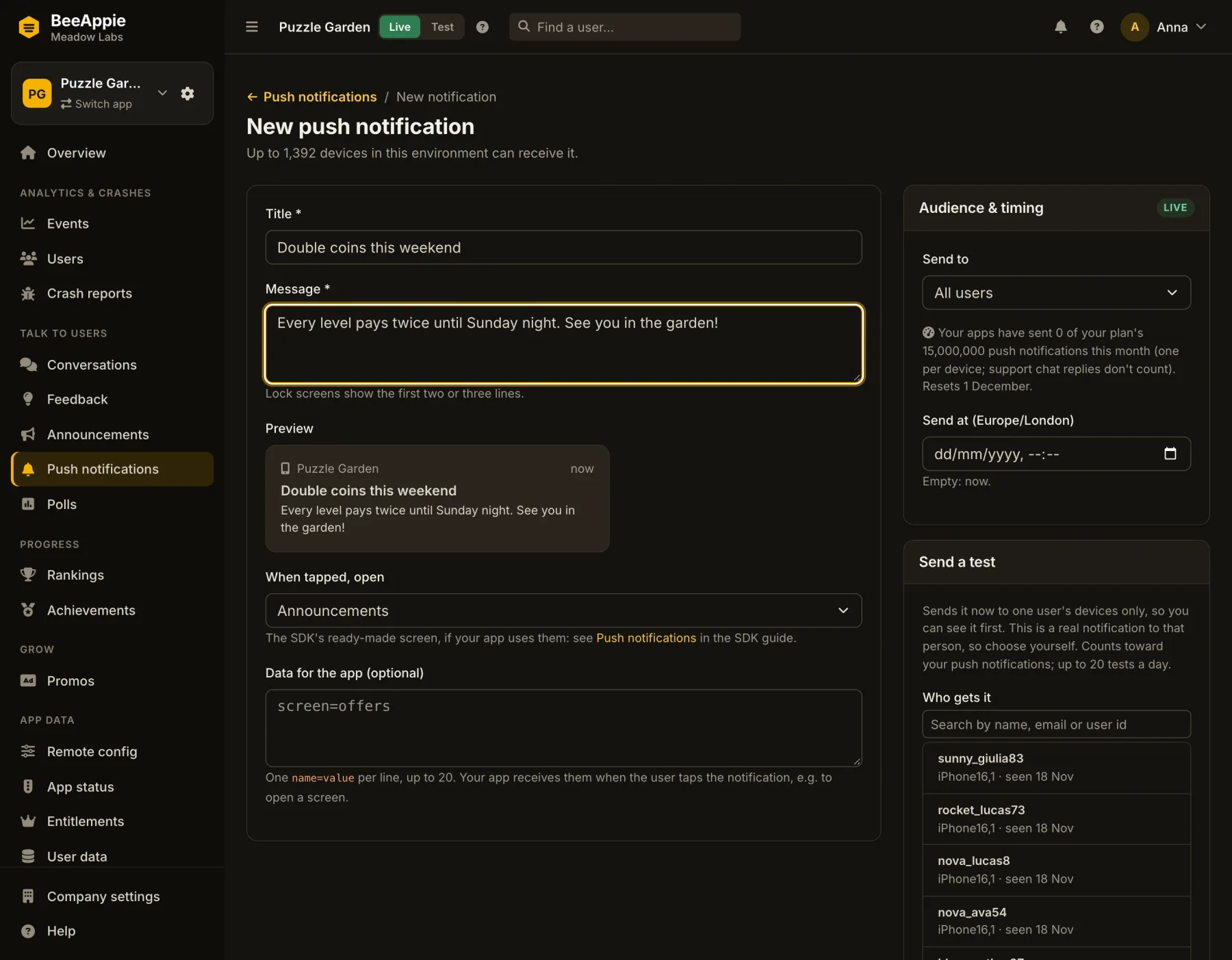
- Open the right screen when tapped: an announcement, a poll, a leaderboard or the support chat, or pass your own data for your own screens.
- In your users' languages. Write the notification once in your app's main language and add the languages your users speak: each phone gets its own, or the main text. AI can draft a translation for you to check, and opens are counted by language too.
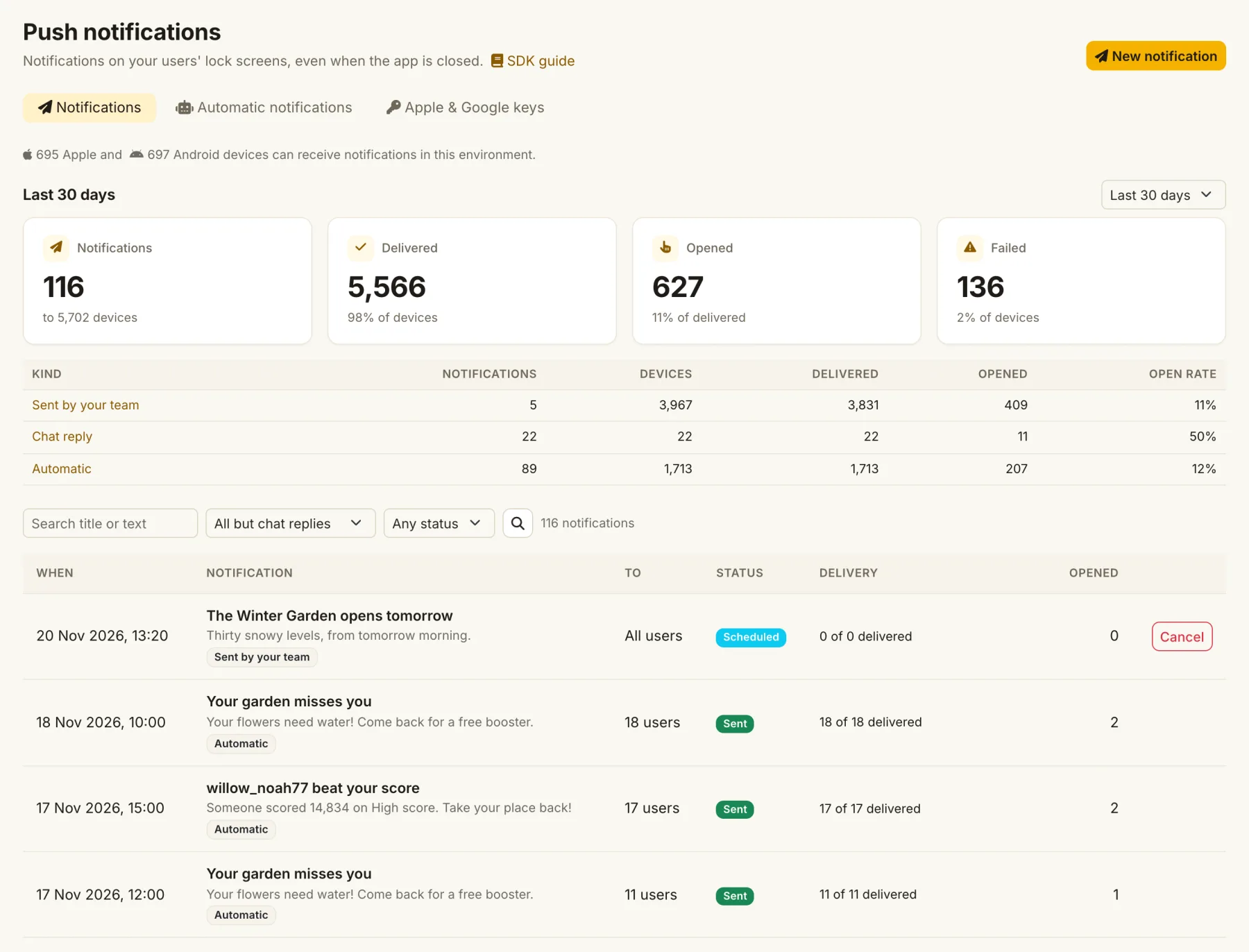
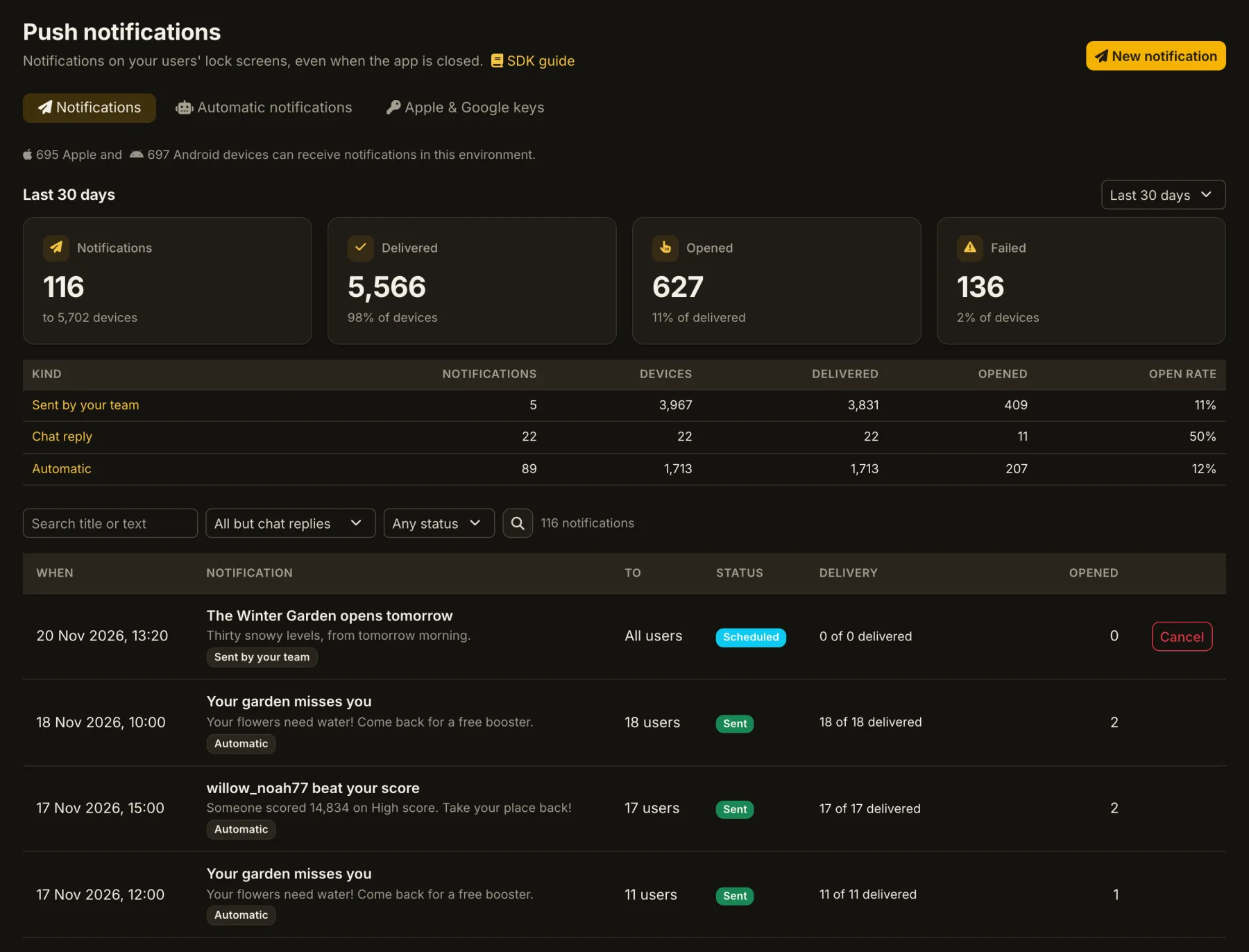
- See what happened: how many devices got each notification and how many people opened it, and totals for each kind: your own, announcements, polls, automatic rules and chat replies. Schedule one for later on paid plans.
- Replies in support chat are pushed by themselves, and your server can send its own with a server key.
- Users stay in control: a switch in the ready-made profile screen, or one call from your own settings page, turns notifications off and on again. Devices turned off, or blocked in the phone's settings, get nothing and use none of your allowance.
An example
An event everyone hears about
When the Autumn Harvest event started, Leo wrote one notification in the dashboard: The Autumn Harvest has started. It reached every Puzzle Garden player who allows notifications, and the list shows how many opened it. An offer on coin packs, earlier, went only to players in the UK and Ireland, through a segment on their country.
In your app
// MAUI on iOS, Android and Mac: dotnet add package BeeAppie.Maui.Push
// (+ google-services.json, and aps-environment in Entitlements.plist)
builder.UseBeeAppie("<app key>").UseBeeAppiePush();

// Avalonia, Uno or plain .NET on iOS/Android: dotnet add package BeeAppie.Mobile.Push
// (the same google-services.json and aps-environment), after BeeAppieMobile.Start:
BeeAppieMobilePush.Start();

// Taps: a support reply, or the screen chosen under "When tapped, open" (BeeAppie.Maui.UI)
BeeAppieSdk.Instance.PushNotificationOpened += async (_, e) =>
{
    if (await PageFactory.GetPageForPushAsync(e) is { } page)
        await Navigation.PushAsync(page);
    // e.Data has your own values; e.Screen and e.ScreenId what BeeAppie would open
};
// Desktop apps (WPF, WinForms, WinUI…): not available yet.
// build.gradle.kts, with your google-services.json:
implementation("com.beeappie:beeappie-push:1.0.0")
// Then, after BeeAppie.start:
BeeAppiePush.start(this)
// Taps: a support reply, or the screen chosen under "When tapped, open"
BeeAppie.onPushOpened = { push -> BeeAppieUI.openPush(this, push) }import BeeAppiePush // + the Push Notifications capability
BeeAppiePush.start()
// Taps: a support reply, or the screen chosen under "When tapped, open"
BeeAppieSDK.onPushOpened = { push in
if let destination = BeeAppieDestination(push: push) { BeeAppieUI.present(destination) }
}// With firebase_messaging:
final token = Platform.isIOS
? await FirebaseMessaging.instance.getAPNSToken()
: await FirebaseMessaging.instance.getToken();
if (token != null) await BeeAppie.setPushToken(token);
FirebaseMessaging.onMessageOpenedApp
.listen((message) => BeeAppie.handlePushOpened(message.data));
// Taps: a support reply, or the screen chosen under "When tapped, open"
BeeAppie.onPushOpened = (push) => BeeAppie.openPush(push);// With @react-native-firebase/messaging:
const token = Platform.OS === 'ios'
? await messaging().getAPNSToken()
: await messaging().getToken();
if (token) await BeeAppie.setPushToken(token);
messaging().onNotificationOpenedApp(
(message) => BeeAppie.handlePushOpened(message.data ?? {}));
// Taps: a support reply, or the screen chosen under "When tapped, open"
BeeAppie.onPushOpened = (push) => BeeAppie.openPush(push);// With Firebase Cloud Messaging for Unity (or your push plugin):
// the FCM token on Android, the APNs token (hex) on iOS
BeeAppieSdk.SetPushToken(token);
BeeAppieSdk.HandlePushOpened(data); // when the player taps one
// No ready-made screens in Unity: open your own for "When tapped, open"
BeeAppieSdk.PushOpened += data =>
{
if (data.TryGetValue("beeappie_screen", out var screen)) // e.g. "poll"
OpenScreen(screen, data.GetValueOrDefault("beeappie_screen_id"));
};The same in every SDK, and over the HTTP API for anything else. Read the push notifications guide.
Plans
Every plan, with a number of notifications a month (one per device). Paid plans include far more, add scheduling and segments, and can buy push credits.