What you can do with it
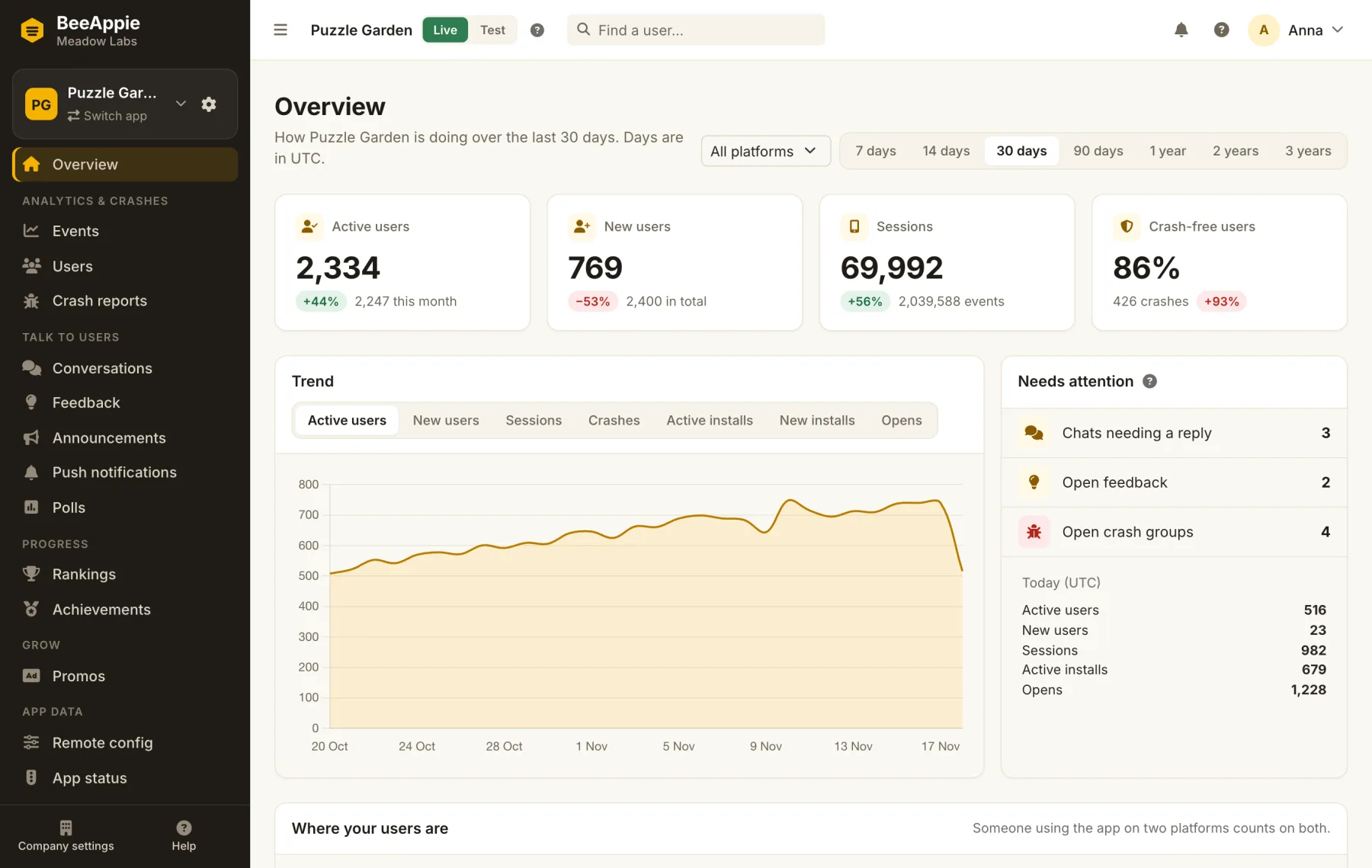
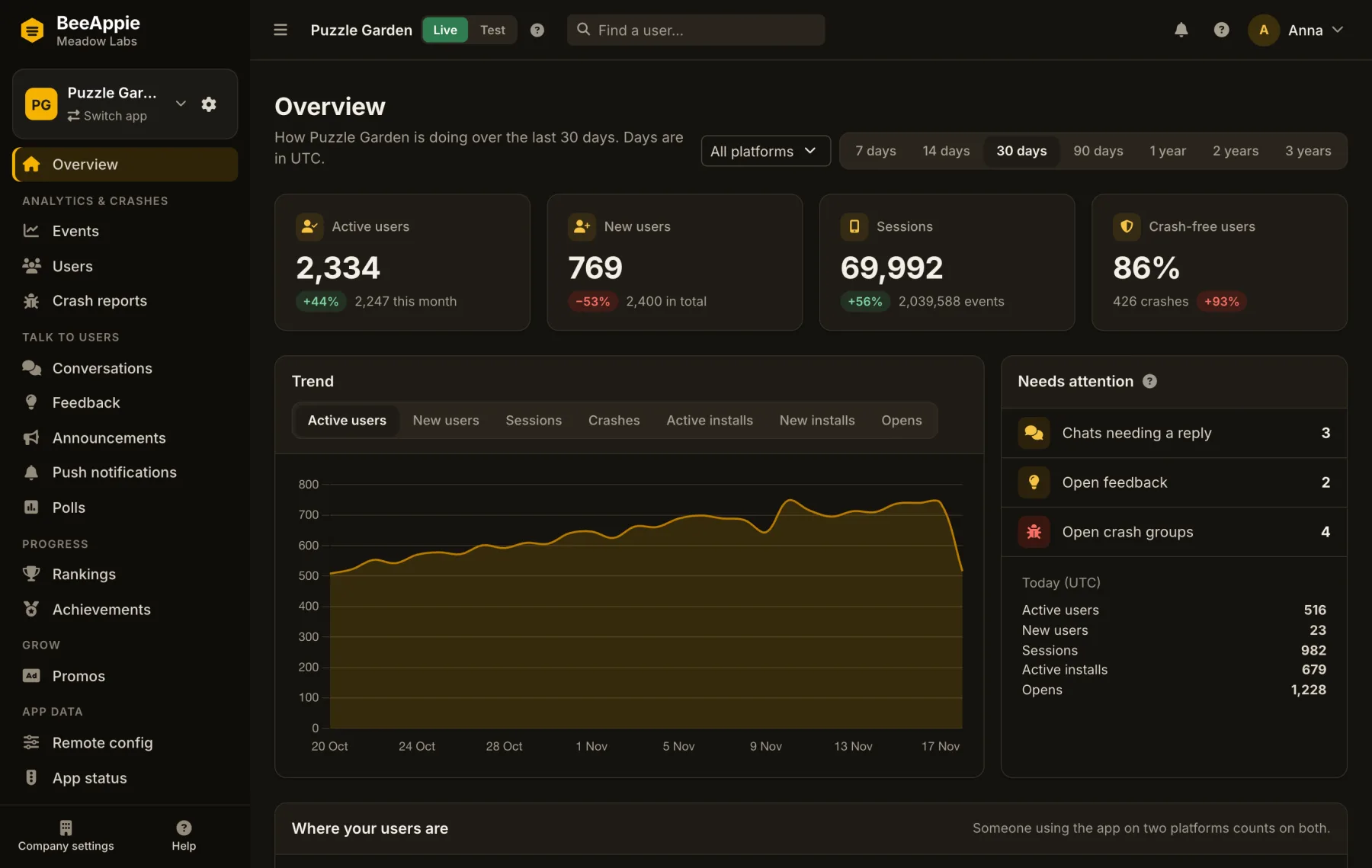
- An overview of every app: active and new users, sessions and crash-free users over time, and what needs your attention.
- Platform by platform: every number for all platforms or one at a time, with users split by app version and country.
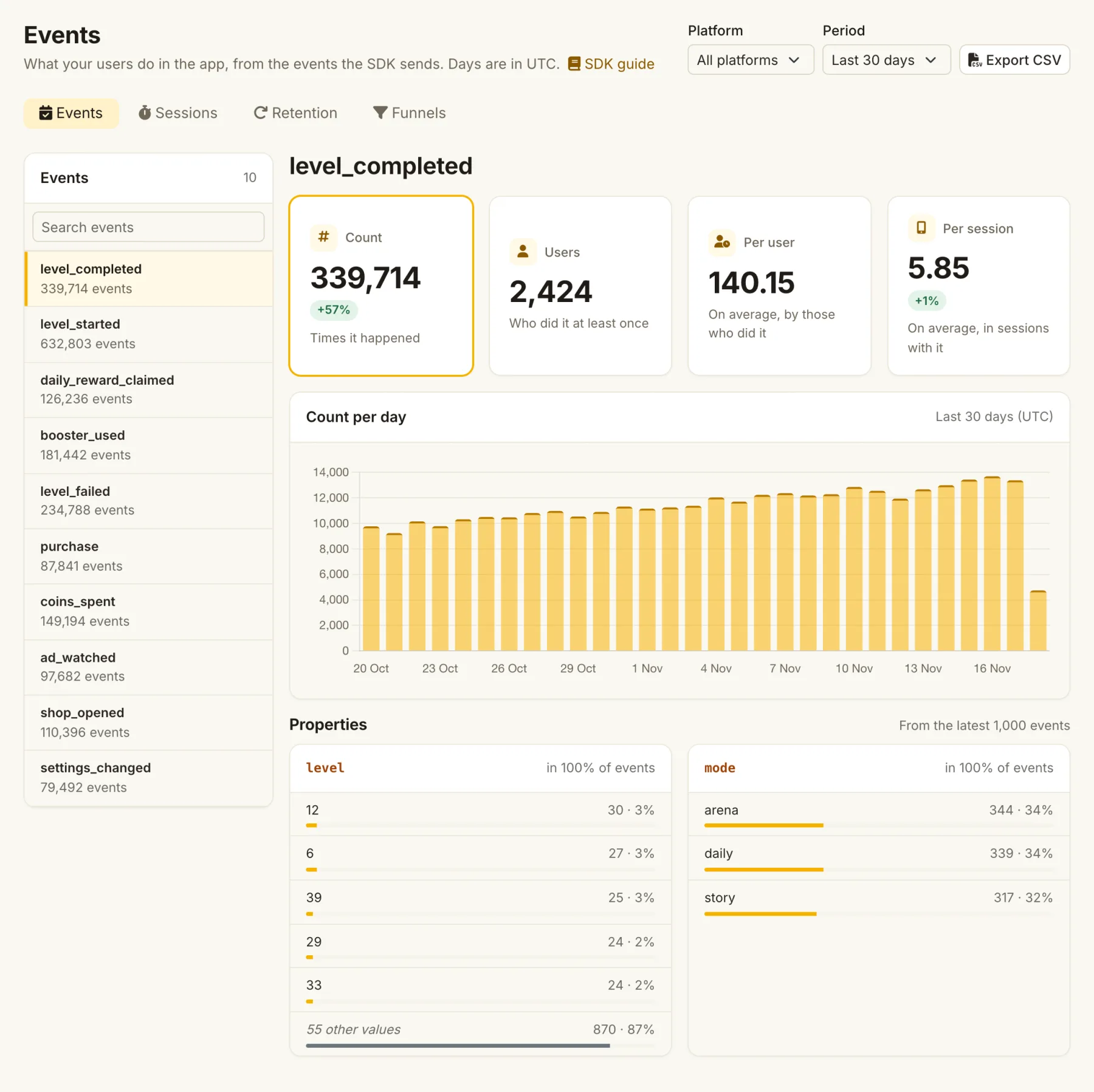
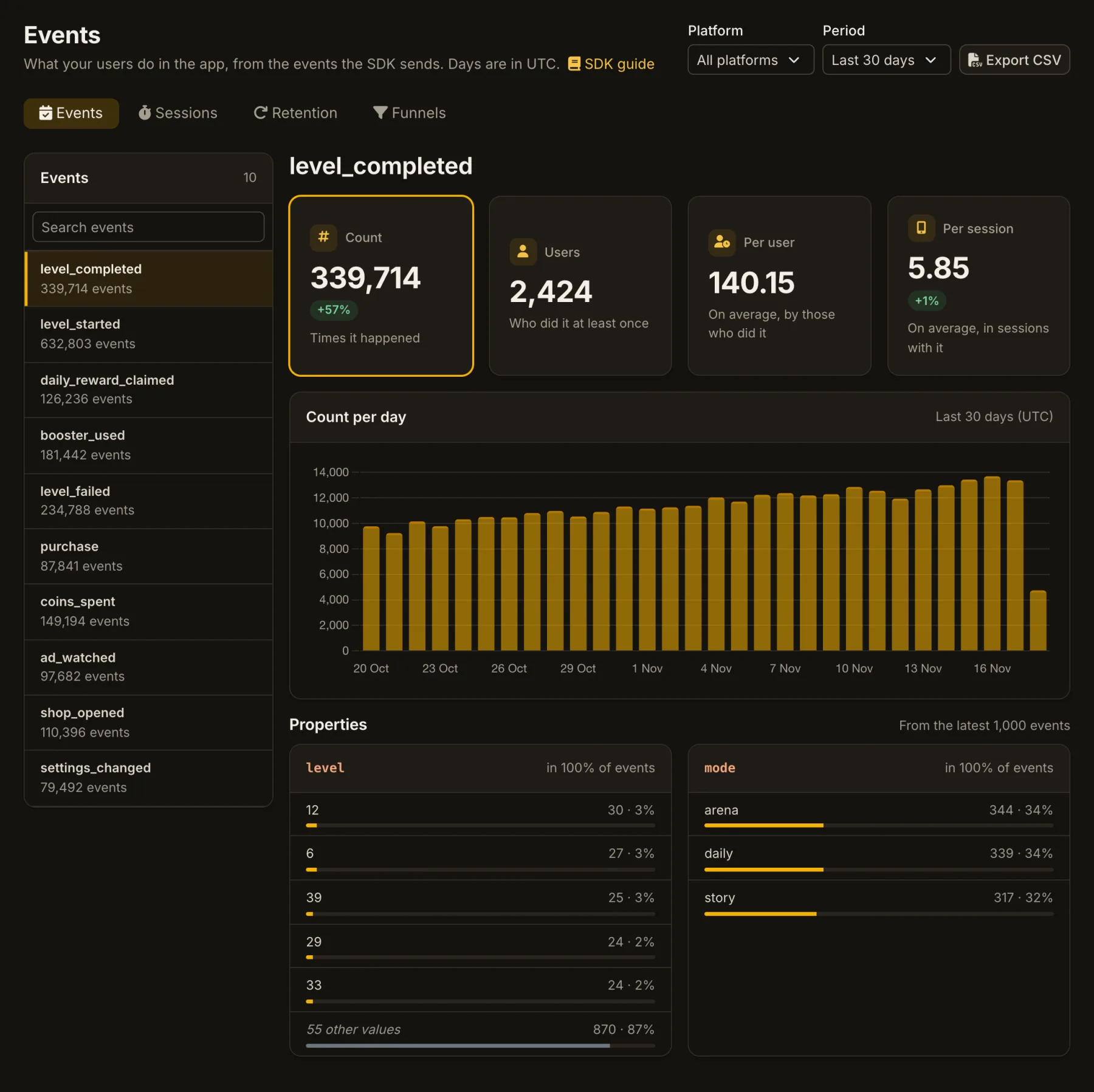
- Your own events with their properties: how often, by how many users, and which values they carry.
- Funnels from one event to the next, such as a level started and a level completed.
- Retention: how many of each week's new users come back in the weeks after.
- Everyone, counted without an id, if you choose it: daily, weekly and monthly active installs, new installs, how often people come back and weekly retention, also for users who didn't agree to statistics.
- Light on the device: events are sent together, kept while offline, and recorded only with the user's consent.
An example
Finding the level that's too hard
Puzzle Garden tracks level_started, level_completed and level_failed, each with the level number. Comparing them level by level showed one level failed far more often than the ones around it, so the team made it easier in the next update.
In your app
BeeAppieSdk.Instance.TrackEvent("level_completed",
    new Dictionary<string, string> { ["level"] = "3" });
BeeAppie.trackEvent("level_completed", mapOf("level" to "3"))BeeAppieSDK.trackEvent("level_completed", properties: ["level": "3"])BeeAppie.trackEvent('level_completed', properties: {'level': '3'});BeeAppie.trackEvent('level_completed', { level: '3' });BeeAppieSdk.TrackEvent("level_completed", new Dictionary<string, string> { ["level"] = "3" });The same in every SDK, and over the HTTP API for anything else. Read the events guide.
Plans
Every plan. Plans differ in events per month and how long history is kept.