What you can do with it
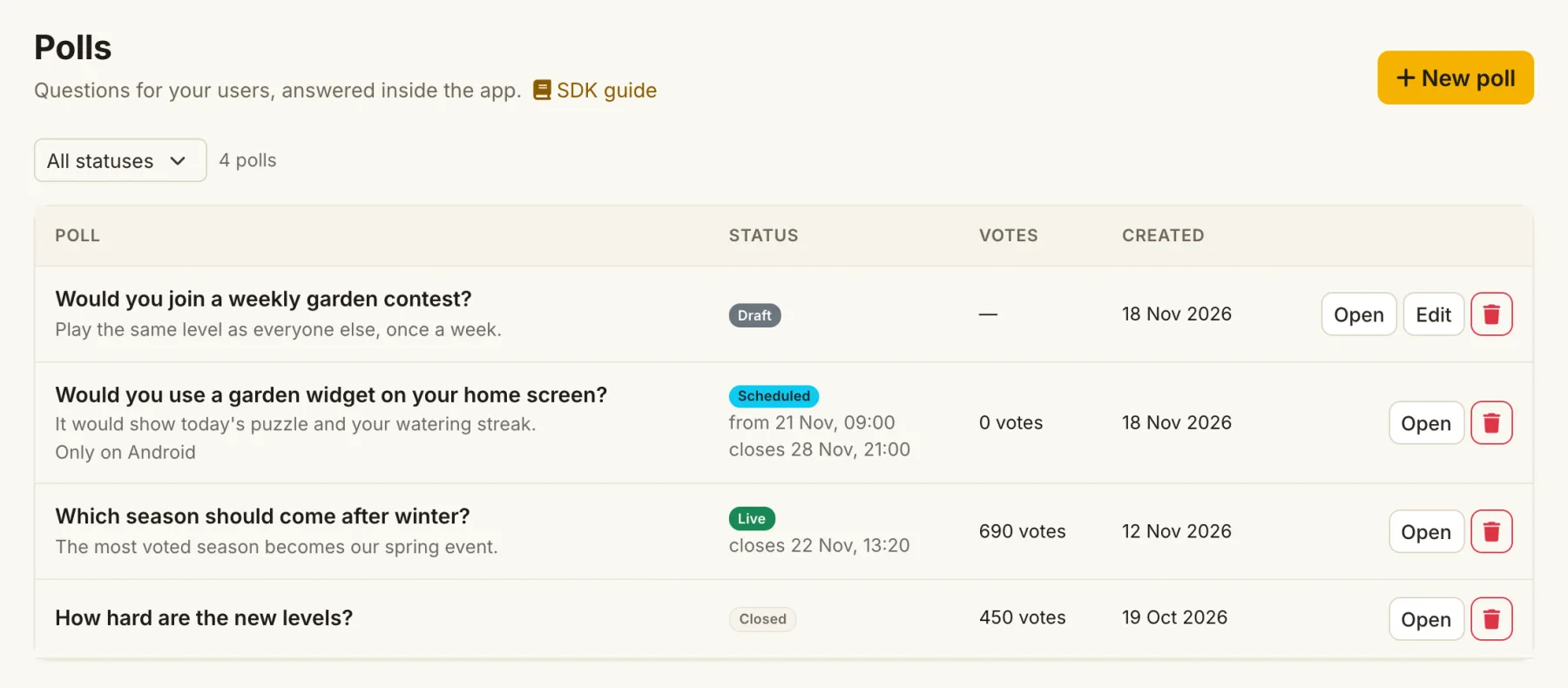
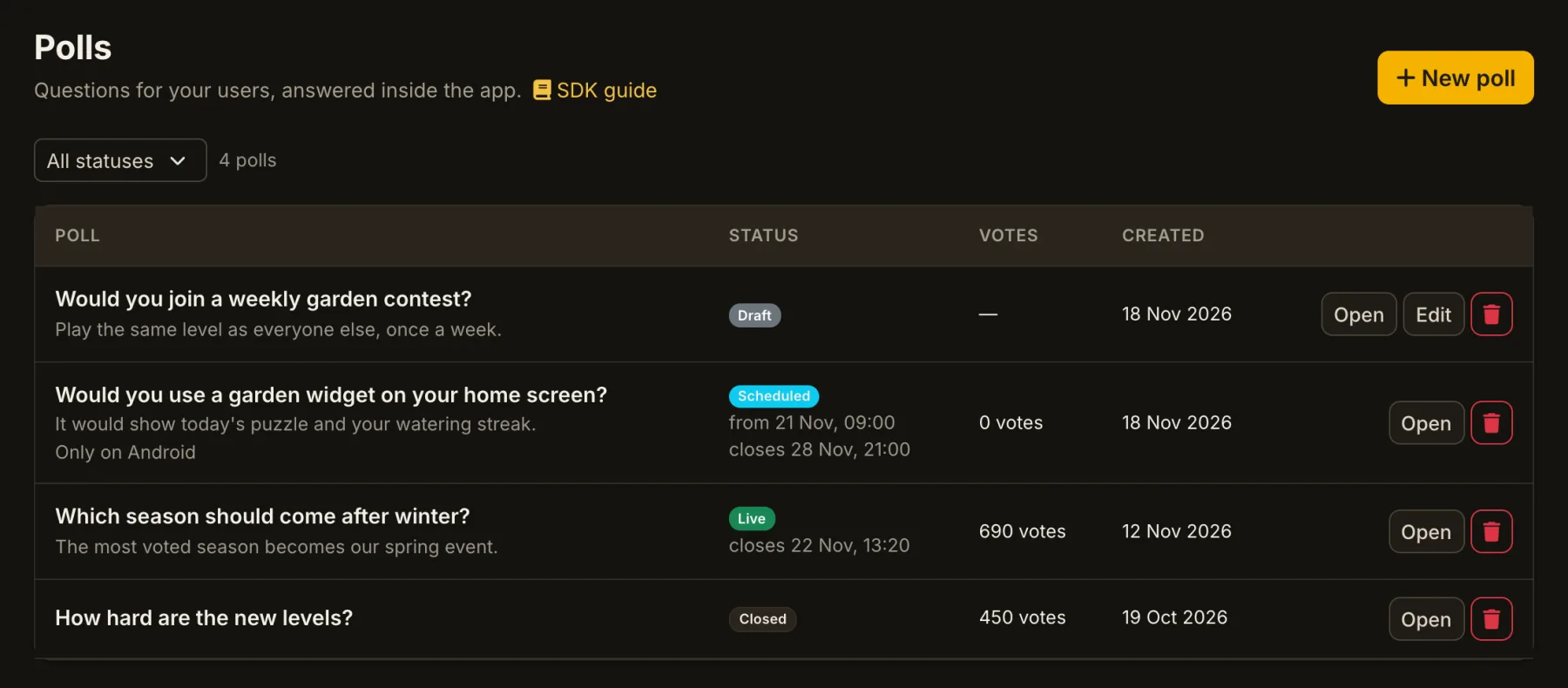
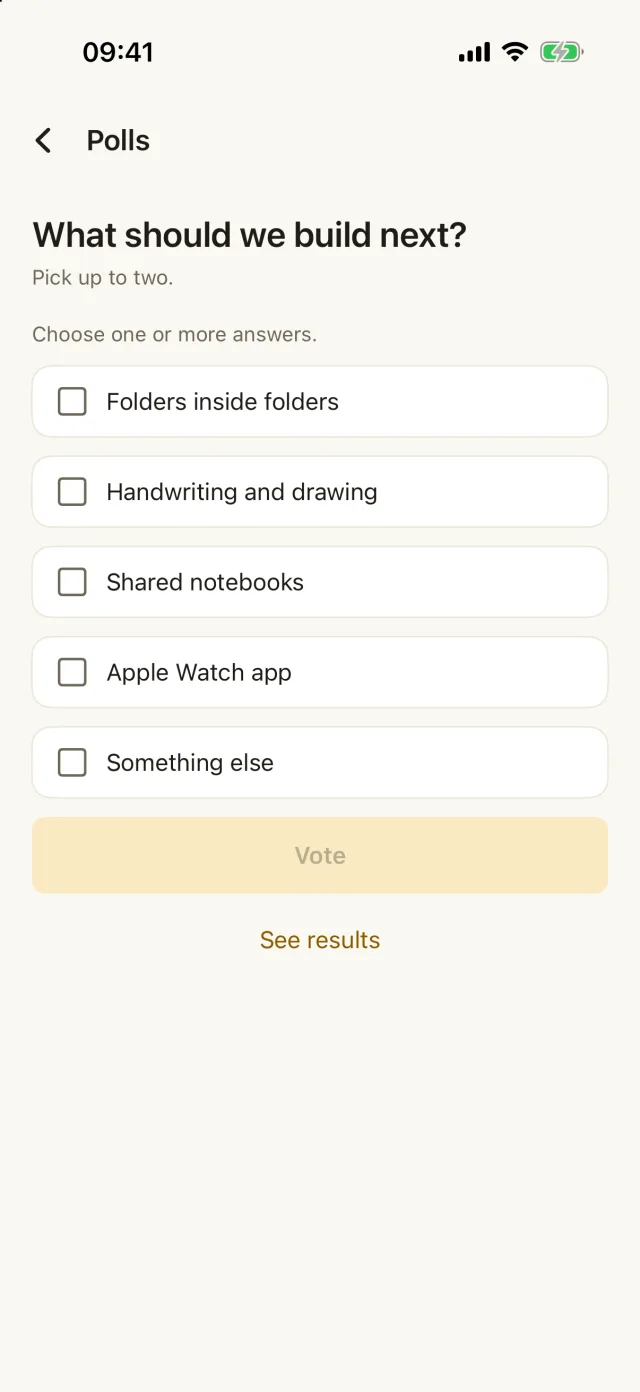
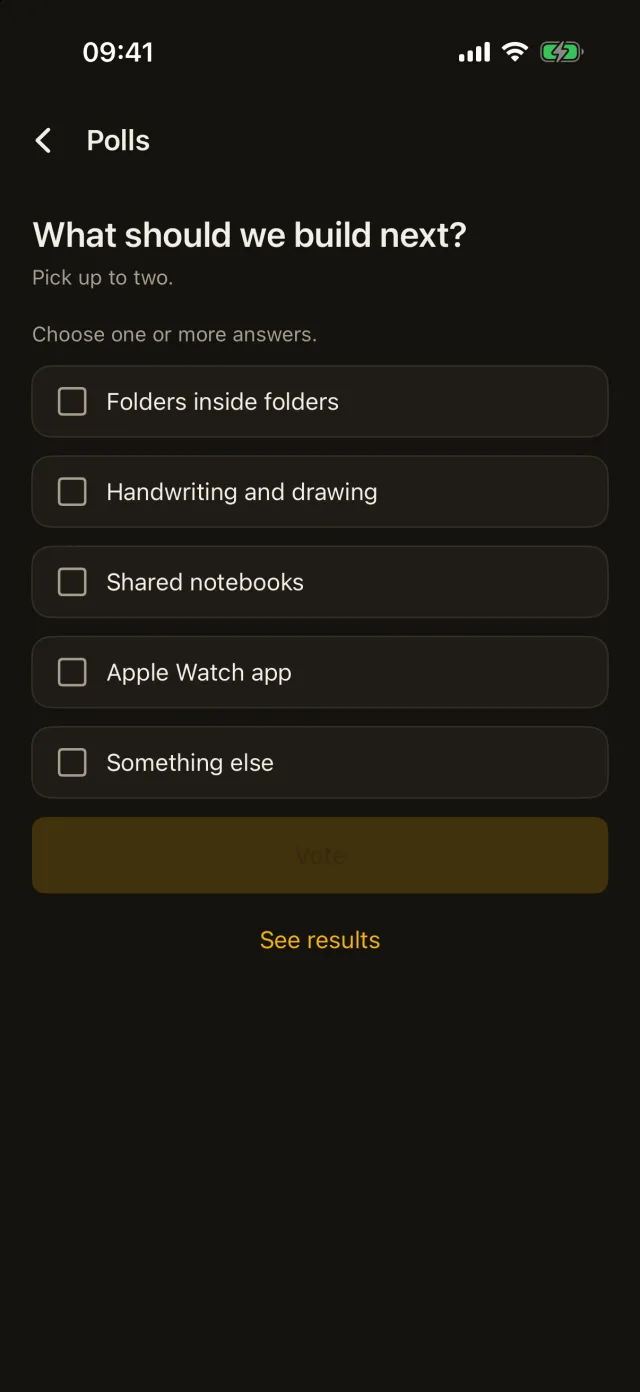
- Polls with one or several choices, and an answer users write themselves. Results update as votes arrive.
- Run it when you want: release a poll now or let it start and close by itself on the dates you set, close it early when you have enough answers, and send a push notification to bring users to it.
- Ask the right devices: show a poll on every platform or only on some, e.g. only on Android for a feature only Android has.
- One poll in many languages: translate the question and the choices, and the votes from every language count together. Fix a translation even after the poll has started.
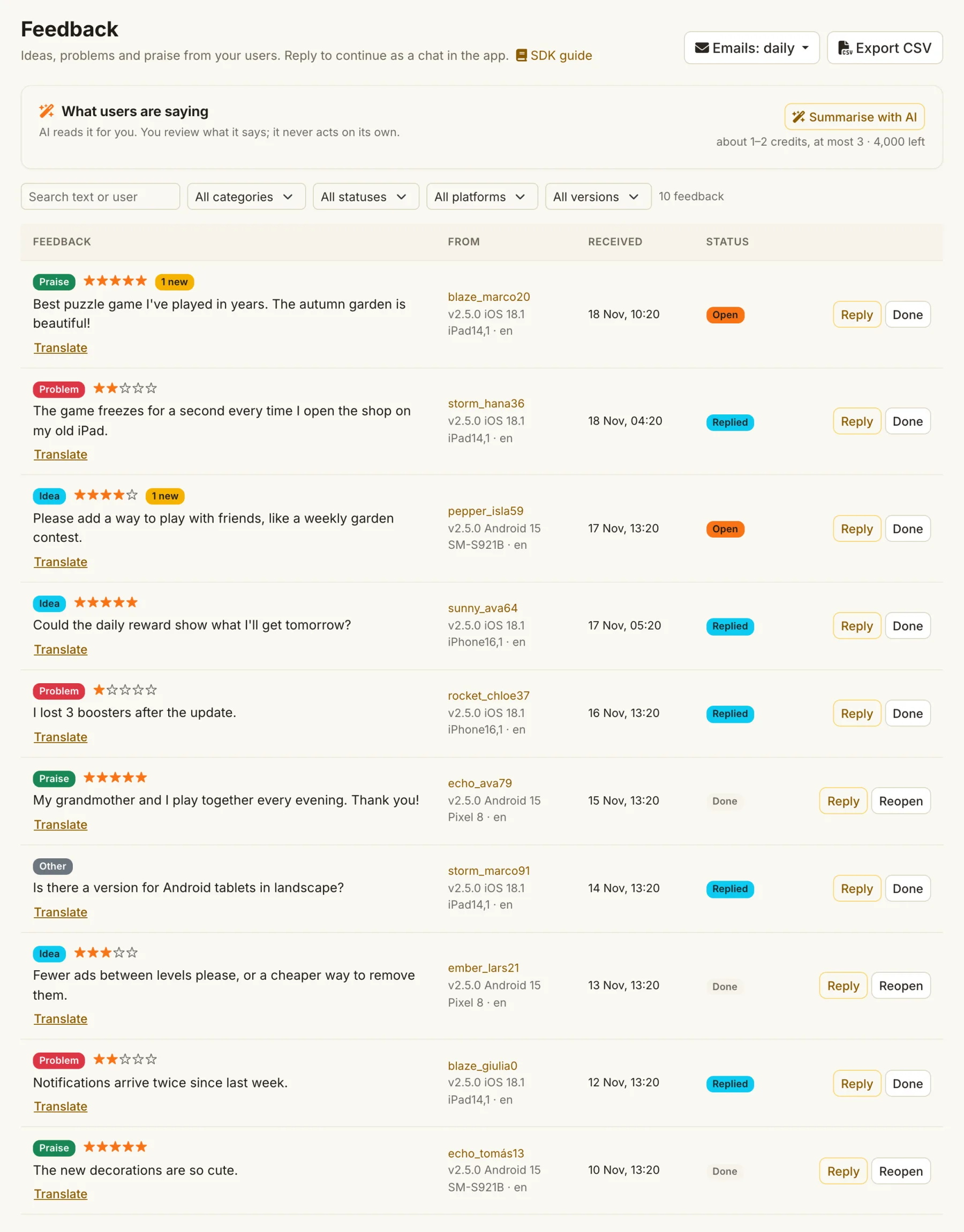
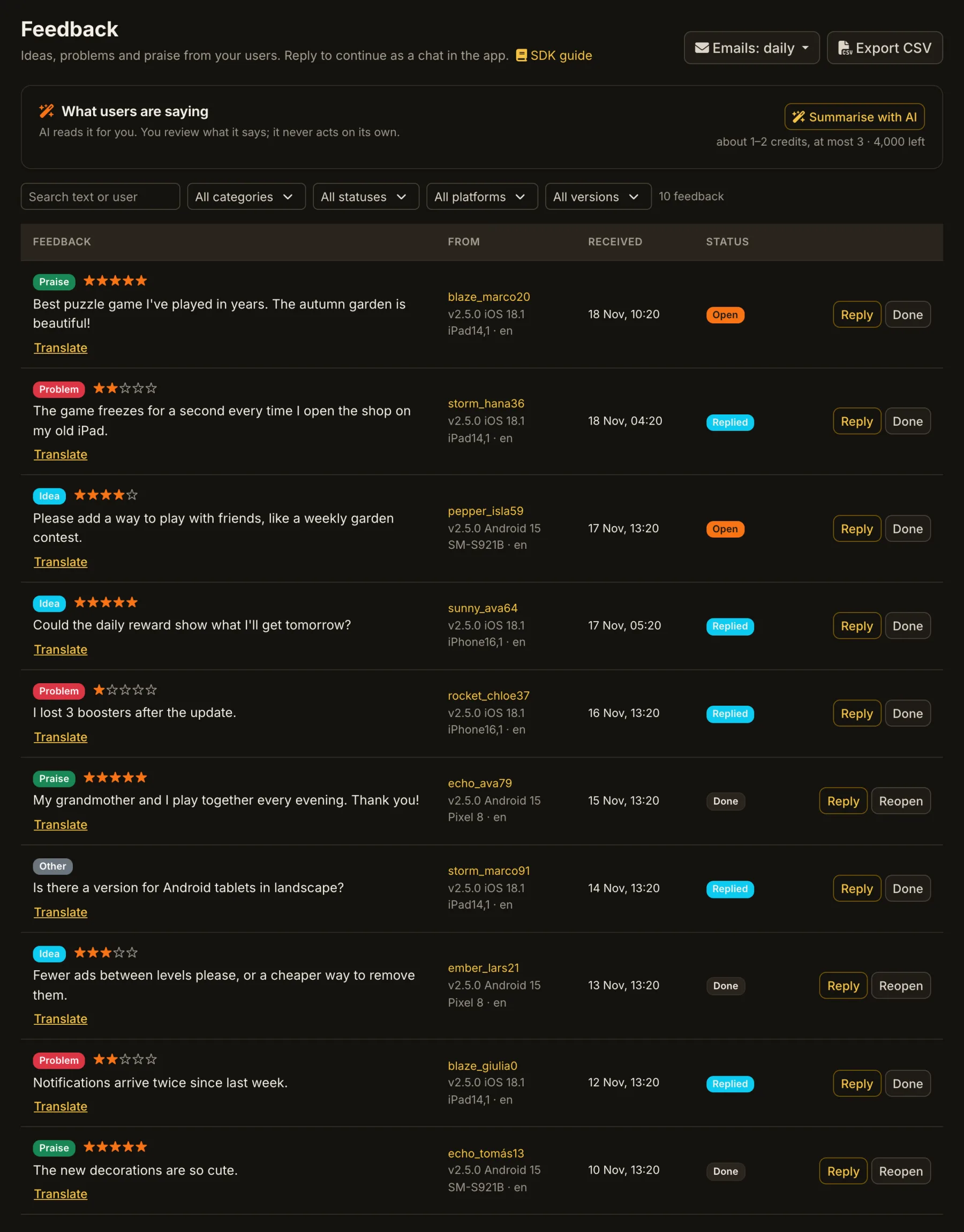
- A feedback form in your app: problem, idea, praise or other, a rating and an optional screenshot, with the app version and device attached.
- Written offline, still sent. Feedback written without a connection is kept on the phone and sent when it's back, and you see when it was written.
- Answer feedback from the dashboard; your reply reaches the user in the app.
- Stay on top of it: filter by category, platform and version, export it, or get a daily email digest.
An example
Letting users choose what's next
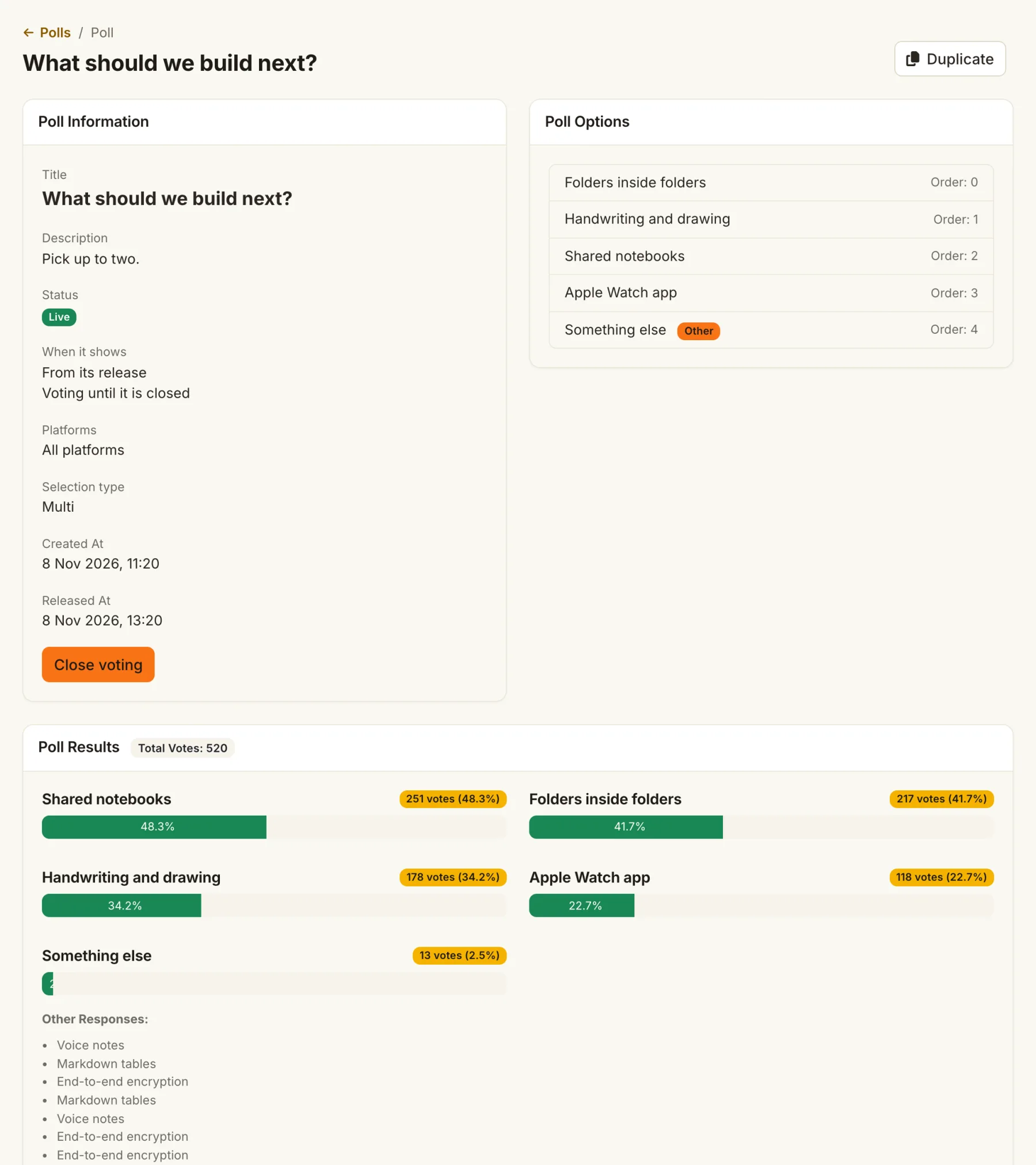
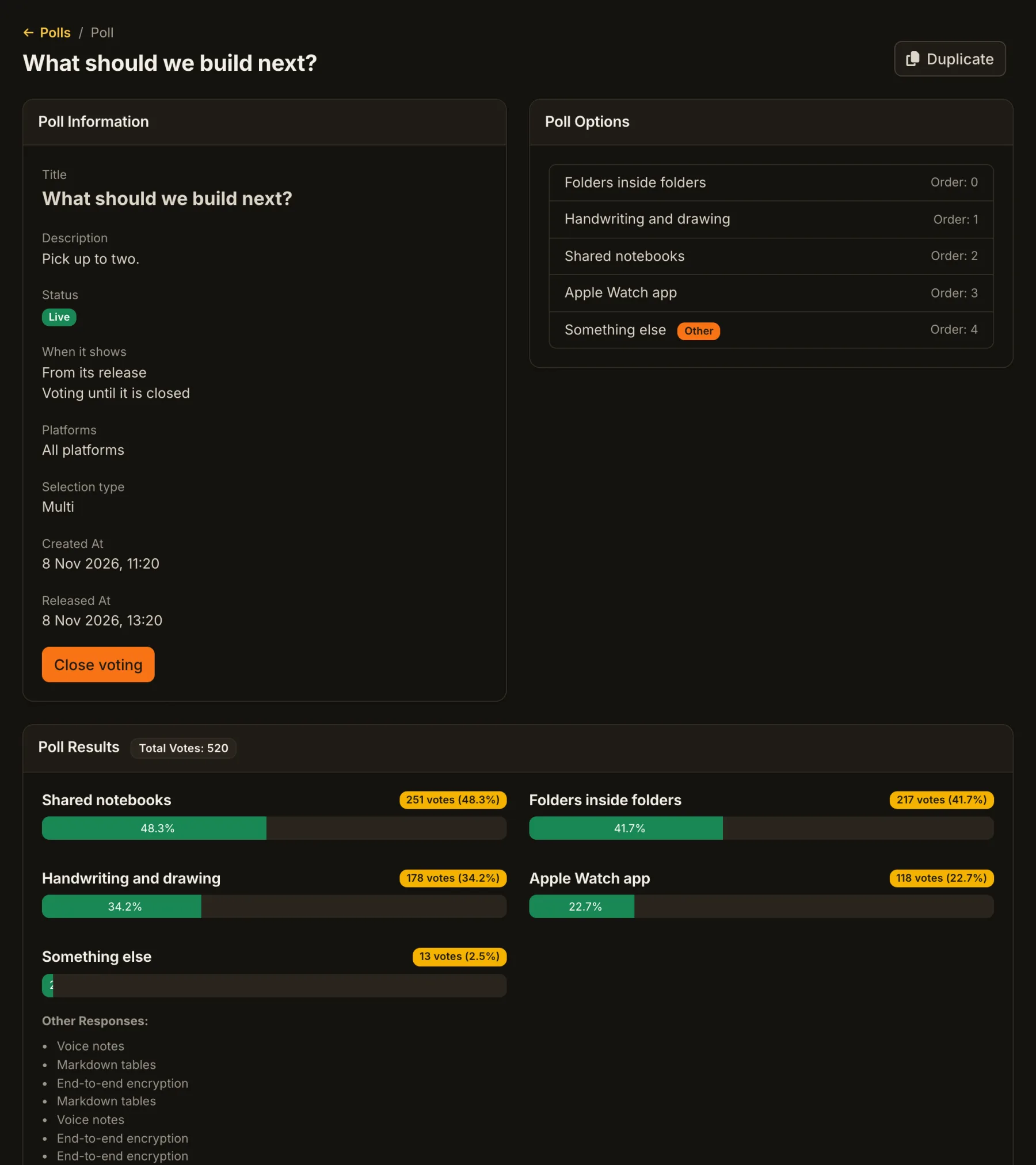
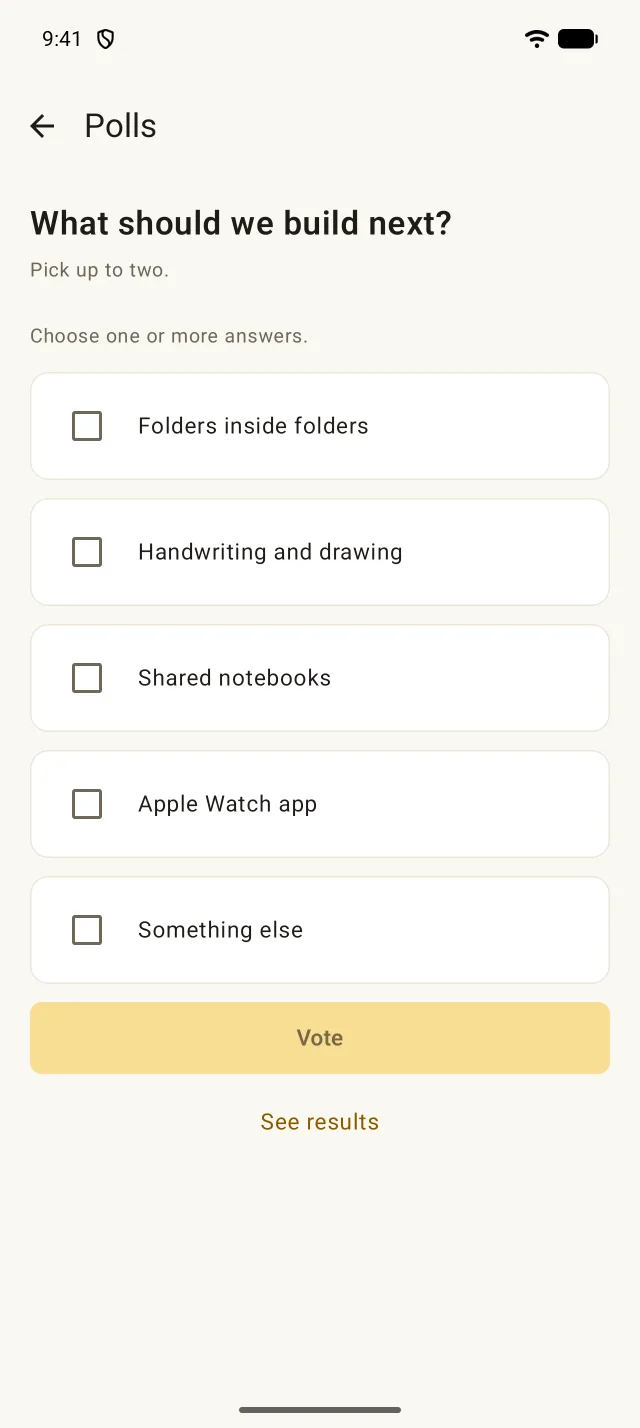
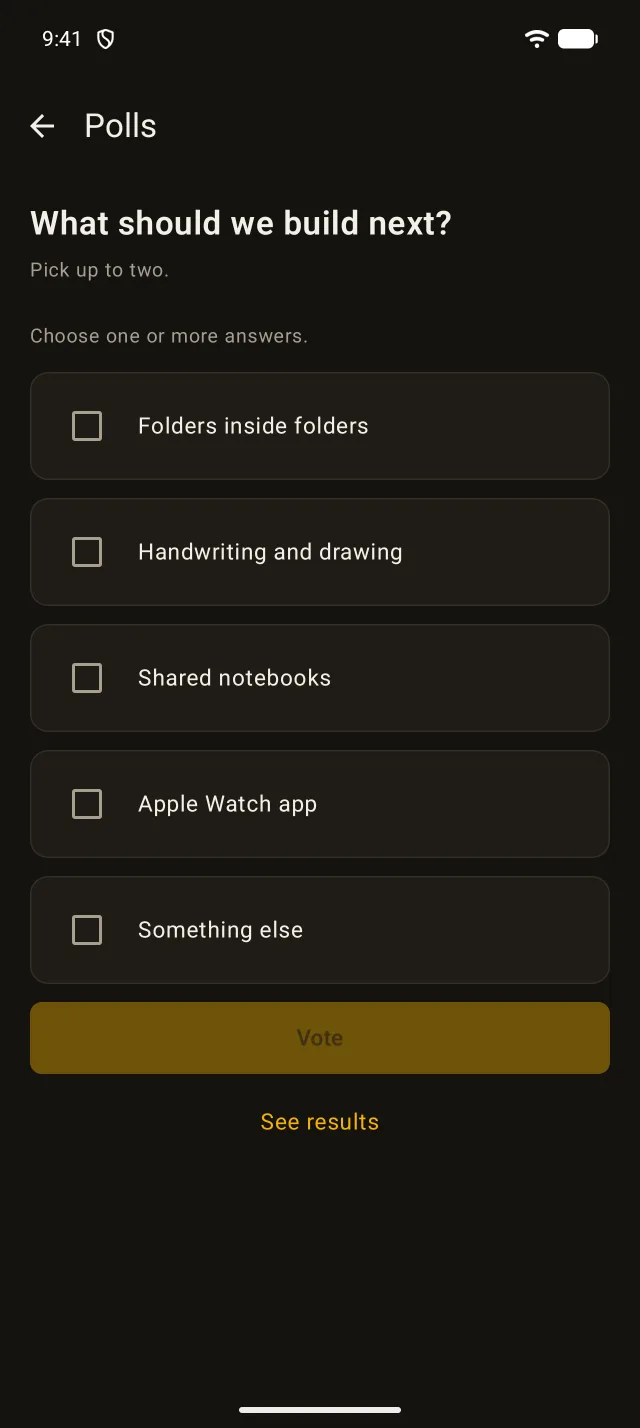
Jotter asked What should we build next? with up to two picks. Shared notebooks came out on top, and a few users wrote in their own answer, such as Markdown tables, which matched feedback the team had already received.
In your app
Polls
// MAUI, the ready-made polls page (BeeAppie.Maui.UI):
await Navigation.PushAsync(PageFactory.GetPollsPage());

// Or your own screen (any .NET app):
var polls = await BeeAppieSdk.Instance.Client.GetPollsAsync();
await BeeAppieSdk.Instance.Client.VoteAsync("<poll id>",
    [new SelectedPollOption { OptionId = "<option id>" }]);
// The ready-made polls screen (beeappie-ui):
BeeAppieUI.openPolls(context)
// Or your own screen, in a coroutine:
val polls = BeeAppie.client.getPolls()
BeeAppie.client.vote("<poll id>", listOf(PollChoice("<option id>")))// The ready-made polls screen (BeeAppieUI):
BeeAppieUI.present(.polls)
// Or your own screen:
let polls = try await BeeAppieSDK.client.getPolls()
try await BeeAppieSDK.client.vote(pollId: "<poll id>", choices: [PollChoice(optionId: "<option id>")])// The ready-made polls screen:
BeeAppie.openScreen(BeeAppieScreen.polls);
// Or your own screen:
final polls = await BeeAppie.client.getPolls();
await BeeAppie.client.vote('<poll id>', [const PollChoice('<option id>')]);// The ready-made polls screen:
BeeAppie.openScreen('polls');
// Or your own screen:
const polls = await BeeAppie.client.getPolls();
await BeeAppie.client.vote('<poll id>', [{ optionId: '<option id>' }]);var polls = await BeeAppieSdk.Client.GetPollsAsync();
await BeeAppieSdk.Client.VoteAsync("<poll id>", new[] { new PollChoice { OptionId = "<option id>" } });Feedback
// MAUI, the ready-made form (BeeAppie.Maui.UI):
await BeeAppieSdk.Instance.ShowFeedbackPageAsync();

// Or from your own form (any .NET app): kept on the device, sent now or once back online.
var sent = await BeeAppieSdk.Instance.Feedback.SendAsync(
    FeedbackCategory.Problem, "Backup fails", rating: 2);   // false: it waits on the device
// The ready-made form (beeappie-ui):
BeeAppieUI.openFeedback(context)
// Or from your own form, in a coroutine: kept on the device, sent now or once back online.
val sent = BeeAppie.feedback.send(FeedbackCategory.Problem, "Backup fails", rating = 2) // false: it waits// The ready-made form (BeeAppieUI): SwiftUI BeeAppieScreens(.feedback), or
BeeAppieUI.present(.feedback)
// Or from your own form: kept on the device, sent now or once back online.
let sent = await BeeAppieSDK.feedback.send(.problem, "Backup fails", rating: 2) // false: it waits// The ready-made form:
BeeAppie.openScreen(BeeAppieScreen.feedback);
// Or from your own form: kept on the device, sent now or once back online.
final sent = await BeeAppie.feedback.send(FeedbackCategory.problem, 'Backup fails', rating: 2); // false: it waits// The ready-made form:
BeeAppie.openScreen('feedback');
// Or from your own form: kept on the device, sent now or once back online.
const sent = await BeeAppie.feedback.send('Problem', 'Backup fails', { rating: 2 }); // false: it waits// From your own form: kept on the device, sent now or once back online.
var sent = await BeeAppieSdk.Feedback.SendAsync(FeedbackCategory.Problem, "Save fails", 2); // false: it waitsThe same in every SDK, and over the HTTP API for anything else. Read the polls guide. Read the feedback guide.
Plans
Every plan.