What you can do with it
- No sign-up screen. A user exists as soon as your app needs one, anonymous until they choose to sign in.
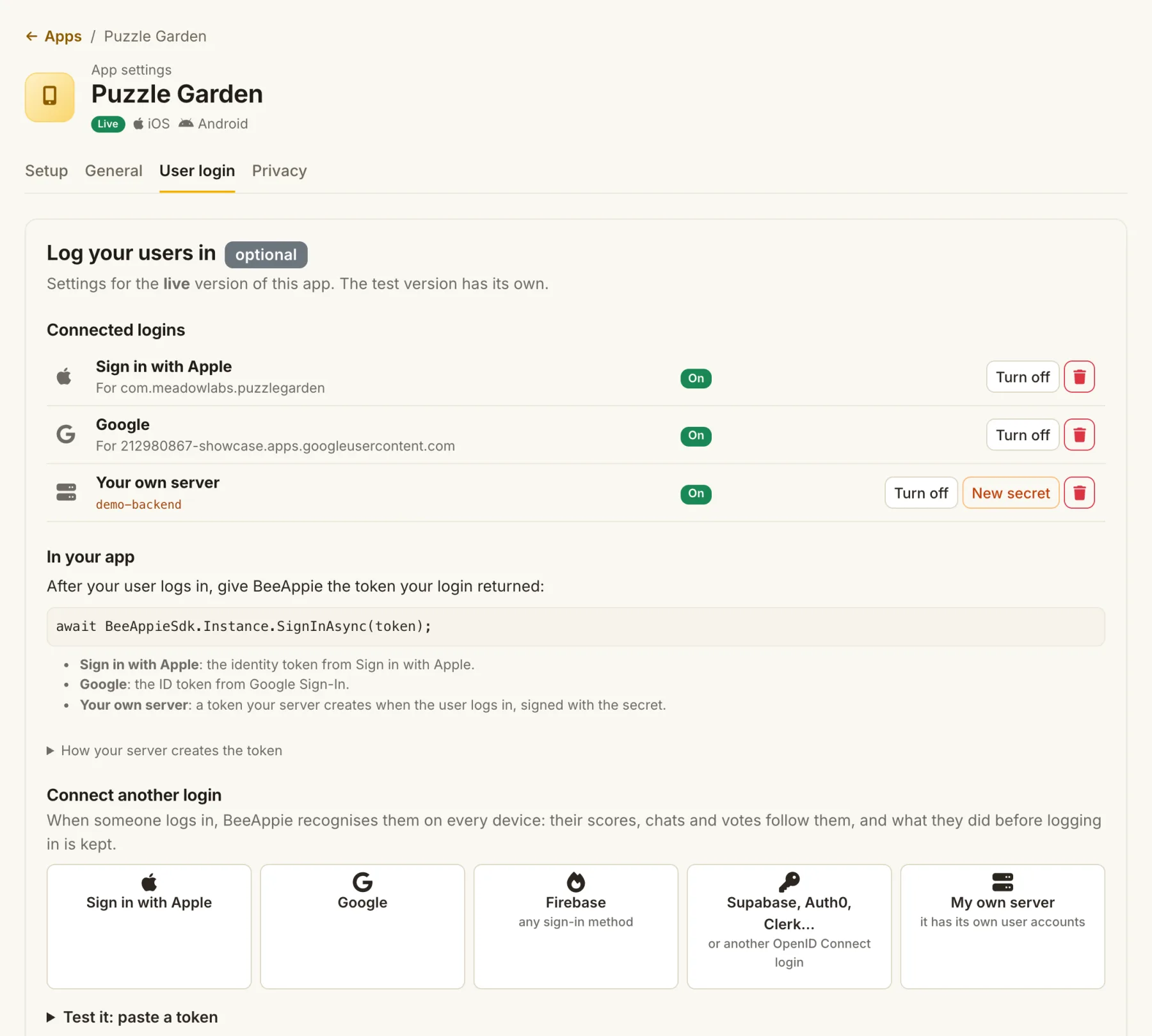
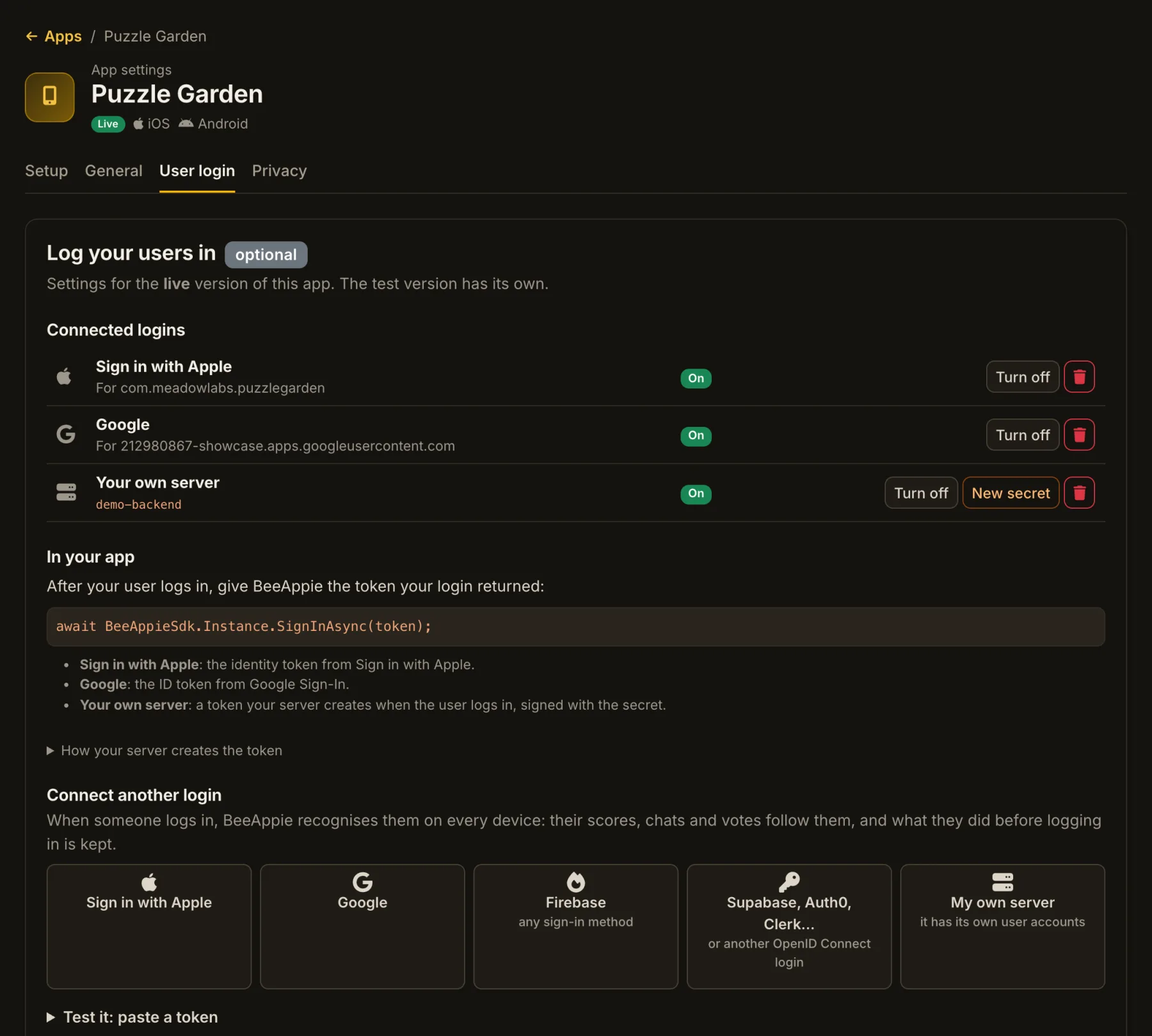
- Sign in with what you already use. Pass the id token from Sign in with Apple, Google, Firebase, any OpenID Connect provider or your own backend. The same person gets the same user on every device, and what they did before signing in comes with them.
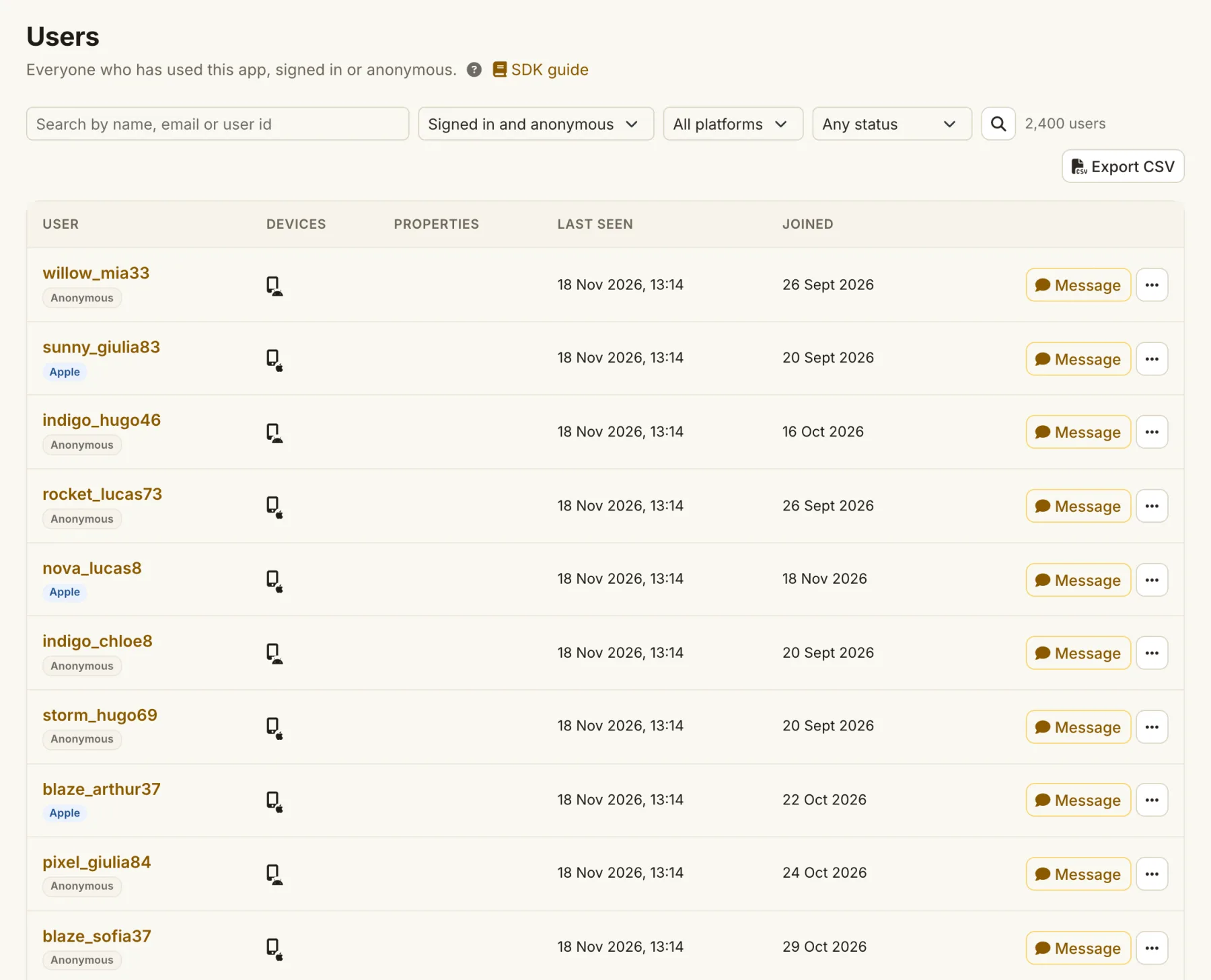
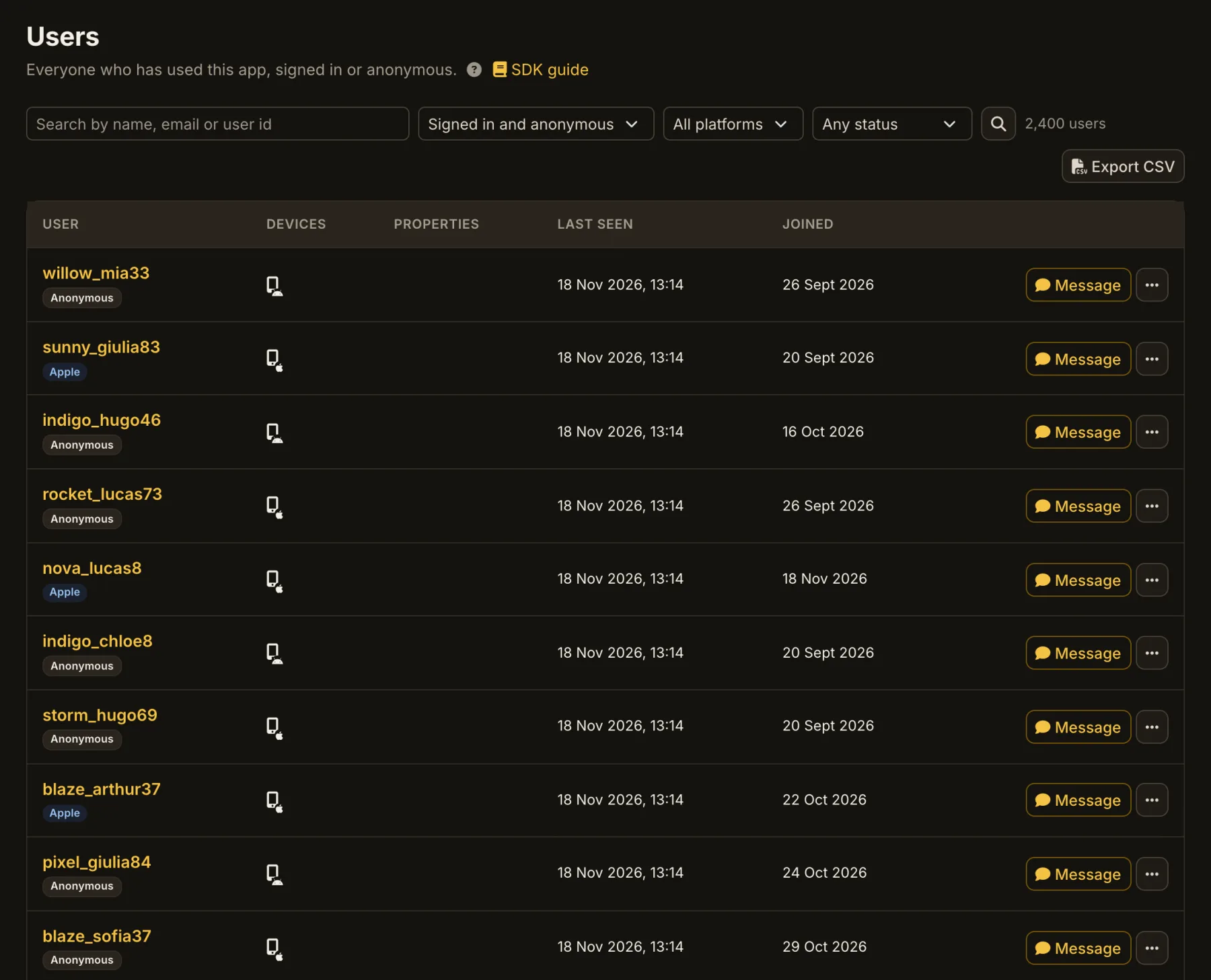
- A page for every user: their devices, app version, country and language, chats, achievements, entitlements and how much data they store.
- Your own user properties, such as a plan or a favourite mode, to target push notifications, announcements and remote config.
- Find anyone by name, email or id from the search bar at the top of the dashboard.
An example
A new phone, the same garden
Most Puzzle Garden players never sign in: they get a user the first time they post a score, and their progress lives with it. Players who want their garden on another phone sign in with Apple or Google from the settings. When one of them switched phones, she signed in with the same Apple account and her levels, coins and achievements came back.
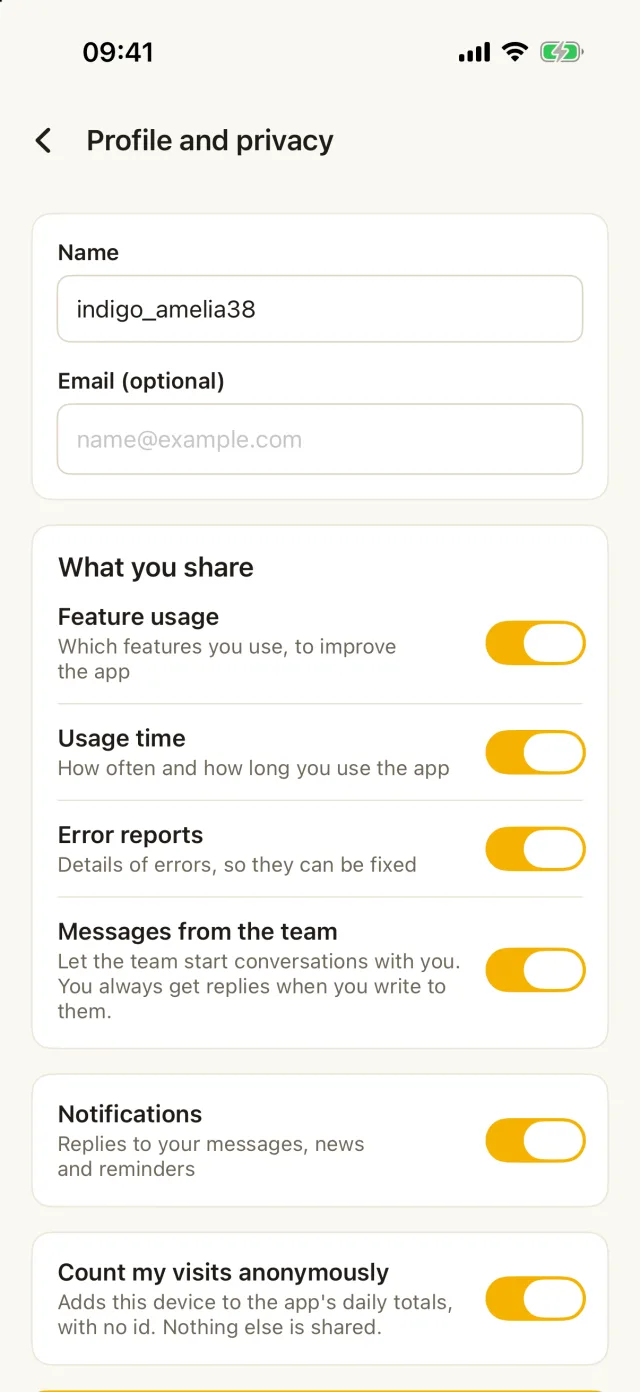
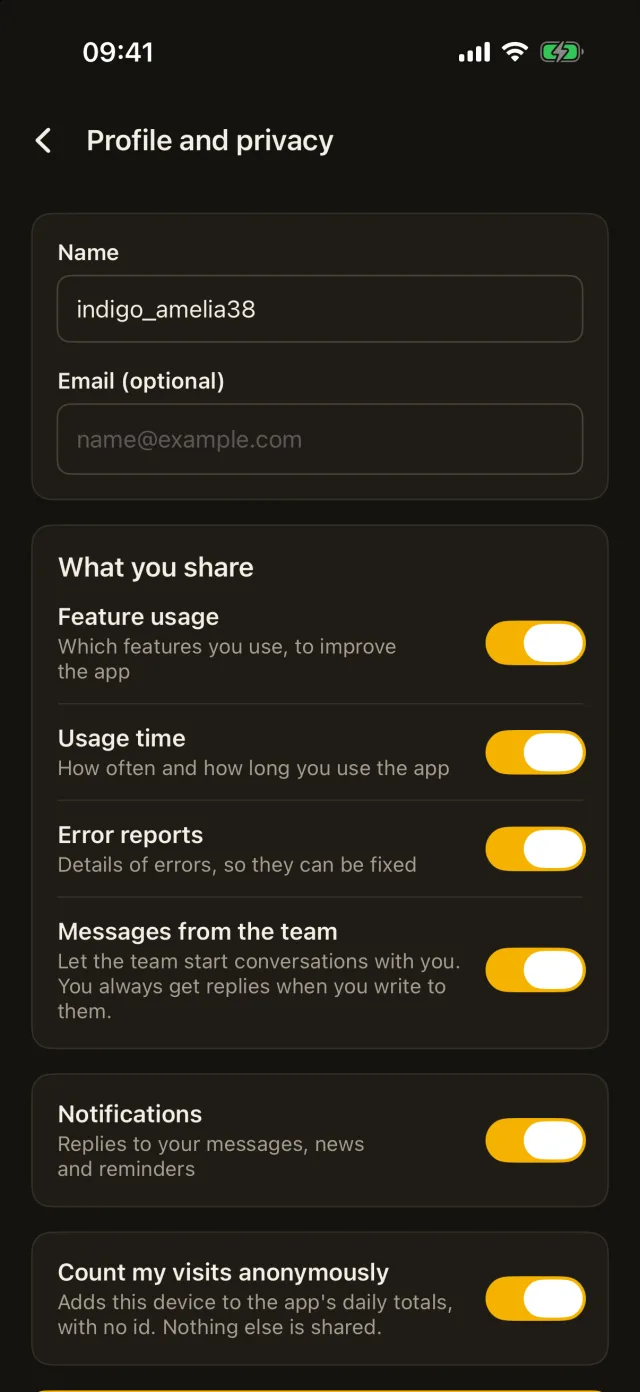
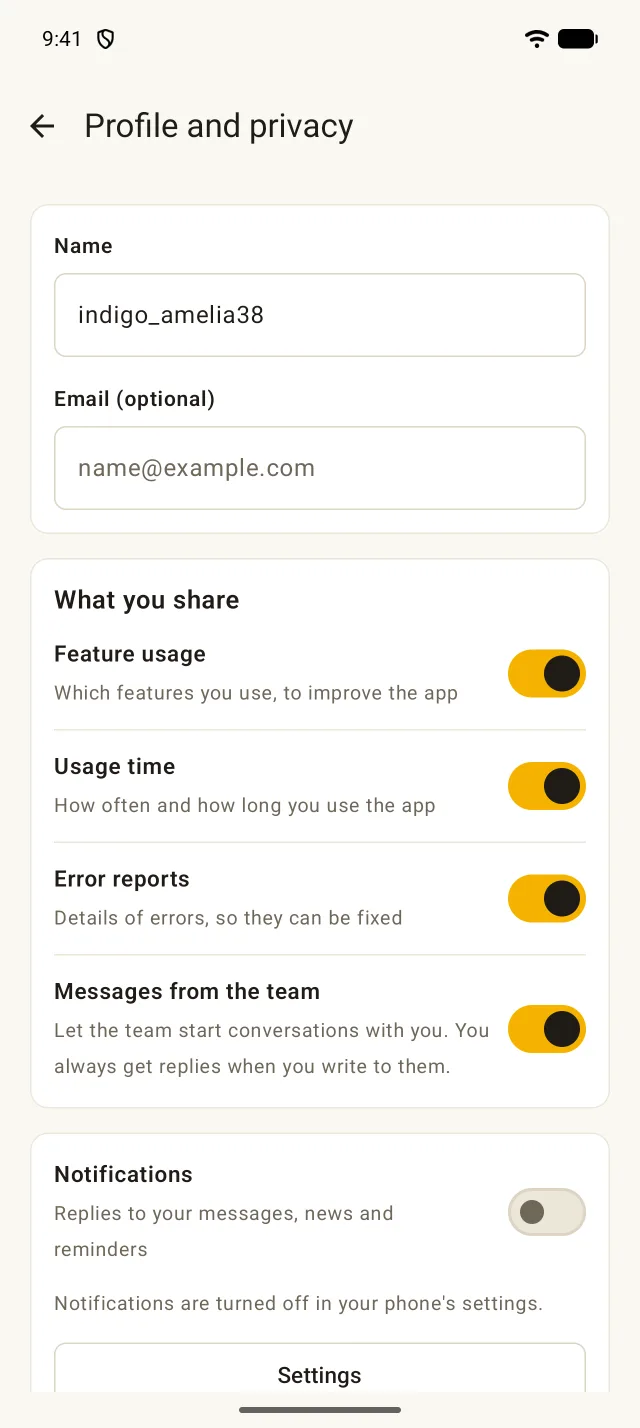
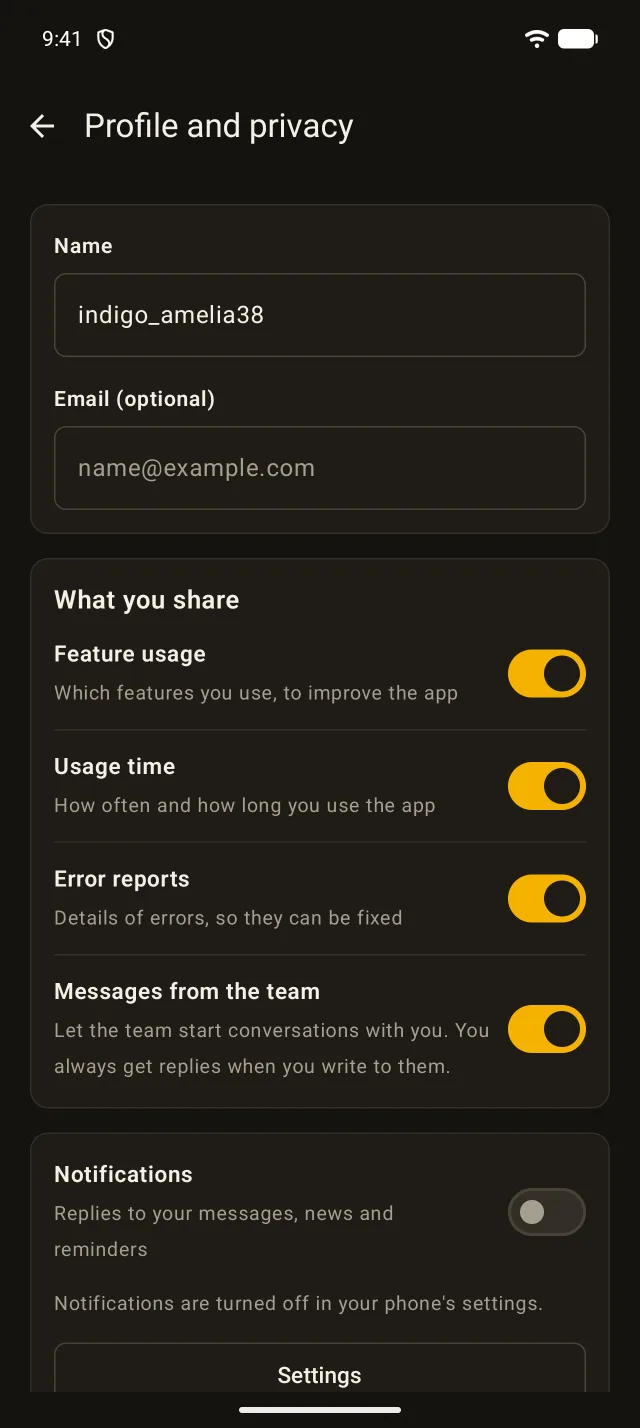
In your app
Install and start
// .NET MAUI (iOS, Android, Mac, Windows), in MauiProgram.cs:
// dotnet add package BeeAppie.Maui (+ BeeAppie.Maui.UI for the ready-made pages)
builder.UseBeeAppie("<app key>")
       .UseBeeAppieUI(o => o.ShowConsentOnFirstLaunch = true);   // 2. the ready-made consent page

// Avalonia or Uno on iOS and Android, or plain .NET for iOS/Android:
// dotnet add package BeeAppie.Mobile
BeeAppieMobile.Start("<app key>");

// Desktop: WPF, WinForms, WinUI 3 (Windows), and Avalonia, Uno or
// console apps (Windows, macOS, Linux): dotnet add package BeeAppie.Desktop
BeeAppieDesktop.Start("<app key>");

// 2. Consent. Avalonia or Uno (BeeAppie.Avalonia.UI / .Uno.UI), once your first view shows:
await BeeAppieUI.ShowConsentIfNeededAsync();   // Uno: ShowConsentIfNeededAsync(this)
// Your own privacy screen instead, or WPF, WinForms, WinUI:
await BeeAppieSdk.Instance.SetConsentAsync(new ConsentDto
{
    EventPermission = true, SessionPermission = true, IssuesPermission = true
});

// Then, everywhere (shared code too): using BeeAppie.Core;
BeeAppieSdk.Instance.TrackEvent("app_opened");
// settings.gradle.kts, in dependencyResolutionManagement › repositories:
maven("https://maven.beeappie.com") { content { includeGroup("com.beeappie") } }
// app/build.gradle.kts, in dependencies:
implementation("com.beeappie:beeappie:1.0.0")
implementation("com.beeappie:beeappie-ui:1.0.0") // the screens
// Application.onCreate
BeeAppie.start(this, "<app key>")
BeeAppieUI.askConsentOnFirstLaunch(this) // 2. the ready-made consent screen
// or your own privacy screen: BeeAppie.setConsent(Consent(…)), see Privacy// Swift Package Manager: https://github.com/beeappie/beeappie-ios
import BeeAppie
import BeeAppieUI
@main struct ShopApp: App {
init() {
BeeAppieSDK.start(appKey: "<app key>")
BeeAppieUI.askConsentOnFirstLaunch() // 2. the ready-made consent screen
// or your own privacy screen: BeeAppieSDK.setConsent(Consent(…)), see Privacy
}
…
}// pubspec.yaml: beeappie_flutter: ^0.1.0
import 'package:beeappie_flutter/beeappie_flutter.dart';
void main() {
WidgetsFlutterBinding.ensureInitialized();
BeeAppie.start('<app key>');
runApp(const ShopApp());
}
// 2. Consent: the ready-made screen, asked only if the user never answered,
// e.g. in your first screen's initState…
BeeAppie.showConsentIfNeeded();
// …or your own privacy screen:
await BeeAppie.setConsent(Consent.all);// npm install @beeappie/react-native && cd ios && pod install
import BeeAppie, { ALL_CONSENT } from '@beeappie/react-native';
BeeAppie.start('<app key>'); // index.js, before AppRegistry
// 2. Consent: the ready-made screen, asked only if the user never answered,
// e.g. in a useEffect of your root component…
BeeAppie.showConsentIfNeeded();
// …or your own privacy screen:
await BeeAppie.setConsent(ALL_CONSENT);// Package Manager → + → Add package from git URL… https://github.com/beeappie/beeappie-unity.git#1.0.1
using BeeAppie.Unity;
// Once, e.g. in your first scene's Awake:
BeeAppieSdk.Start("<app key>");
// 2. Consent, from your own privacy screen once the player agrees:
await BeeAppieSdk.SetConsentAsync(new Consent
{
EventPermission = true, IssuesPermission = true, SessionPermission = true
});Users and sign-in
await BeeAppieSdk.Instance.SignInAsync(idToken);
await BeeAppieSdk.Instance.SetUserPropertiesAsync(
    new Dictionary<string, object?> { ["plan"] = "gold" });

// Back to a new anonymous user (the signed-in one is kept):
await BeeAppieSdk.Instance.SignOutAsync();
// In a coroutine:
BeeAppie.signIn(idToken)
BeeAppie.setUserProperties(mapOf("plan" to "gold"))
// Back to a new anonymous user (the signed-in one is kept):
BeeAppie.signOut()try await BeeAppieSDK.signIn(idToken: idToken)
await BeeAppieSDK.setUserProperties(["plan": "gold"])
// Back to a new anonymous user (the signed-in one is kept):
try await BeeAppieSDK.signOut()await BeeAppie.signIn(idToken);
await BeeAppie.setUserProperties({'plan': 'gold'});
// Back to a new anonymous user (the signed-in one is kept):
await BeeAppie.signOut();await BeeAppie.signIn(idToken);
await BeeAppie.setUserProperties({ plan: 'gold' });
// Back to a new anonymous user (the signed-in one is kept):
await BeeAppie.signOut();await BeeAppieSdk.SignInAsync(idToken);
await BeeAppieSdk.SetUserPropertiesAsync(new Dictionary<string, object?> { ["plan"] = "gold" });
// Back to a new anonymous player (the signed-in one is kept):
await BeeAppieSdk.SignOutAsync();The same in every SDK, and over the HTTP API for anything else. Read the install and start guide. Read the users and sign-in guide.
Plans
Every plan. Plans differ in how many monthly active users they include.