What you can do with it
- Answer where your users already are. Open the ready-made chat screen with one line, or build your own with the SDK's chat calls. Messages arrive live in both directions.
- Bring them back to the answer. Your reply reaches the user as a push notification, even with the app closed, and opens the chat when tapped.
- Share the work. Topics send purchase questions to one person and bugs to another. Chat agents see only the apps you give them, and the inbox shows who has what (Pro and Business).
- Put a face to the answer. Users see the photo of the team member who replies; on paid plans, automated messages can show your app's icon.
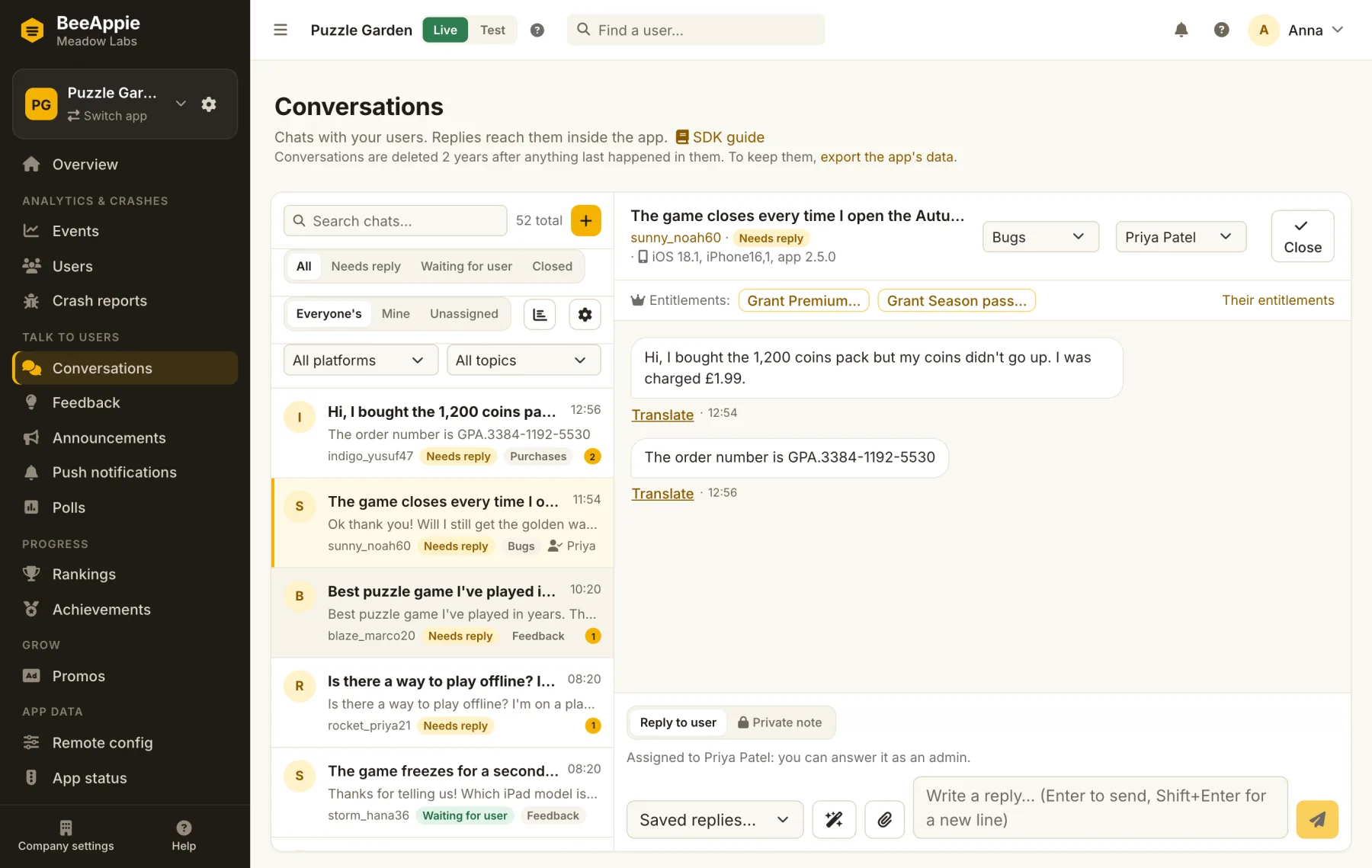
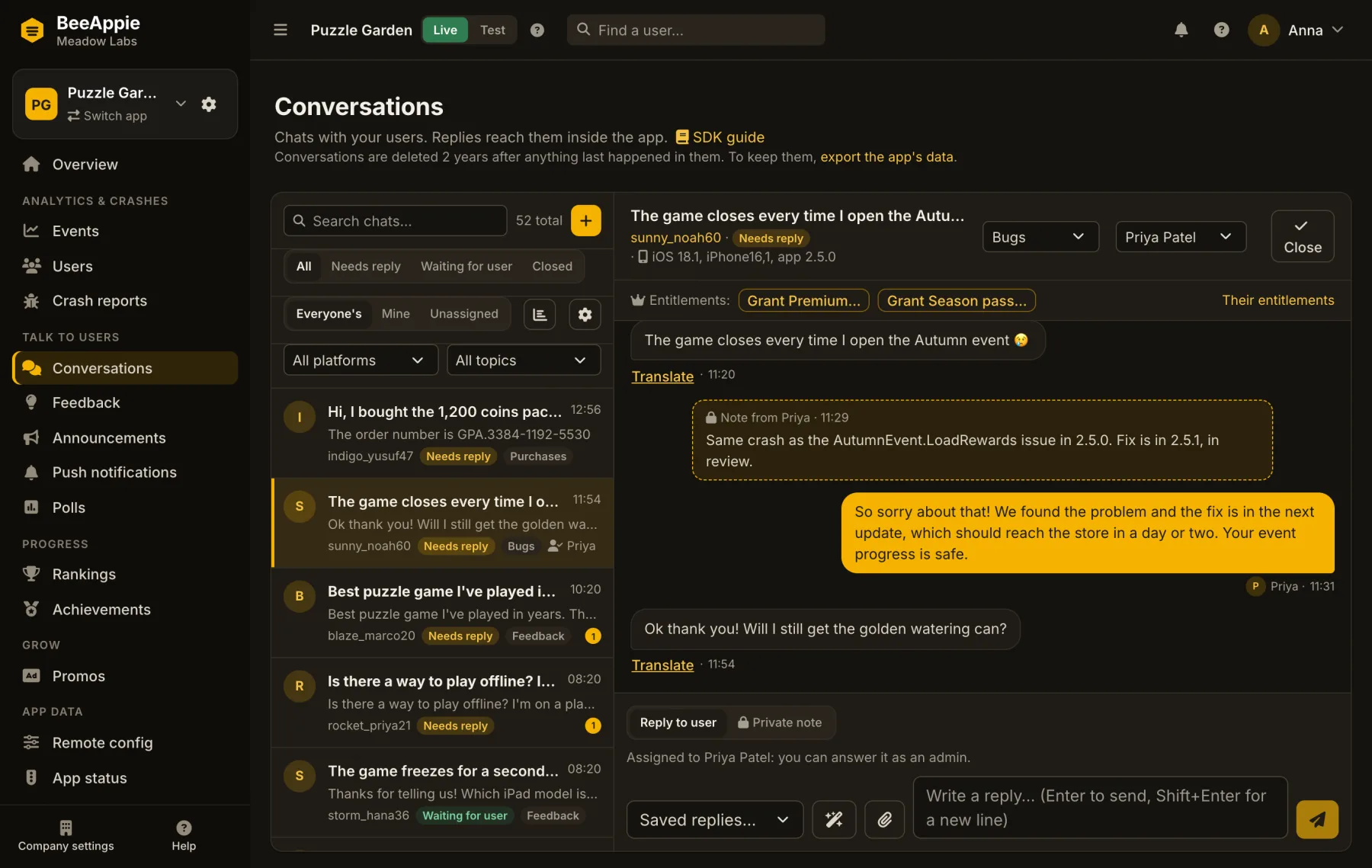
- Know who you're talking to. Each chat shows the app version, the device and the user's entitlements. Use saved replies, give a week of Premium as an apology from the chat itself, or, on Pro and Business, leave notes only your team sees.
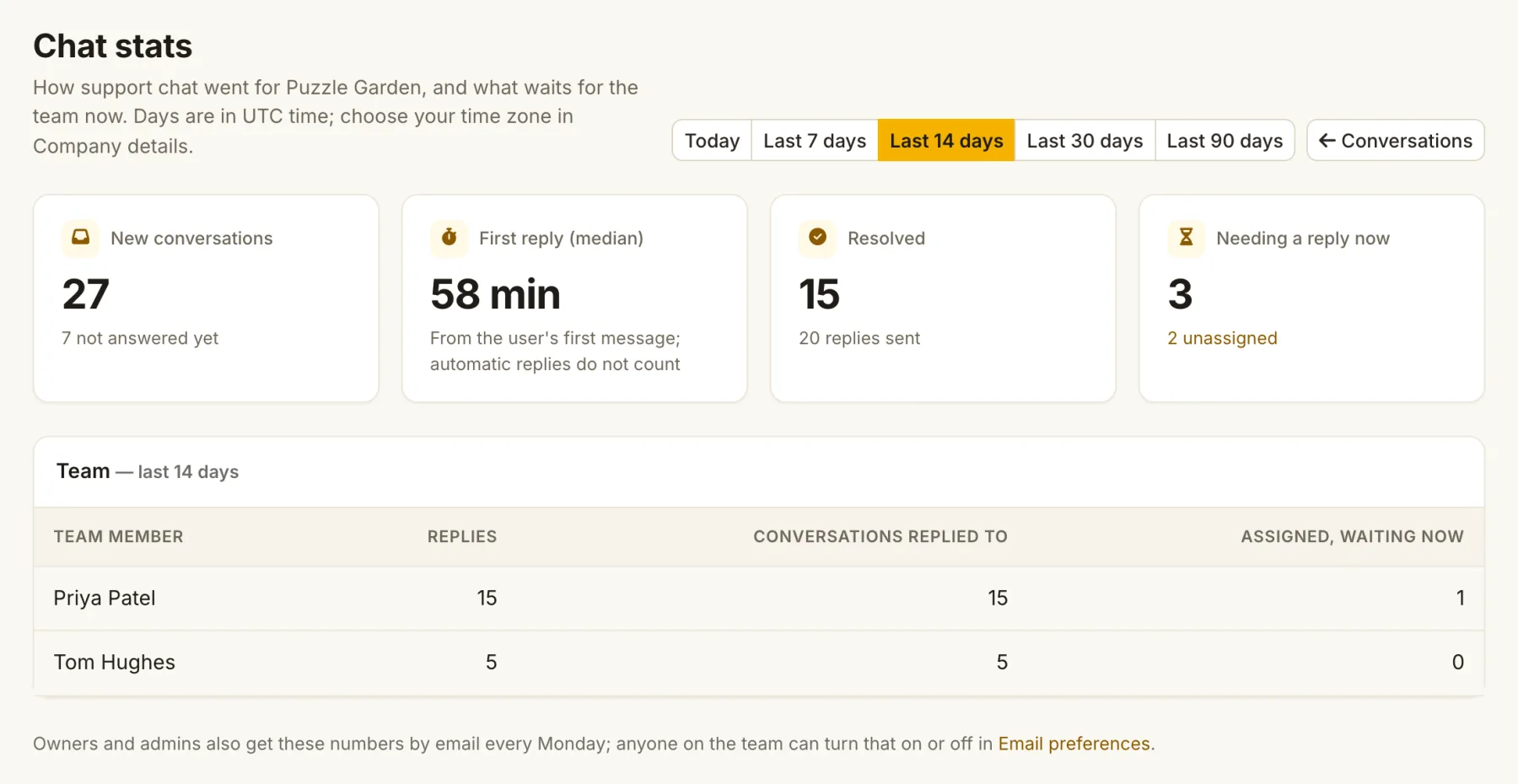
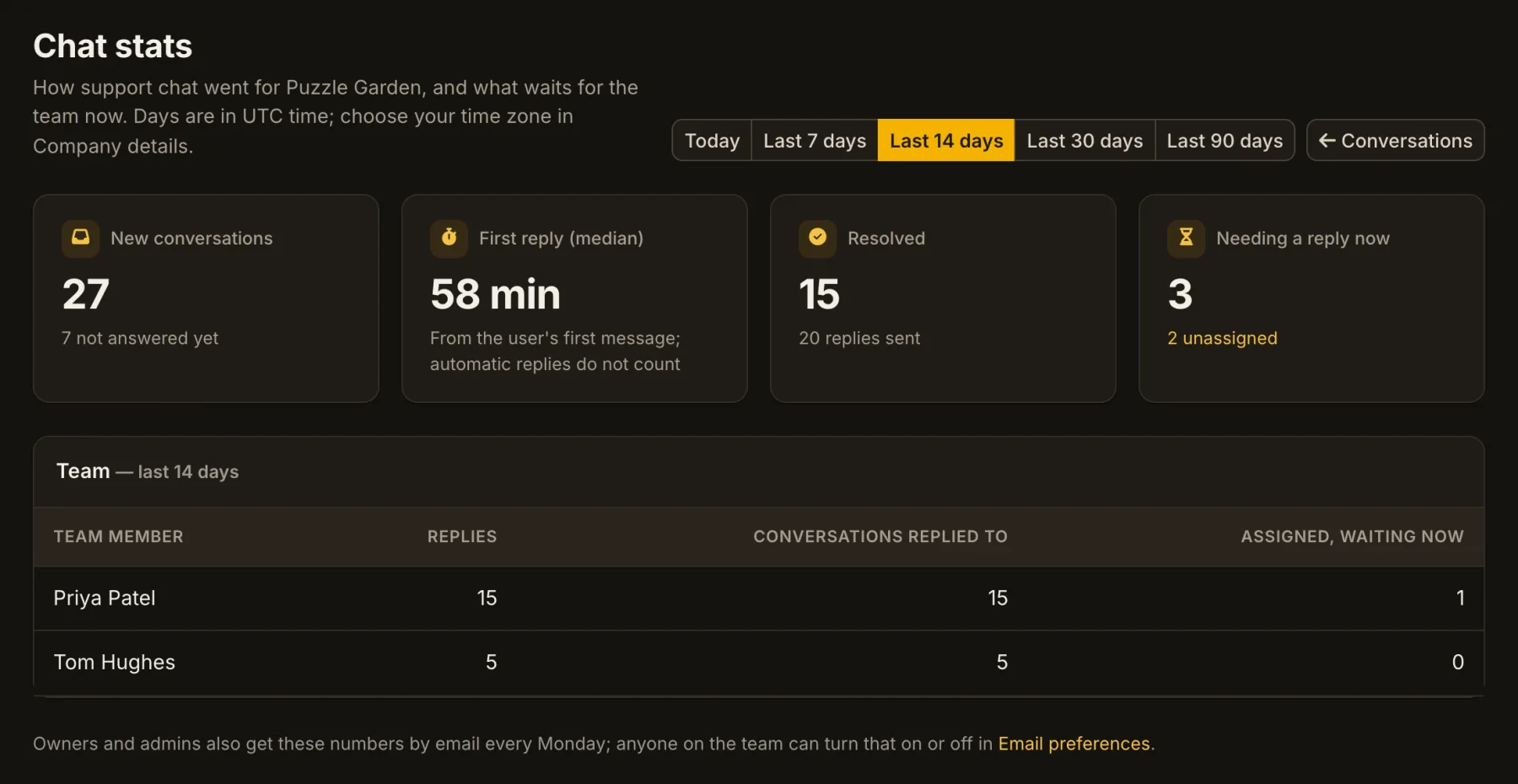
- Keep up. Chat stats show first reply times and each team member's replies; on Pro and Business, outside your support hours, set in your company's time zone, an automatic reply says when you'll be back.
- Respect a no. Users can refuse chats your team starts, from the ready-made profile screen or one call; chats they start themselves still get your replies.
An example
A crash, handled in one place
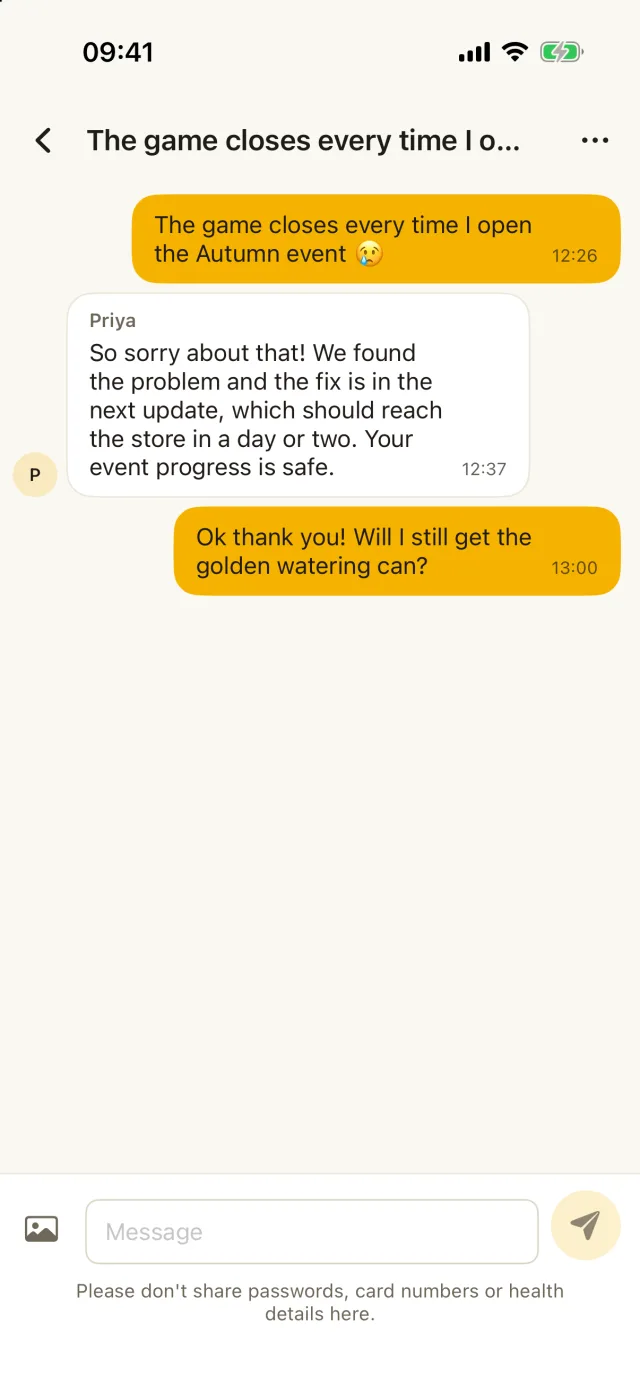
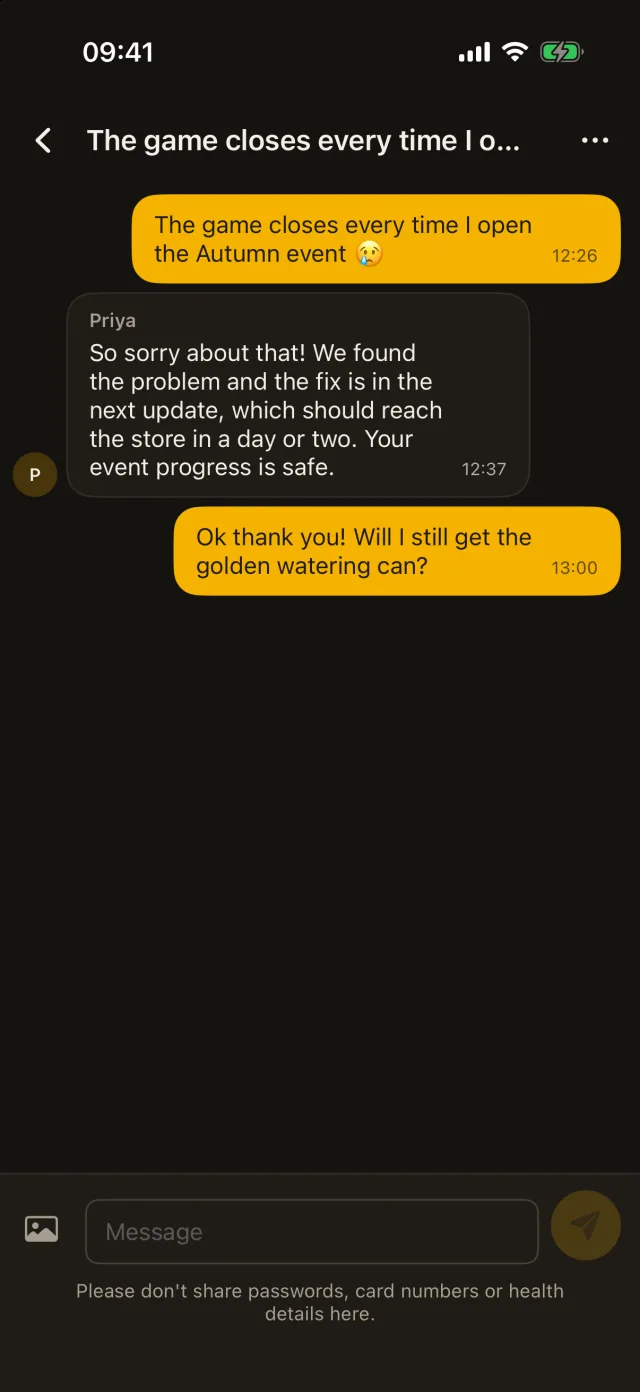
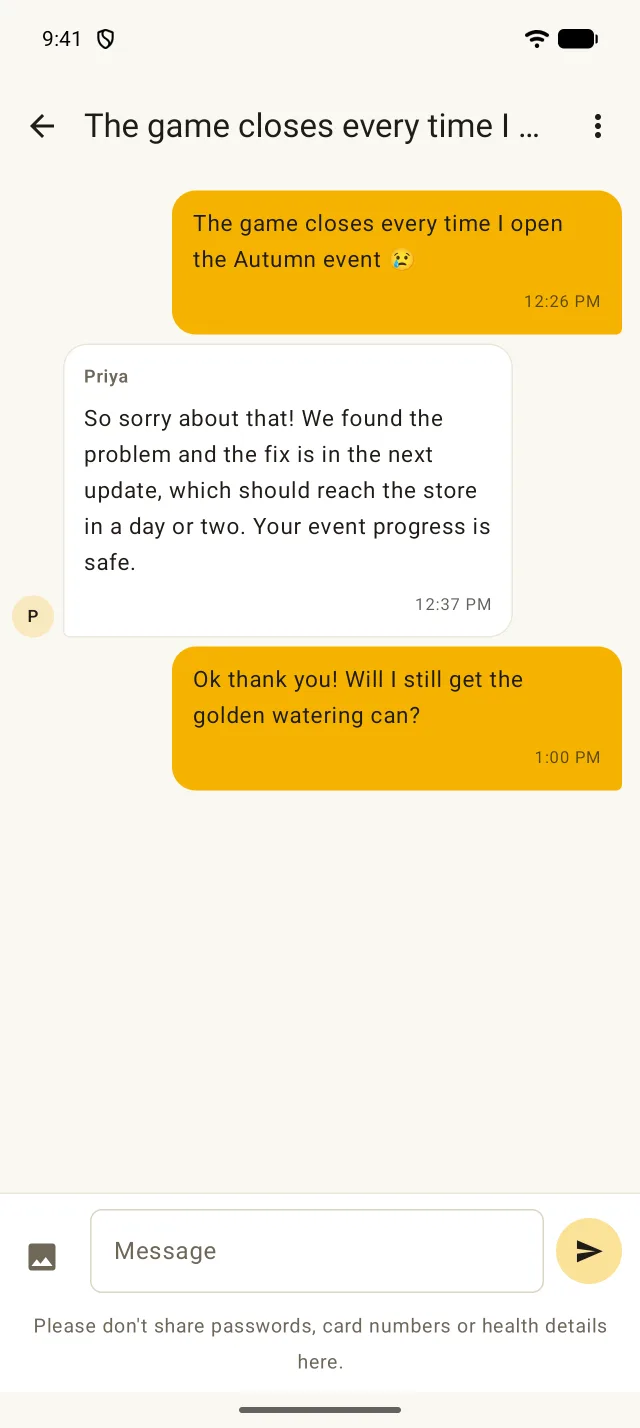
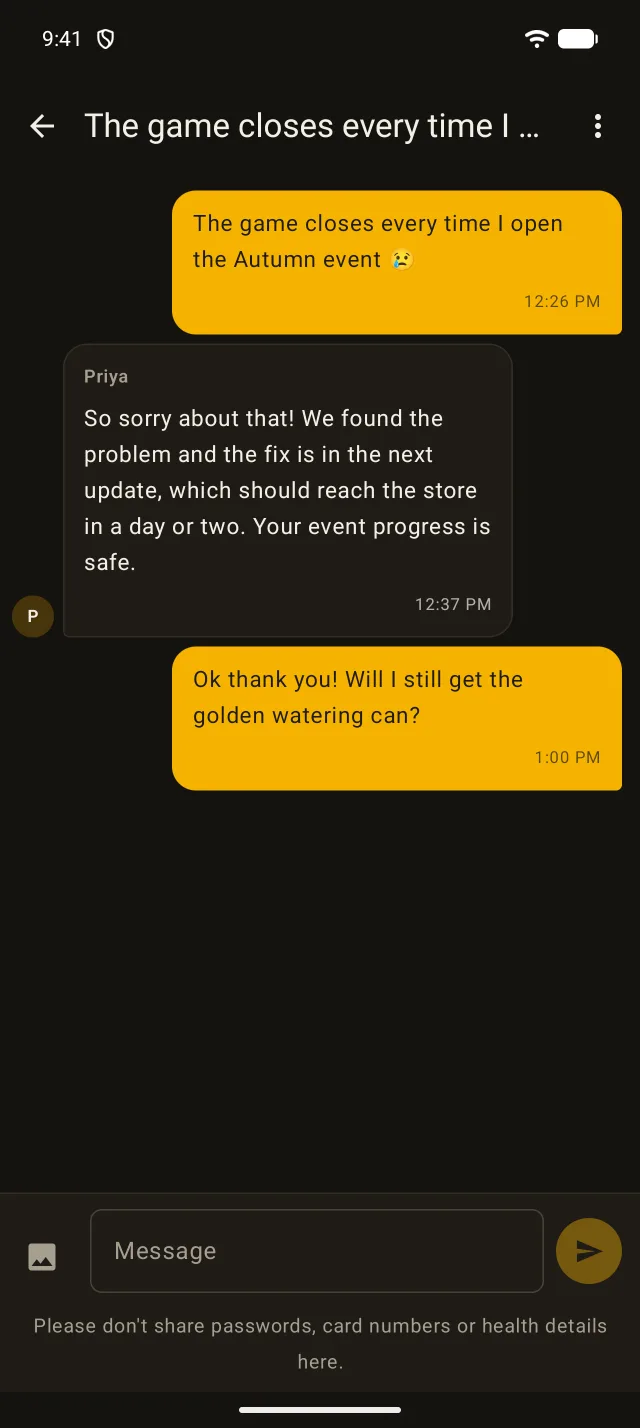
A Puzzle Garden player writes that the game closes every time they open the Autumn event. The chat shows they're on version 2.5.0 on an iPhone. It lands under Bugs, so Priya picks it up. She recognises the crash from the crash reports, leaves a note for the team that the fix is in review, and replies that it's coming in a day or two. The player gets her answer as a notification, with the game closed, and asks one more question in the same chat.
In your app
// MAUI, the ready-made support pages (BeeAppie.Maui.UI):
await Navigation.PushAsync(PageFactory.GetSupportPage());

// Or your own chat screen (any .NET app):
var client = BeeAppieSdk.Instance.Client;
var chat = await client.CreateConversationAsync("Question");
await client.SendMessageAsync(chat.Id, "Hello!");
var live = await BeeAppieSdk.Instance.GetChatAsync(); // replies, typing
// The ready-made support screen (beeappie-ui):
BeeAppieUI.openSupport(context)
// Or your own chat screen, in a coroutine:
val chat = BeeAppie.client.createConversation("Question")
BeeAppie.client.sendMessage(chat.id, "Hello!")// The ready-made support screen (BeeAppieUI): SwiftUI BeeAppieScreens(.support), or
BeeAppieUI.present(.support)
// Or your own chat screen:
let chat = try await BeeAppieSDK.client.createConversation(title: "Question")
try await BeeAppieSDK.client.sendMessage(conversationId: chat.id, text: "Hello!")// The ready-made support screen:
BeeAppie.openScreen(BeeAppieScreen.support);
// Or your own chat screen:
final chat = await BeeAppie.client.createConversation(title: 'Question');
await BeeAppie.client.sendMessage(chat.id, text: 'Hello!');// The ready-made support screen:
BeeAppie.openScreen('support');
// Or your own chat screen:
const chat = await BeeAppie.client.createConversation('Question');
await BeeAppie.client.sendMessage(chat.id, { text: 'Hello!' });// Your own chat screen:
var chat = await BeeAppieSdk.Client.CreateConversationAsync("Question");
await BeeAppieSdk.Client.SendMessageAsync(chat.Id, "Hello!");
var messages = await BeeAppieSdk.Client.GetMessagesAsync(chat.Id);The same in every SDK, and over the HTTP API for anything else. Read the support chat guide.
Plans
Every plan, including Free, with a shared inbox. Topics, assigning chats to teammates, team notes and chat hours come with Pro and Business. Plans differ in how many chat messages they include each month and how long chats are kept.