What you can do with it
- Three formats: a banner (the full width), a card (300×250) and a fullscreen promo between levels or screens, which closes at once.
- Made in a minute. A title, a subtitle, a colour and the icon make a promo that fits every format; add a picture per format if you want your own artwork.
- Where an ad failed to load: show a banner or a fullscreen promo instead of an empty space.
- Choose per app, from the dashboard with no app update: which formats it shows, which promos to leave out and how often a fullscreen promo may appear.
- Several promos per app, e.g. one for a new level pack and one for the app itself; they take turns.
- The promo network, if you join: show other developers' promos in your apps to earn credits, and spend them to show your promos in theirs. BeeAppie reviews every promo, and you choose the categories and age ratings you accept.
- Views, taps and tap rate per promo and per app.
- No consent screen: promos send no user, device or advertising id and store nothing on the phone. Apps made for kids never show them.
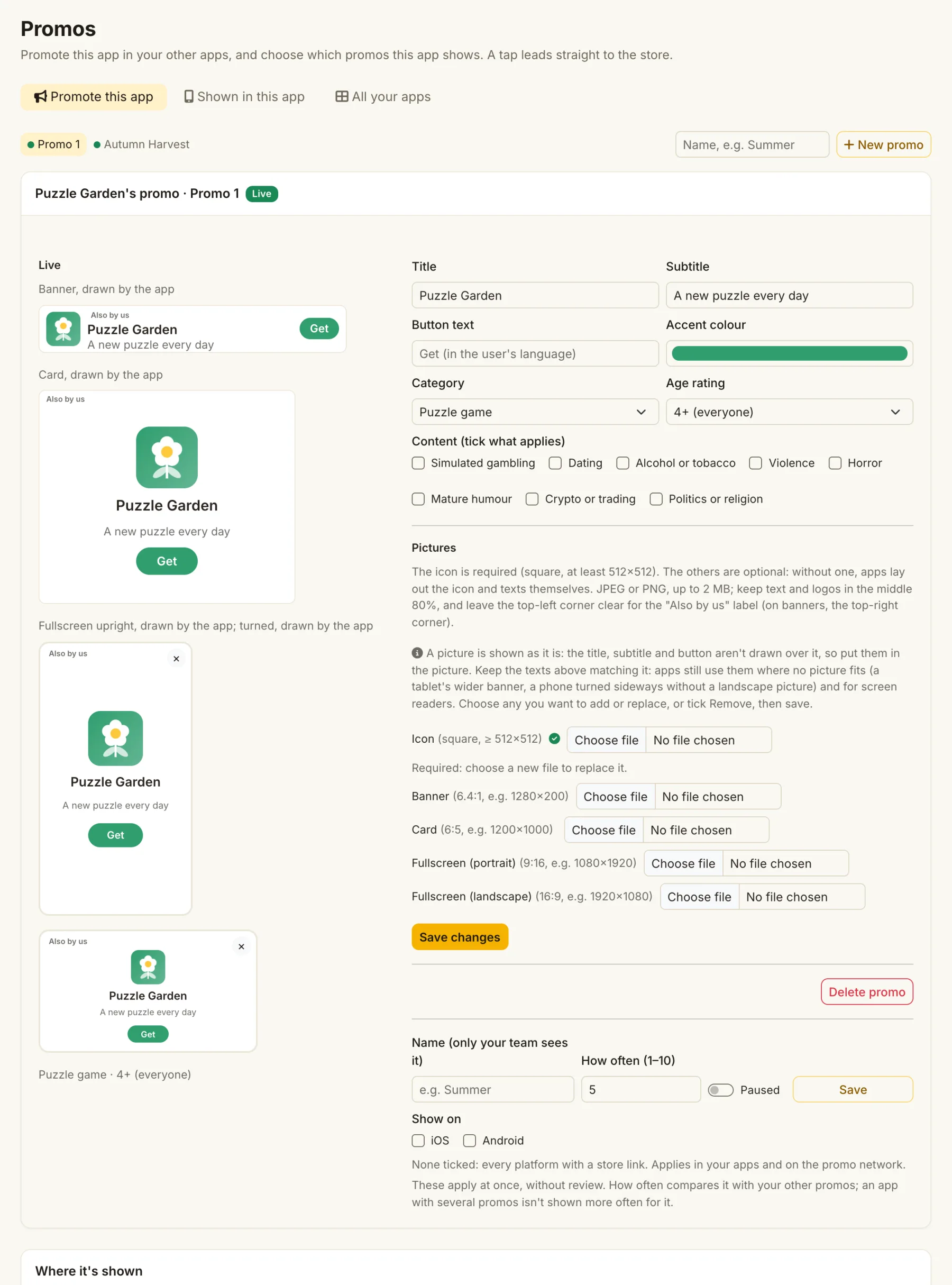
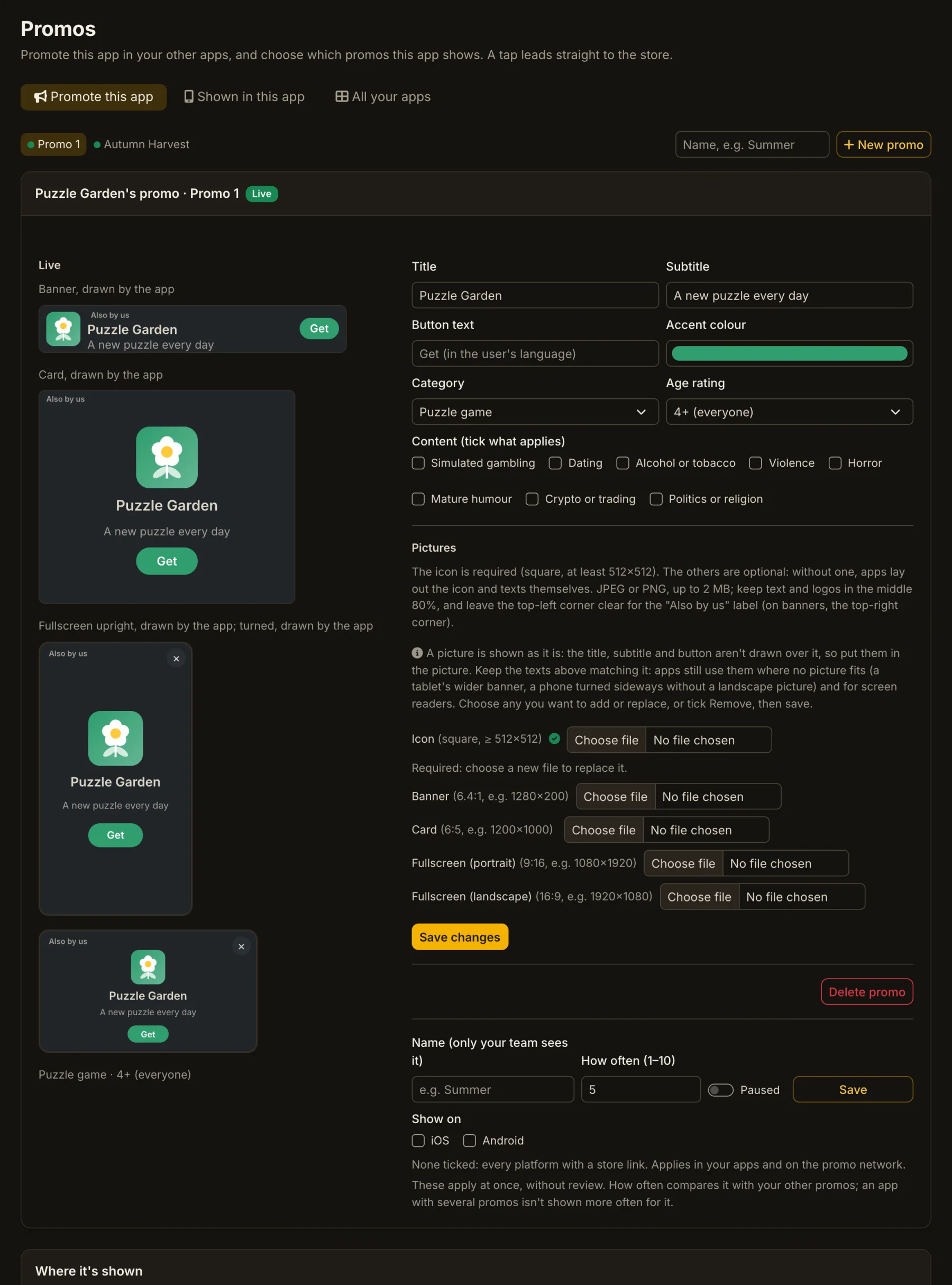
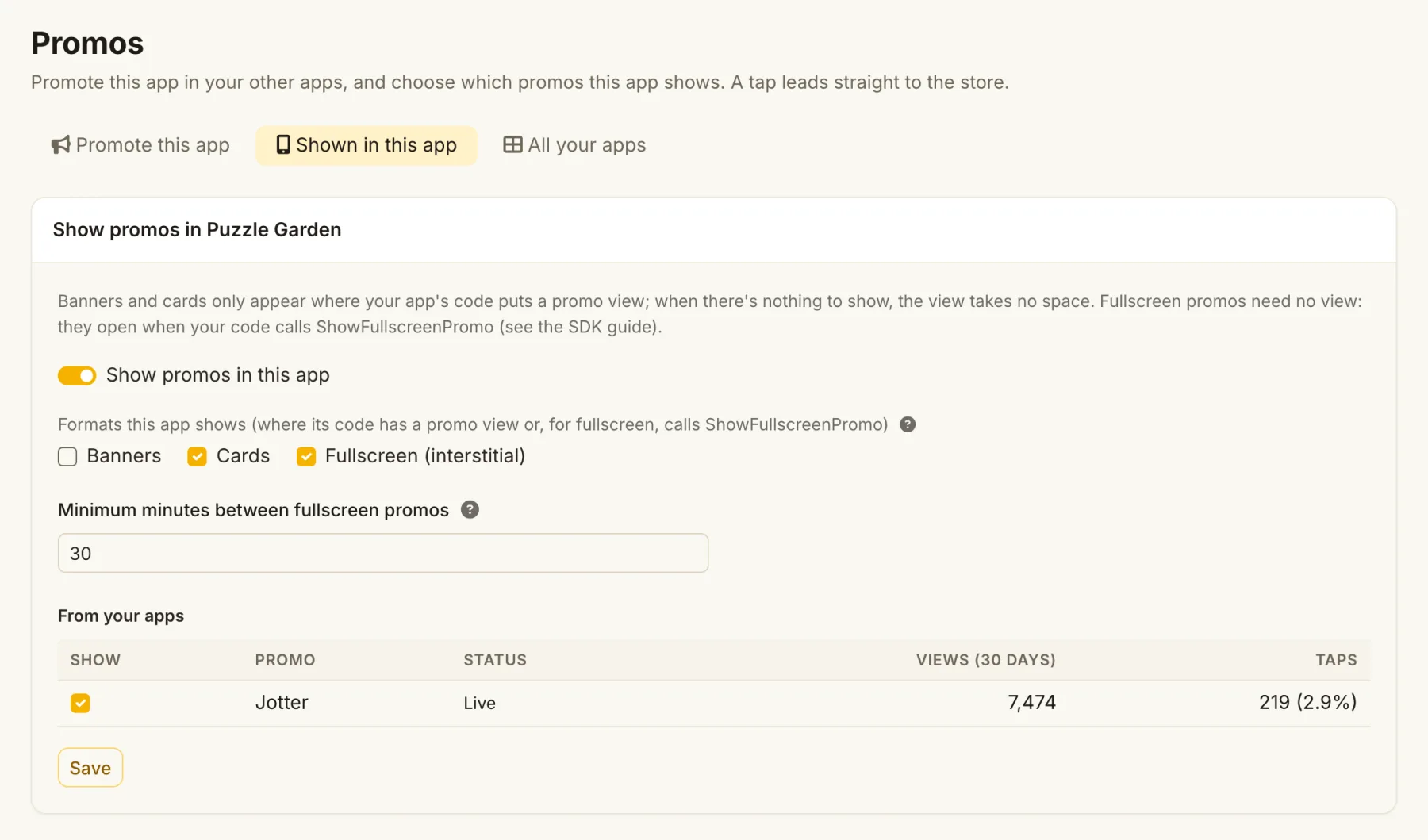
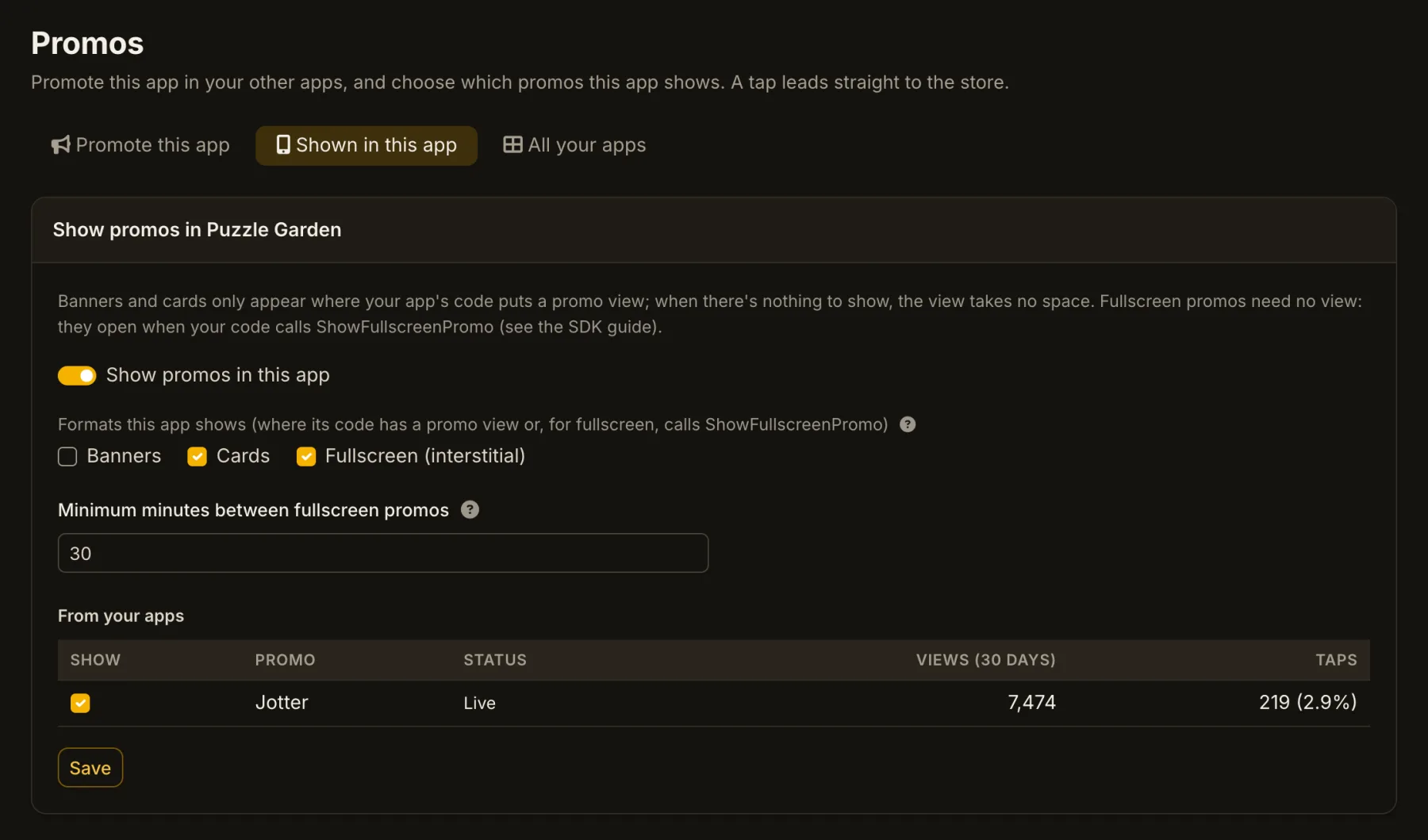
An example
Two apps that help each other
Meadow Labs makes Puzzle Garden and Jotter. At the end of each level, Puzzle Garden shows a card for Jotter, and Jotter shows a Puzzle Garden banner at the bottom of its notes list. Each promo was a title, a colour and the app's icon; BeeAppie reviewed it the same day. The dashboard shows how often each one is tapped, in each app.
In your app
// BeeAppie.Maui.UI (or .Avalonia.UI, .Uno.UI): views that load, rotate and count views and taps on their own.
var banner = new PromoBannerView();            // full width, 50–90 points high
var card = new PromoCardView();                // 300×250
banner.NoPromo += (_, _) => { };               // nothing to show: it takes no space

await BeeAppieUI.ShowFullscreenPromoAsync();   // e.g. between levels; false when there was nothing to show
                                               // (Uno: ShowFullscreenPromoAsync(this), for the window)
// com.beeappie:beeappie-ui. Jetpack Compose:
PromoBanner() // full width, 50–90 dp high
PromoCard(onNoPromo = { }) // 300×250; nothing to show: it takes no space
// Views (XML or code): com.beeappie.ui.PromoBannerView, com.beeappie.ui.PromoCardView
BeeAppieUI.showFullscreenPromo(activity) // in a coroutine; false when there was nothing to show// BeeAppieUI. SwiftUI:
PromoBanner() // full width, 50–90 points high
PromoCard(onNoPromo: { }) // 300×250; nothing to show: it takes no space
// UIKit: PromoBannerView(), PromoCardView()
await BeeAppieUI.showFullscreenPromo() // false when there was nothing to show// Widgets on BeeAppie's native views:
const BeeAppiePromoBanner(), // full width, 50–90 high
BeeAppiePromoCard(onNoPromo: () {}), // 300×250; nothing to show: it takes no space
await BeeAppie.showFullscreenPromo(); // false when there was nothing to showimport { PromoBanner, PromoCard } from '@beeappie/react-native';
<PromoBanner /> // full width, 50–90 high
<PromoCard onNoPromo={() => {}} /> // 300×250; nothing to show: it takes no space
await BeeAppie.showFullscreenPromo(); // false when there was nothing to show// using BeeAppie.Unity.UI: uGUI views, on objects under a Canvas.
var banner = bannerObject.AddComponent<PromoBannerView>(); // full width, 50–90 points high
var card = cardObject.AddComponent<PromoCardView>(); // 300×250
banner.NoPromo += () => { }; // nothing to show: it takes no space
await BeeAppieUI.ShowFullscreenPromoAsync(); // false when there was nothing to showThe same in every SDK, and over the HTTP API for anything else. Read the promos of your other apps guide.
Plans
Every plan. Promoting one app in another needs two apps: Pro, or app packs on the other plans.