What you can do with it
- Talk to your users without a release: what's new, a maintenance warning, an offer. No app store review.
- Show them your way: the ready-made news screen, or your own design with the SDK.
- Know they read it. Every announcement counts views and taps on its button, and important ones can ask users to confirm they read them. What they confirmed never changes: an updated text, such as a new privacy policy, goes out as a new version they confirm again.
- One announcement, every language. Add translations to the same announcement: each phone shows its own language, or your main text, and you keep one set of numbers, also split by the phones' languages.
- Still there without a connection. The news screen shows the last list it loaded, and a confirmation made offline reaches BeeAppie once the phone is back online.
- Add a button that opens a link or a screen in your app.
- Give them an end date, schedule and target them (paid plans), and send one as a push notification to reach users who aren't in the app.
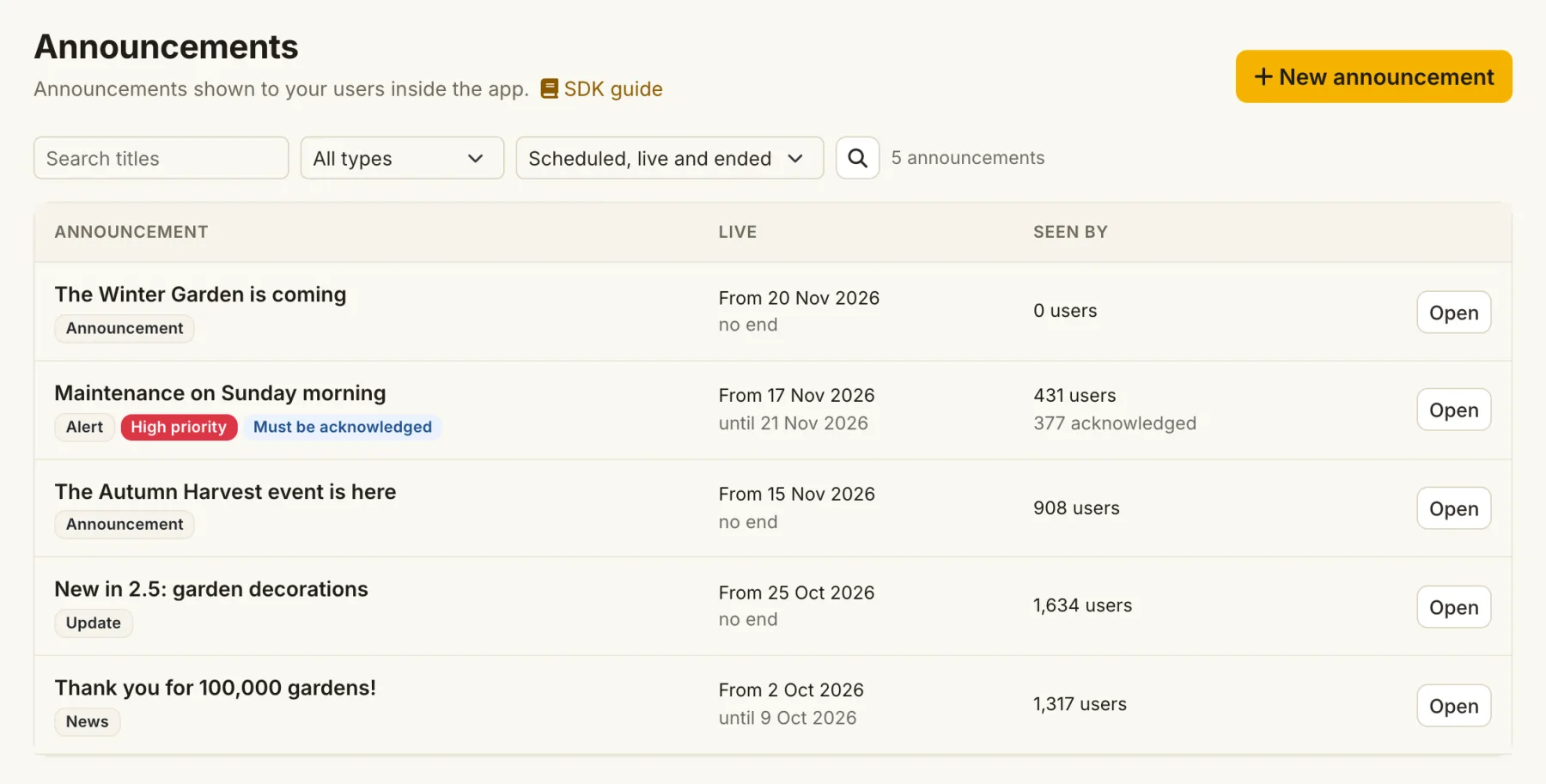
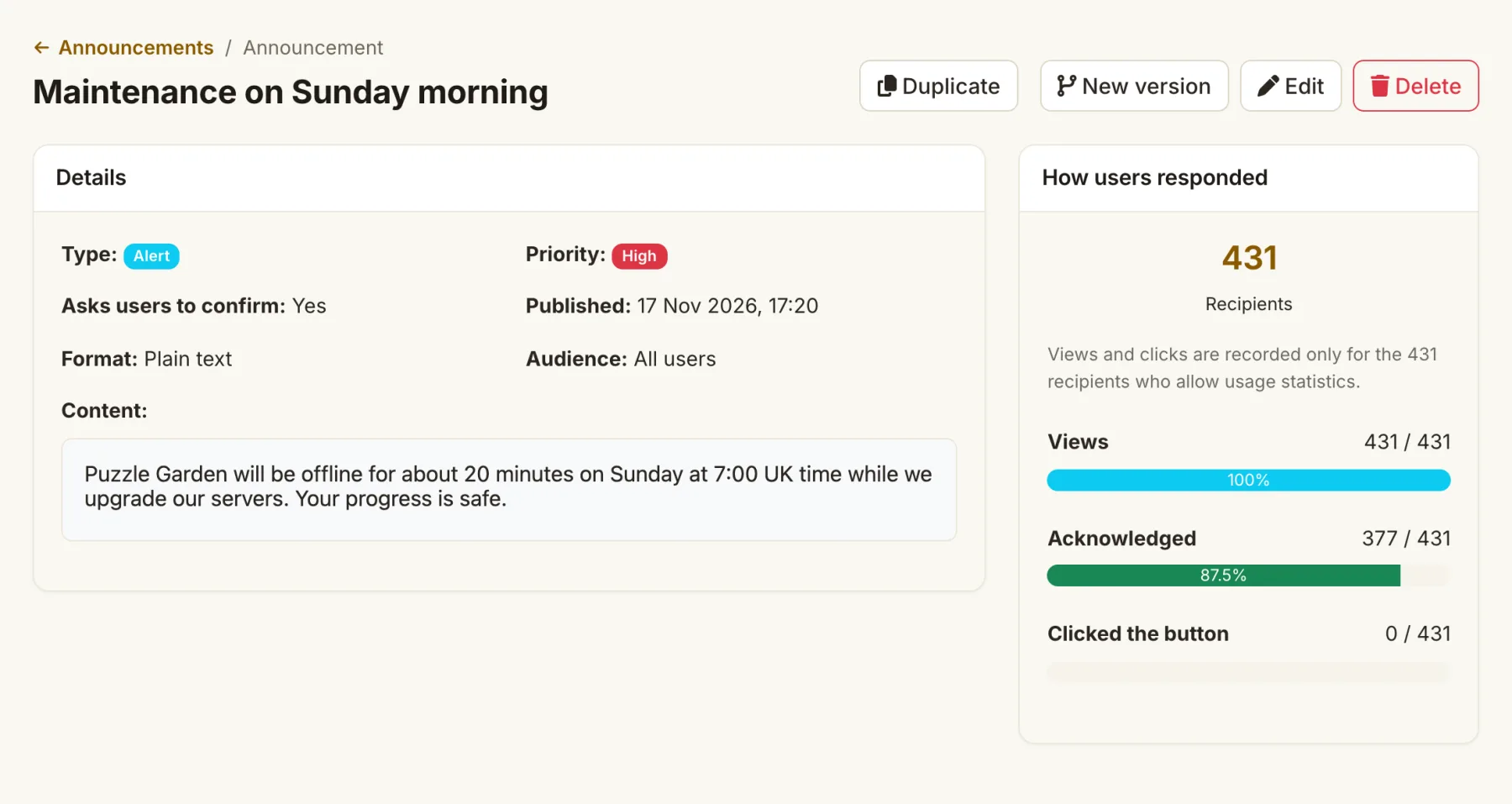
An example
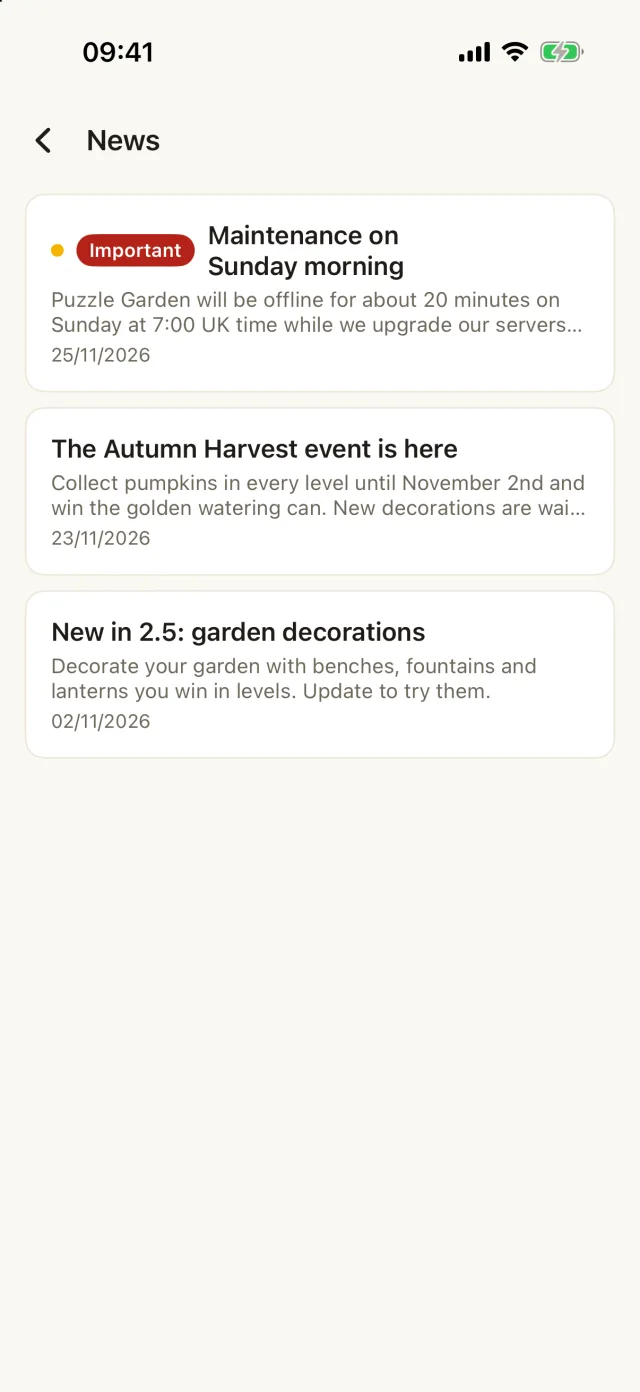
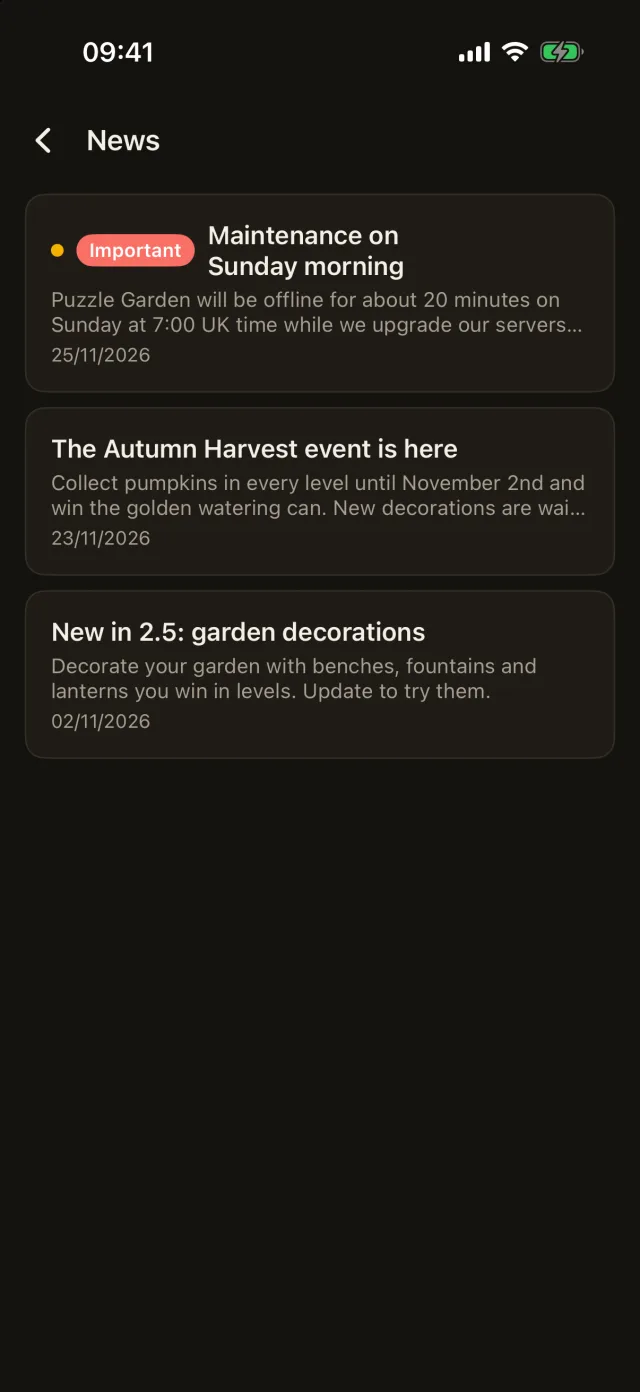
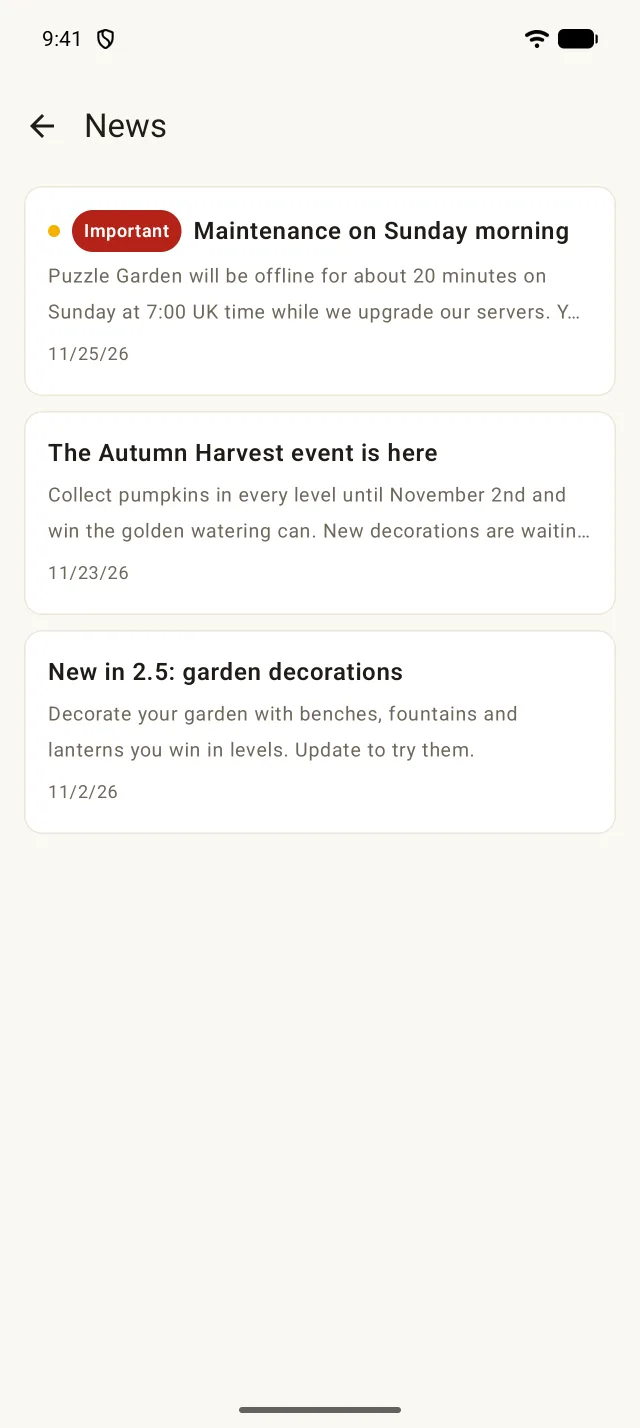
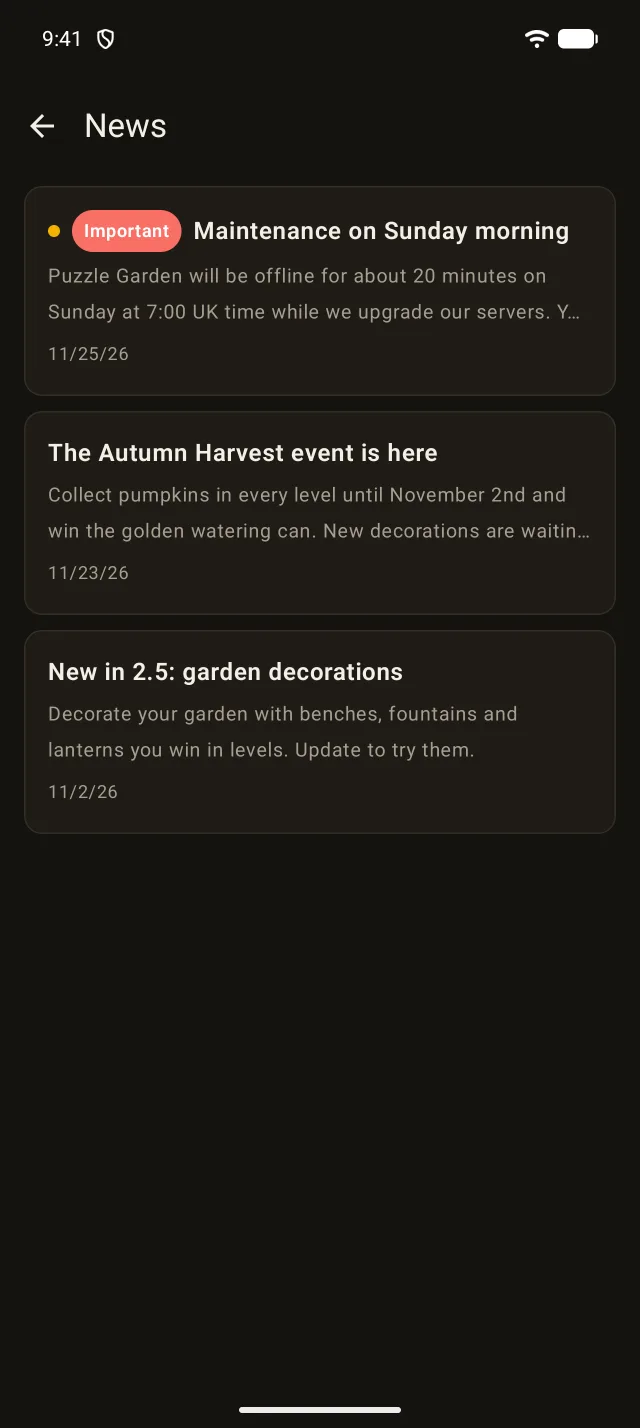
A maintenance warning that gets read
Before Sunday's server maintenance, Puzzle Garden published a high-priority alert that asks players to confirm they've read it. It shows at the top of the news screen, the dashboard counts who saw and confirmed it, and it disappears by itself after Sunday.
In your app
// MAUI, the ready-made page (BeeAppie.Maui.UI):
await Navigation.PushAsync(PageFactory.GetCommunicationsPage());

// Or your own (any .NET app): in the device's language; offline, the last copy.
var news = await BeeAppieSdk.Instance.LoadCommunicationsAsync();   // news.Items, news.IsUpToDate
// The ready-made screen (beeappie-ui):
BeeAppieUI.openCommunications(context)
// Or your own, in a coroutine: in the device's language; offline, the last copy.
val news = BeeAppie.loadCommunications() // news.items, news.isUpToDate// The ready-made screen (BeeAppieUI):
BeeAppieUI.present(.communications)
// Or your own: in the device's language; offline, the last copy.
let news = await BeeAppieSDK.loadCommunications() // news.items, news.isUpToDate// The ready-made screen:
BeeAppie.openScreen(BeeAppieScreen.communications);
// Or your own: in the device's language; offline, the last copy.
final news = await BeeAppie.loadCommunications(); // news.items, news.isUpToDate// The ready-made screen:
BeeAppie.openScreen('communications');
// Or your own: in the device's language; offline, the last copy.
const news = await BeeAppie.loadCommunications(); // news.items, news.isUpToDate// In the device's language; offline, the last copy.
var news = await BeeAppieSdk.LoadCommunicationsAsync();
await BeeAppieSdk.MarkCommunicationViewedAsync(news.Items[0].Id); // offline: sent laterThe same in every SDK, and over the HTTP API for anything else. Read the announcements guide.
Plans
Every plan. Scheduling and targeting are on paid plans.