What you can do with it
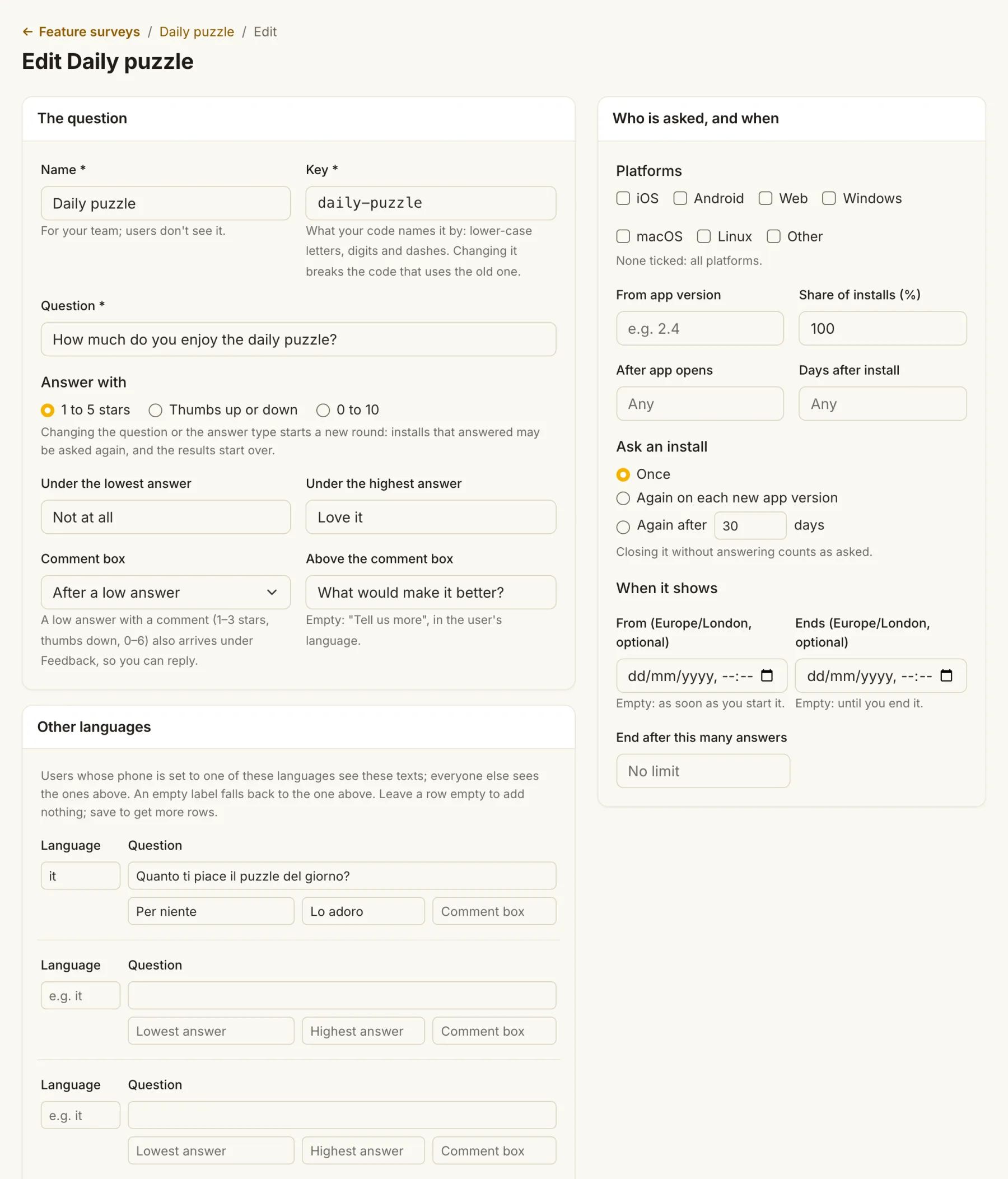
- One question, where the feature is: 1 to 5 stars, thumbs up or down, or 0 to 10, with labels under the ends and, if you like, a comment box after a low answer.
- Inline or over the screen: put the survey in your layout, where it takes no space when there is nothing to ask, or show it as a card at the top, centre or bottom. The same line of code can stay in your app for good.
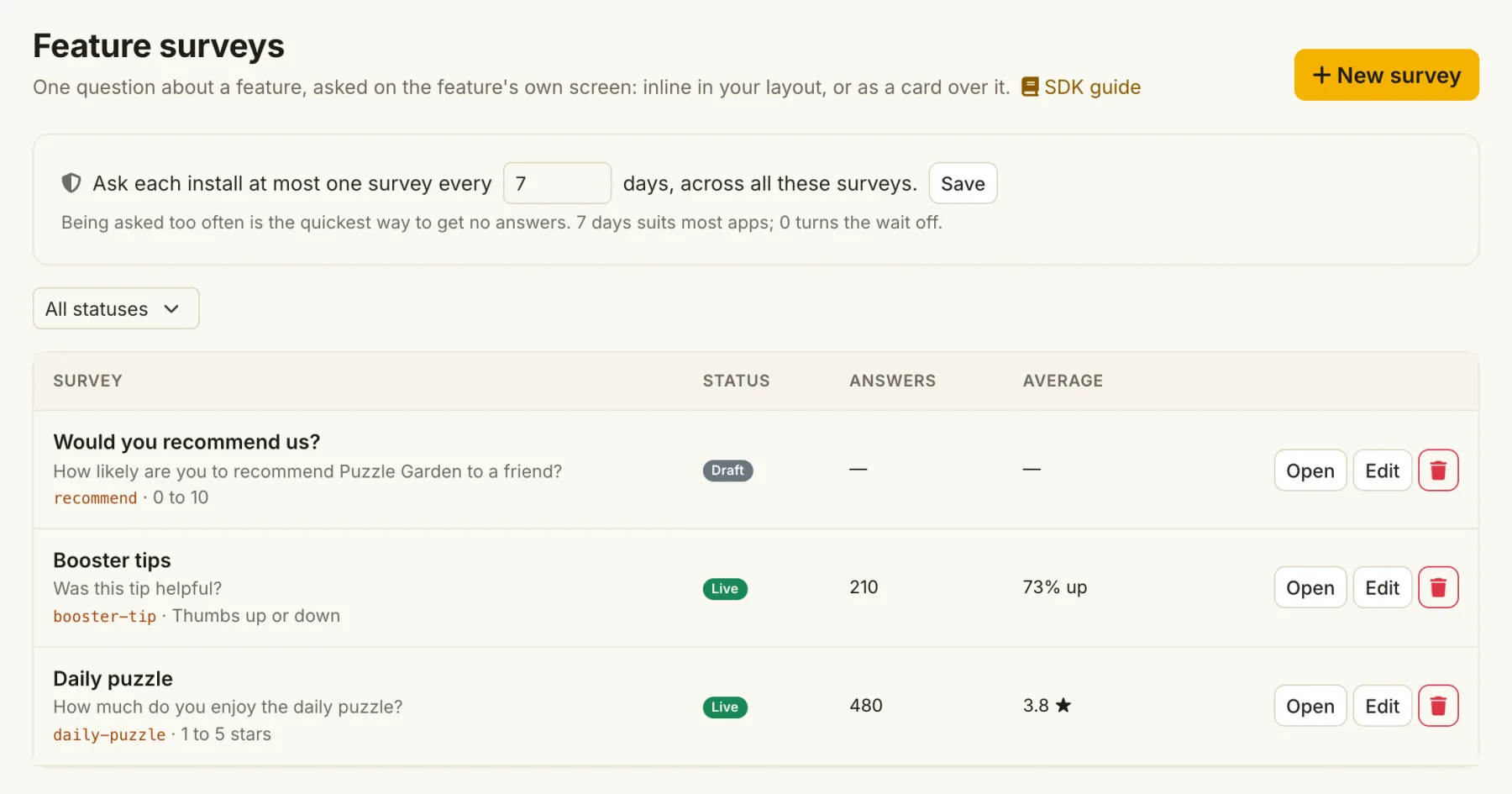
- Asked at the right time: once per install, or again on a new version or after some days; on some platforms, from an app version, to a share of installs, after a few app opens; and at most one survey every few days across all of them.
- Results that answer the question: the average, how the answers spread, how many people answered when asked, and the same by app version, to see whether a change helped.
- Low ratings you can answer: a low rating with a comment arrives in your feedback inbox, and your reply reaches the user in the app.
- Change it without a release: the question, its translations and who is asked live in the dashboard; start and end it there too.
- Anonymous unless a user already exists: answers need no sign-in and no install id.
An example
Did easier hints make the daily puzzle better?
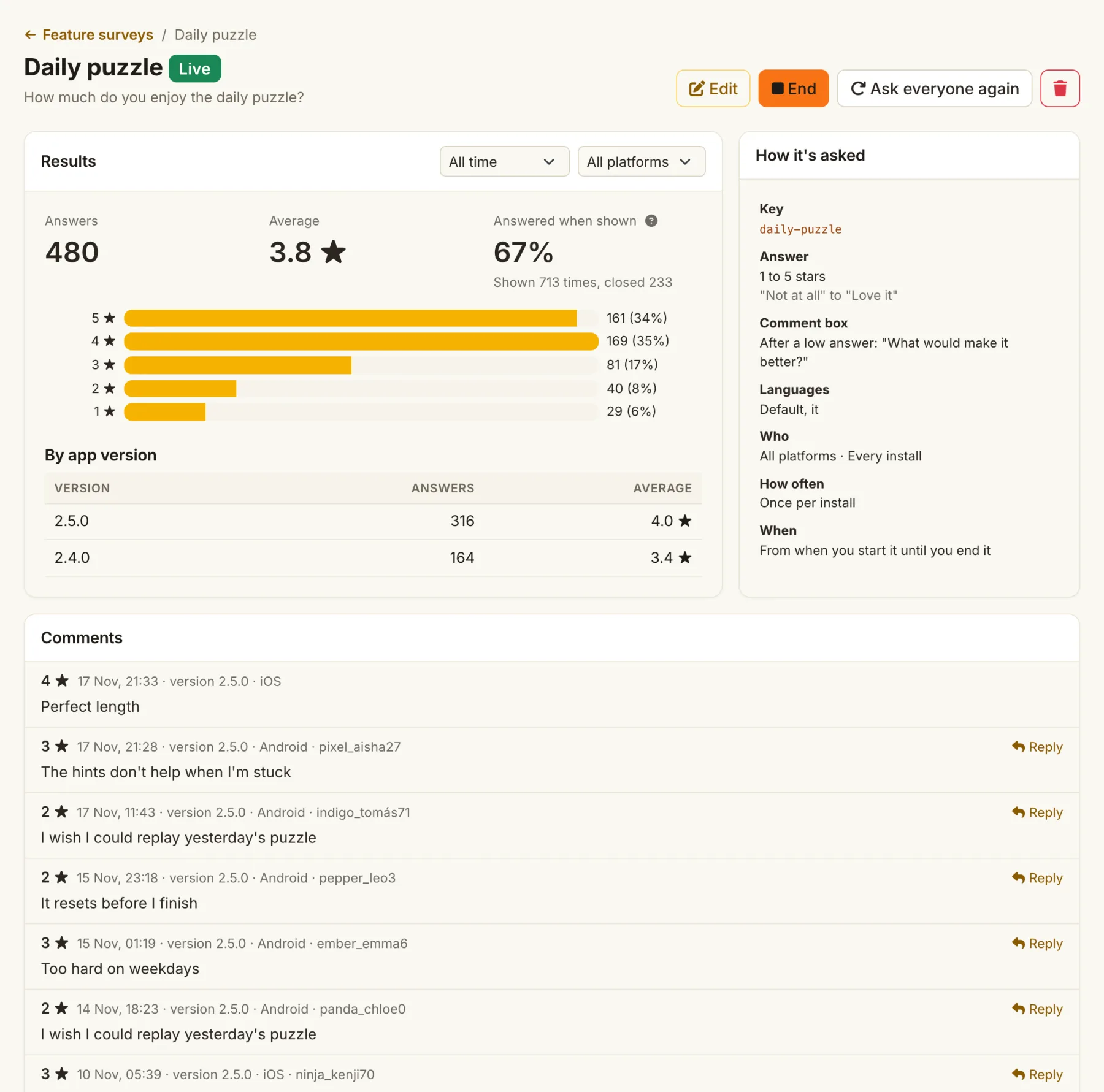
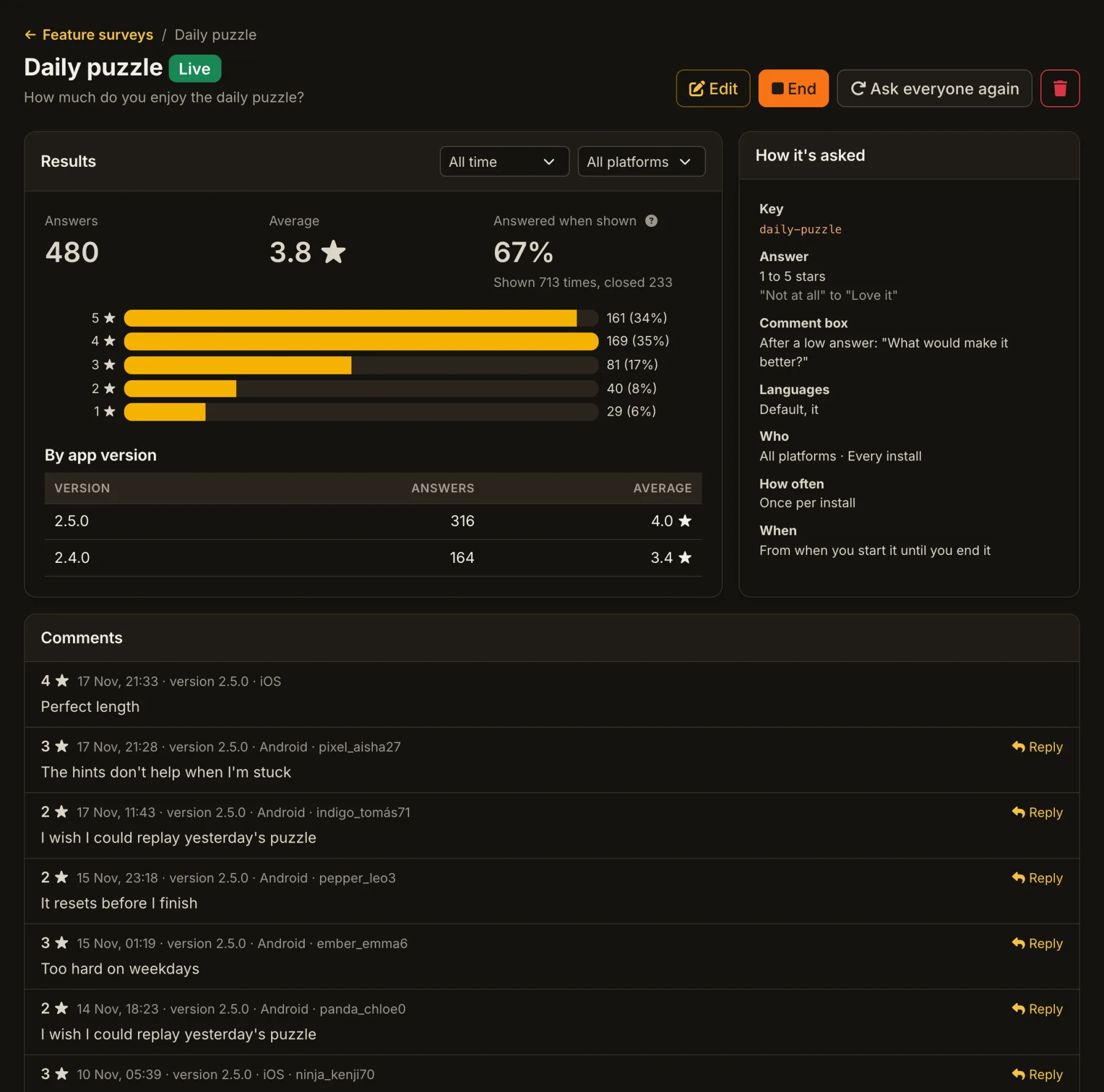
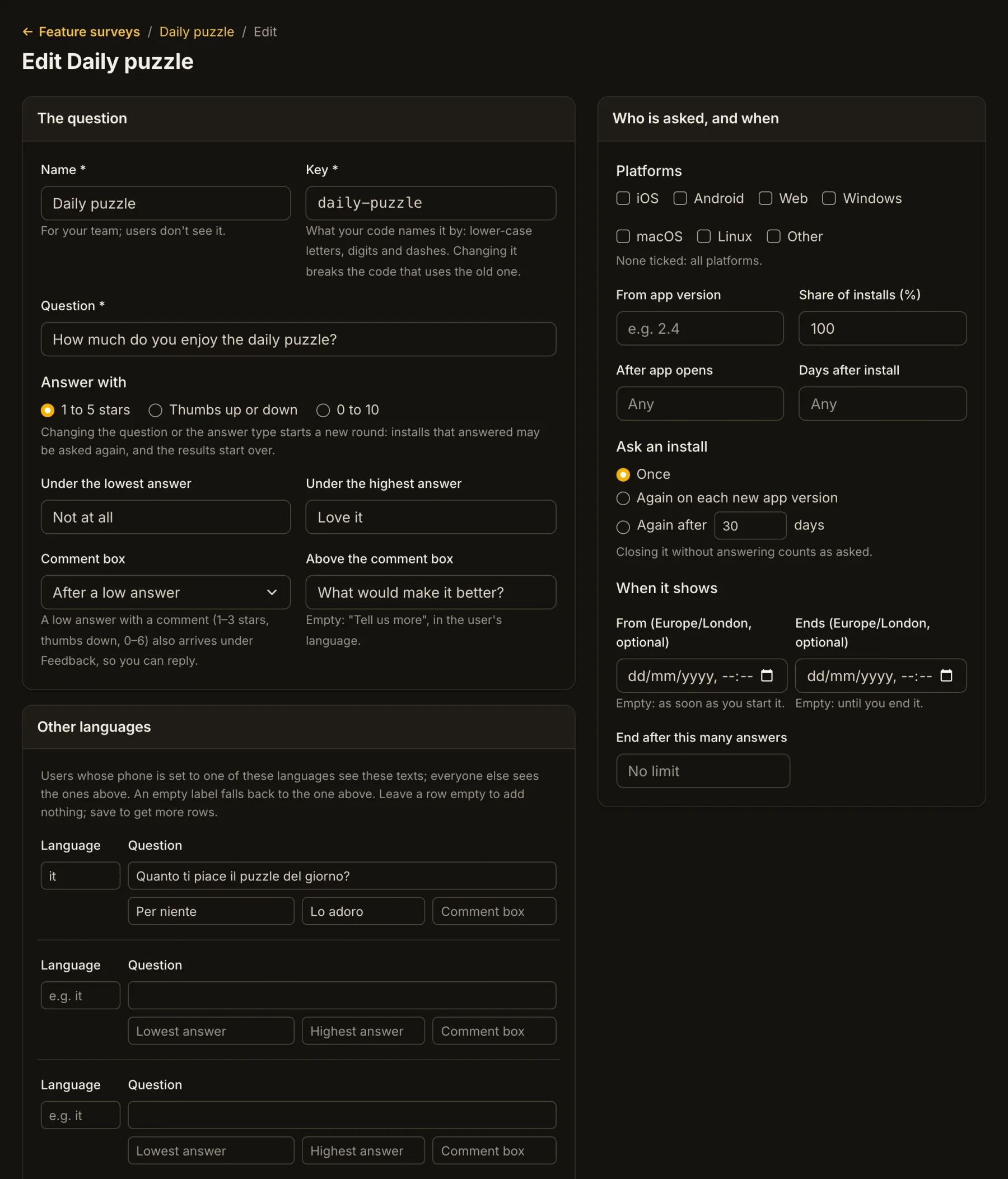
Puzzle Garden asks How much do you enjoy the daily puzzle? right under the day's puzzle. Version 2.5.0 made the hints easier, and the results by version show the rating rising from 3.4 to 4.0 stars. Players who gave three stars or fewer could say why: It resets before I finish came up more than once, and the team answered each one from the feedback inbox.
In your app
// BeeAppie.Maui.UI (or .Avalonia.UI, .Uno.UI). Inline, in XAML or code:
<beeappie:SurveyView SurveyKey="flow-value" />

// Or a card over the screen (dimmed behind it); never throws:
var result = await BeeAppieUI.ShowSurveyAsync("flow-value", SurveyPosition.Bottom);
// SurveyResult.Answered, Dismissed or NotShown (Uno: ShowSurveyAsync(this, "flow-value"), for the window)

// Your own design, any .NET app: GetSurveyAsync, SurveyShown, AnswerSurveyAsync, DismissSurvey
var survey = await BeeAppieSdk.Instance.GetSurveyAsync("flow-value"); // null: nothing to ask now
// com.beeappie:beeappie-ui. Jetpack Compose, inline:
SurveyView(surveyKey = "flow-value")
// Views: com.beeappie.ui.SurveyView (app:surveyKey="flow-value")
// Or a card over the screen, in a coroutine:
val result = BeeAppieUI.showSurvey(activity, "flow-value", SurveyPosition.BOTTOM)// BeeAppieUI. SwiftUI, inline:
SurveyView(key: "flow-value")
// UIKit: SurveyUIView(key: "flow-value")
// Or a card over the screen:
let result = await BeeAppieUI.showSurvey(key: "flow-value", position: .bottom)// Inline widget:
const BeeAppieSurveyView(surveyKey: 'flow-value'),
// Or a card over the screen:
final result = await BeeAppie.showSurvey('flow-value', position: SurveyPosition.bottom);import { SurveyView } from '@beeappie/react-native';
<SurveyView surveyKey="flow-value" />
// Or a card over the screen:
const result = await BeeAppie.showSurvey('flow-value', 'bottom');// using BeeAppie.Unity.UI: a card over the screen, on its own canvas.
var result = await BeeAppieUI.ShowSurveyAsync("flow-value", SurveyPosition.Bottom);The same in every SDK, and over the HTTP API for anything else. Read the feature surveys guide.
Plans
Starter (3 live surveys per app), Pro (20) and Business (unlimited).